The ‘Input Inventory’ Workshop: Cataloging Every Source Blogg Can Mine Before You Ever Brief a Post


If your blog is powered by AI but still feels generic, the problem usually isn’t the model.
It’s the inputs.
Most teams feed their AI the same thin mix of:
- A homepage
- A pricing page
- A handful of old blog posts
…and then wonder why the output sounds like everyone else.
An Input Inventory Workshop fixes that. It’s a structured, 90–120 minute working session where you:
- Surface every meaningful source of knowledge your business already has
- Decide what’s in‑bounds (and out‑of‑bounds) for AI to mine
- Label and organize those inputs so a platform like Blogg can reliably turn them into on‑brand, SEO‑ready posts
Once you run this workshop once, you stop treating AI like a blank‑page writer and start treating it like a powerful translation layer between your real‑world expertise and search‑ready content.
In this post, we’ll walk through exactly how to run that workshop, what to capture, and how to plug the results into Blogg so your blog can run on rails for months.
Why an Input Inventory Is Worth a Half Day of Your Life
Before we get tactical, it’s worth asking: why bother?
You already have:
- Calls happening
- Docs being written
- Tickets coming in
- Decks being updated
Isn’t that enough?
Not quite. Without an explicit inventory, three problems show up fast once you start publishing with AI:
1. Generic output, even from great models
When everyone feeds AI the same skimpy prompts and public pages, the outputs converge. You get content that’s technically correct but:
- Lacks your stories
- Ignores your objections and edge cases
- Sounds like it could have been written for any competitor
An input inventory flips that by grounding every post in your data, language, and examples.
If this resonates, you’ll also like how we tackle source quality at a higher level in The ‘Source Stack’ Audit: Mapping Every Tool, Doc, and Channel Your AI Blog Should Be Mining for Topics.
2. Invisible expertise
Your best insights rarely live on your marketing site. They live in:
- Sales call recordings
- Support macros and internal FAQs
- Implementation checklists
- Partner enablement decks
Without an inventory, those stay siloed. Your AI never sees them, so your blog never reflects them.
3. Scaling chaos instead of scaling clarity
AI makes it trivial to go from one post a month to multiple posts a week. That’s only a win if:
- Posts align with your actual product and policies
- Claims are consistent across articles
- Sensitive or outdated material isn’t accidentally surfaced
A clear inventory, with basic rules around what’s safe and current, becomes the foundation for sane scale. It’s also the perfect complement to guardrails like the ones we outline in From Editorial Chaos to ‘AI Guardrails’: Designing Simple Rules So Multiple Teams Can Safely Use Blogg.
The Goal of the Workshop (And What “Done” Looks Like)
By the end of an Input Inventory Workshop, you want three tangible outcomes:
- A categorized list of inputs your AI blog engine is allowed to mine
- A simple scoring system that signals which sources are most trustworthy, current, and on‑message
- A handoff plan for loading those inputs into Blogg and keeping them fresh
You’re not writing briefs. You’re not arguing about titles. You’re designing the fuel system for months of AI‑generated content.
Think of it as building the pantry before you start cooking.
Step 1: Get the Right People in the Room
An Input Inventory Workshop is cross‑functional by design. If it’s just marketing, you’ll miss half the gold.
Aim for 5–8 people, for 90–120 minutes:
- Marketing / Content lead – Facilitates, owns final decisions
- Sales or Revenue rep – Brings objections, stories, and deal context
- Customer Success or Support lead – Brings recurring questions and friction points
- Product or Ops – Brings roadmap, feature nuance, and process docs
- Founder / Leadership (optional) – Brings vision and non‑negotiables
Send a short pre‑read so people come primed:
- Why you’re investing in AI‑powered blogging
- What Blogg does (ideation, writing, scheduling)
- A few example posts you’d love to have more of
You’re setting the expectation that the workshop is about inputs and rules, not debating copy line‑by‑line.
Step 2: Map the “Everyday Sources” You Already Have
Start the session with a big, messy brainstorm. The prompt:
“Where does our expertise already live, even if it never touches the blog?”
Use a virtual whiteboard or shared doc and let people shout things out. You’re looking for:
- Customer conversations
- Sales calls and demos (Zoom, Gong, Chorus)
- Onboarding calls
- Quarterly business reviews
- Support and success artifacts
- Help desk tickets and tags
- Live chat logs
- Canned responses and macros
- Internal troubleshooting docs
- Internal enablement
- Sales playbooks and battlecards
- Implementation guides
- Training decks and onboarding manuals
- Product and strategy
- Roadmap docs and changelogs
- Feature specs and release notes
- Market research and win/loss notes
- Offline and “analog” sources
- Paper intake forms
- Site visit reports
- Front‑desk logs and checklists
- Field photos and job notes
- Executive and founder channels
- LinkedIn posts and DMs
- Email threads with prospects
- Slack channels where decisions get made
If your business is heavy on phones, front desks, or job sites, cross‑reference what you surface with the playbook in AI Blogging for Offline-Heavy Businesses: Turning Phone Calls, Walk-Ins, and Paper Forms into Searchable Content.
The goal is volume at this stage. Don’t worry about quality yet.

Step 3: Turn Raw Sources into Clear Categories
A giant list is a good start, but your AI engine needs structure.
Consolidate your brainstorm into 6–10 source categories that make intuitive sense for your company. For example:
- Customer conversations (calls, chat, email threads)
- Support & help center (tickets, macros, docs)
- Sales & partner enablement (playbooks, decks)
- Product & roadmap (specs, changelogs, analytics notes)
- Strategy & positioning (narratives, messaging docs)
- Offline & field insights (forms, reports, site notes)
- Public content (existing blogs, case studies, webinars)
For each category, answer three questions together:
-
What’s the value?
e.g., “Support tickets show real, repeated pain points and language customers actually use.” -
What’s the risk?
e.g., “Some tickets include sensitive data; we must redact before use.” -
What’s the format?
e.g., “Mostly CSV exports and Zendesk views; some PDF reports.”
Capture these in a simple table. This becomes the backbone of your input strategy and later, your permissions model.
Step 4: Score Each Source on Trust, Freshness, and Effort
Now you have categories; it’s time to prioritize.
Create a basic 1–3 scoring system for each source or source type:
-
Trust (1 = unverified, 3 = source of truth)
- 3: Signed‑off product docs, live help center articles
- 2: Recent sales decks, internal FAQs
- 1: Old notes, speculative brainstorms
-
Freshness (1 = stale, 3 = up‑to‑date)
- 3: Last updated in the last 90 days
- 2: Updated within the last year
- 1: Older than a year with no review
-
Effort to ingest (1 = heavy, 3 = easy)
- 3: Already digital, exportable, and centralized
- 2: Scattered across tools but exportable
- 1: Offline or locked formats that need manual work
You can keep this simple:
- High‑priority inputs = Trust ≥ 2, Freshness ≥ 2, Effort ≥ 2
- Secondary inputs = Trust ≥ 2, Effort ≥ 1 (but maybe older)
- Quarantine = Trust = 1 or unknown (needs review before use)
This scoring gives you a rational way to answer, “What should we feed Blogg first?” instead of “whatever is easiest to find.”
Step 5: Decide What’s In‑Bounds, Out‑of‑Bounds, and Redacted
Not every input should be fair game.
As a group, set some simple rules:
In‑bounds
- Public docs that already exist on your site
- Internal docs that describe how you solve problems (playbooks, checklists)
- Anonymized snippets from calls, tickets, and chats that show real questions and objections
Out‑of‑bounds
- Anything with PII, PHI, or regulated data you can’t reliably strip
- Internal financials, security details, or legal material
- Speculative roadmap ideas you’re not ready to talk about publicly
Redaction rules
Define a quick process for sensitive sources:
- Replace names, company identifiers, and unique IDs with generic labels
- Remove or generalize exact dollar amounts, usage numbers, or private URLs
- Keep the question, problem, and outcome, not the private details
If you plan to lean heavily on support or chat data, this is also where you might align with the ideas in The Silent Funnel Fix: Using AI Blog Posts to Preempt Support Tickets and Onboarding Friction. You’re not just protecting data; you’re deciding which questions are strategic to answer in public.
Step 6: Label Inputs So AI Can Actually Use Them
AI doesn’t just need content; it needs context.
For each source type, decide on a minimal set of labels you’ll attach when you ingest it into Blogg or your knowledge base. Examples:
- Audience – Prospect, new customer, power user, partner
- Stage – Awareness, consideration, onboarding, renewal
- Product area – Onboarding, reporting, integrations, billing
- Tone – Educational, opinionated, tactical, announcement
- Confidence – High (signed off), Medium (needs review), Low (idea only)
You don’t need a perfect taxonomy. You just need enough structure that when Blogg goes hunting for inputs, it can:
- Pull onboarding questions for onboarding posts
- Pull integration stories for integration posts
- Avoid low‑confidence or outdated material by default
Practical tip: standardize labels in a short “input schema” doc and share it with anyone who might upload or tag new sources.
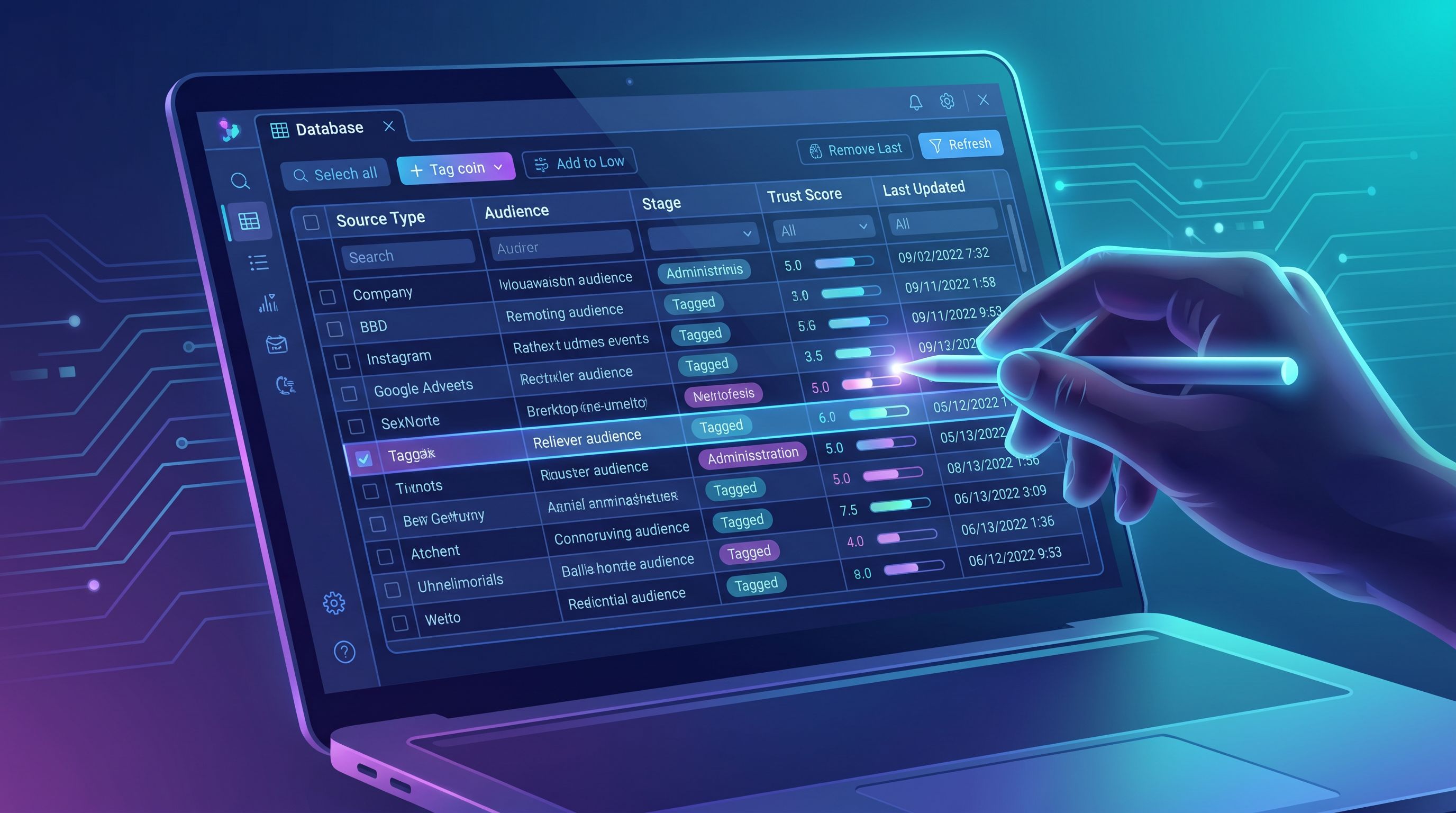
Step 7: Connect the Inventory to Your AI Blog Engine
An inventory is only useful if it actually powers content.
Here’s how to translate your workshop outputs into a living system with Blogg:
-
Centralize the high‑priority inputs first
- Export approved call transcripts, support FAQs, and key internal docs into a central folder or knowledge base.
- Apply your labels (audience, stage, product area, confidence) as you go.
-
Train Blogg on your “source of truth” set
- Point it at your curated folder, not your entire drive.
- Use your trust/freshness scores to define which folders are “primary” vs “background.”
-
Create a few “input‑aware” prompts or workflows
Instead of:“Write a post about onboarding best practices.”
Try:
“Using our high‑confidence onboarding call transcripts and implementation checklists as primary sources, draft a 1,500‑word post that answers the top 5 onboarding questions new admins ask in their first 30 days.”
-
Bake the inventory into your recurring planning
- Once a month, add new high‑value sources (e.g., recent launch decks, new FAQs).
- Once a quarter, review trust/freshness scores and retire or update anything that’s drifted.
This is also where your Input Inventory pairs nicely with strategies like:
- The “One‑Input” Blog Strategy, where you feed Blogg one rich asset and get a month of content back
- The “Promptless Blog” Experiment, where you let AI mine your curated inputs and propose its own content calendar
Once your inventory is in place, those advanced workflows become far more reliable.
Step 8: Turn the Workshop into a Repeatable Ritual
The first Input Inventory Workshop is the heavy lift. After that, you’re mostly maintaining.
A simple cadence:
-
Quarterly mini‑inventory (30–45 minutes)
- What new sources did we create? (new decks, playbooks, FAQs, reports)
- Which categories feel under‑represented?
- What’s now outdated or risky and should be removed from the AI pool?
-
Annual deep refresh (60–90 minutes)
- Re‑score trust and freshness across categories
- Revisit in‑bounds / out‑of‑bounds rules
- Align with any major product, market, or compliance changes
Treat the inventory like you treat your CRM or analytics setup: not a one‑time project, but core infrastructure for how you grow.
Common Pitfalls (And How to Avoid Them)
A few patterns we see when teams skip or rush this step:
-
Over‑indexing on public content
Relying only on your website and old blog posts leads to look‑alike content. Your best differentiation usually lives in internal and conversational sources. -
Feeding AI everything, then trying to filter later
Dumping your entire Google Drive into an AI engine is tempting—and dangerous. Start with a curated set and clear labels. -
Ignoring offline and “messy” sources
Phone calls, paper forms, and site reports are often where the sharpest insights live. Don’t skip them just because they take a bit more effort to digitize. -
No owner
Assign a single owner (often the content or marketing lead) who is accountable for:- Approving new source categories
- Maintaining the input schema
- Coordinating quarterly reviews
Putting It All Together
By the time you wrap your Input Inventory Workshop, you should have:
- A shared understanding of where your expertise already lives
- A categorized, scored list of sources that are safe and strategic for AI to mine
- Simple labels that let Blogg connect the right inputs to the right posts
- A lightweight ritual for keeping everything fresh and accurate
From there, every content initiative gets easier:
- Launch campaigns draw from the right roadmap docs and sales stories
(see: AI Blogging for Launch Weeks: Orchestrating Blogg Posts, Emails, and Social So Every Feature Release Lands) - Evergreen refreshes pull from current product docs instead of guesswork
(see: The ‘Evergreen Refresh’ Loop: Using AI to Continuously Update Old Posts Without Breaking Your Rankings) - Support‑driven posts stay aligned with what customers are actually asking
Your AI blog stops being a content factory and starts being a translation layer between the reality of your business and the questions your buyers are typing into search.
Next Step: Run Your First Input Inventory Workshop
You don’t need a massive project plan.
This week, you can:
- Block 90 minutes on the calendar with marketing, sales, support, and product.
- Copy the steps in this post into a shared doc as your agenda.
- Walk out with a first‑pass inventory and a shortlist of high‑priority inputs.
- Load those into Blogg and spin up your first few input‑aware posts.
Once you see how much stronger your AI‑generated drafts become when they’re grounded in rich, well‑organized inputs, you’ll wonder how you ever tried to brief posts without this step.
Your expertise is not the bottleneck. Your inputs are.
Fix that, and your AI‑powered blog can finally do the compounding work it was meant to do.