The Silent Funnel Fix: Using AI Blog Posts to Preempt Support Tickets and Onboarding Friction


Most teams treat the blog as a top‑of‑funnel channel.
But if you look at your support inbox, live chat, and onboarding calls, a different story appears: the same questions, the same confusion, the same “wait, how does this actually work?” moments—over and over.
That repetition is a cost:
- Slower time‑to‑value for new customers
- Support queues that never seem to shrink
- Burned-out CSMs and reps
- Churn that looks like a product problem but is really an education problem
This is where AI‑powered blogging quietly becomes a funnel fix, not just a traffic play. When you use AI blog posts to anticipate and answer the questions that usually show up as support tickets, you:
- Deflect a meaningful percentage of tickets before they’re ever created
- Smooth onboarding so users hit their “aha” moment faster
- Build a public, search‑friendly knowledge layer that supports both buyers and customers
Platforms like Blogg make this possible without hiring a small editorial team. You set the topics and guardrails; the AI handles ideation, drafting, and scheduling so your blog becomes an always‑on education engine.
Why your support inbox is a content roadmap
If you’re trying to reduce support volume or onboarding friction, you don’t need a blank page and a “content brainstorm.” You need to mine the questions you’re already answering.
Patterns you’ll almost always find:
- Setup snags – “Where do I connect this to Salesforce?” “Why isn’t my data syncing?”
- Expectation gaps – “I thought feature X did Y—am I missing something?”
- Hidden dependencies – “Why do I need admin access for this step?”
- Edge-case workflows – “How do I handle this if we have multiple business units?”
- Pricing & limits confusion – “What happens if we exceed our usage?”
Every one of these questions is a:
- Support ticket
- Onboarding roadblock
- Search query someone is typing into Google
When you publish AI‑generated posts that clearly answer these questions, you’re not just helping existing customers—you’re intercepting future tickets and smoothing the path for prospects evaluating your product.
If you want a deeper system for turning questions into content, you might like our post on building a question‑driven engine: The ‘Question-First’ Content Engine: Using AI to Turn Buyer FAQs into a Year of SEO Posts.
The silent funnel: how education gaps show up as “product issues”
Most teams underestimate how much of their “product problem” is really an education problem.
Common symptoms:
- Low activation rates – Users sign up, click around, and never complete the key setup steps.
- High early churn – Cancellations in the first 30–90 days with feedback like “We never really got it working.”
- Overloaded support – Simple how‑to questions make up a big chunk of your ticket volume.
- Stalled expansions – Customers don’t adopt advanced features because they’re still fuzzy on the basics.
Under the hood, you’ll usually find:
- Critical workflows that are only documented in internal Notion pages
- Brilliant Looms or Slack explanations that never made it into your help center
- Onboarding emails that assume too much prior knowledge
AI blog posts can sit at the intersection of marketing, onboarding, and support:
- Search‑optimized enough to attract prospects
- Practical enough to help new users through setup
- Clear enough to deflect tickets from existing customers
Think of your blog as a public, narrative‑driven extension of your help center—but one that AI can keep updated and expansive without blowing up your content budget.

Step 1: Audit where friction actually happens
Before you ask AI to write anything, you need to know which problems are worth solving.
Start with a 2–3 hour “friction audit” across three areas:
-
Support tickets
- Pull the last 200–500 tickets.
- Tag them by theme: setup, integrations, billing, permissions, reporting, etc.
- Note repeat questions and phrases customers use.
-
Onboarding calls and QBR notes
- Skim call summaries or watch a few recordings.
- Look for moments where the CSM has to reframe expectations or walk through the same tricky step.
-
Product analytics (if you have it)
- Identify where users drop off in onboarding flows.
- Note features with low adoption despite being key to value.
You’re hunting for clusters of confusion where a single, well‑designed article could:
- Clarify expectations before a user clicks “start trial”
- Walk new customers through a tricky setup path
- Explain trade‑offs or edge cases that usually require a call
This is also a perfect moment to combine with workflows like the ‘Zero Waste Content’ System, where every sales and support conversation becomes fuel for AI‑ready topics.
Step 2: Turn friction points into AI‑ready topics
Once you’ve identified your top friction themes, you can turn them into a structured topic list for AI.
For each theme, define:
- Primary question – The exact question customers ask.
- Context – Who’s asking and at what stage (trial user, new admin, power user, etc.).
- Desired outcome – What “success” looks like after they’ve read the post.
Example:
- Theme: CRM integration setup keeps failing
- Primary question: “Why isn’t our Salesforce data syncing into your tool?”
- Context: New admin during week 1 of onboarding
- Desired outcome: Admin understands prerequisites, can self‑diagnose common errors, and knows when to contact support.
Feed these into your AI blogging platform (like Blogg) with prompts such as:
“Write a clear, step‑by‑step guide for a new Salesforce admin using our product for the first time. The goal is to help them troubleshoot common sync issues without opening a support ticket. Use headings, checklists, and plain language.”
With Blogg, you can set global preferences (tone, audience, product context), then batch these prompts into a content queue. The system can:
- Propose related topics around each friction point
- Draft posts optimized for search and self‑service
- Schedule them to go live alongside onboarding campaigns
If you want to go deeper on mapping a single topic into a whole cluster of related questions, check out our post on the “Question Cloud” technique.
Step 3: Write for search and support, not one or the other
A common mistake is to separate “blog content” from “help content.” For a silent funnel fix, you want hybrid posts that:
- Rank for real queries buyers and users are typing
- Read like a helpful guide, not a dry manual
Aim for posts that:
- Lead with the problem, not your product. Start by naming the situation: “You’ve connected Salesforce, but your data isn’t showing up.”
- Include quick wins up top. A short checklist or TL;DR that solves 80% of cases.
- Show, don’t just tell. Screenshots, short GIFs, or embedded Looms where it helps.
- Layer in product context naturally. Don’t make it a pitch; make it a walkthrough.
A simple structure that works:
- Problem overview and symptoms
- Why this happens (plain‑English explanation)
- Step‑by‑step resolution
- Edge cases and advanced tips
- When to contact support (and what to include in your ticket)
AI can do most of the drafting, but your team should:
- Verify steps against the current product
- Add internal jargon or field names customers will see
- Include real examples or gotchas your reps know by heart
With Blogg, you can encode these patterns as templates so every “friction fix” post follows the same reliable structure.
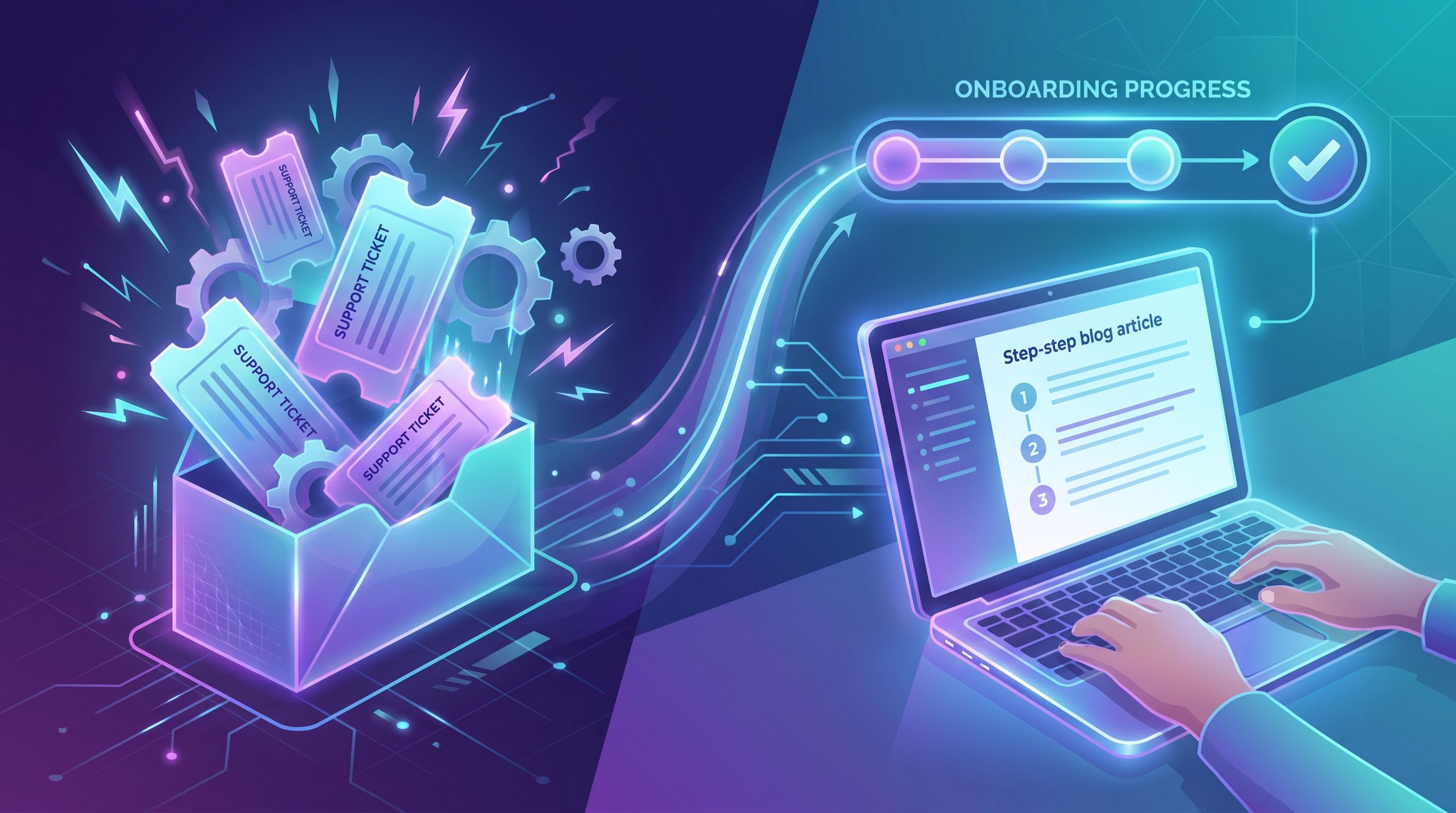
Step 4: Connect posts directly into your onboarding and support flows
Publishing isn’t enough. To actually preempt tickets and friction, your AI‑generated posts need to show up at the moment of confusion.
Places to integrate them:
-
Onboarding emails and in‑app tours
- Link to specific posts when users hit key milestones.
- Example: After connecting an integration, send “5 quick checks if your data isn’t showing up yet.”
-
Empty states and error messages
- Instead of a vague “Something went wrong,” link to a post that explains the common causes and fixes.
-
Support macros and templates
- Give agents snippets that link to relevant posts instead of rewriting explanations from scratch.
-
Help center and search results
- Surface blog posts alongside docs when users search for common issues.
-
Sales and success playbooks
- Arm reps with links to posts that smooth tricky parts of implementation.
Because Blogg handles scheduling and consistency, you can plan entire “friction series” that align with onboarding phases—Week 1 setup, Week 2 first wins, Week 4 advanced usage—then wire those posts into your lifecycle campaigns.
Step 5: Measure whether your silent fix is working
If you’re going to invest in AI‑powered friction fixes, you need to know whether they’re actually reducing pain.
A simple scorecard:
1. Ticket deflection
- Track tickets per active account or per 1,000 MAUs.
- Look specifically at categories you’ve targeted with content (e.g., “Integrations – Setup”).
- Watch for a downward trend after relevant posts go live and are linked in flows.
2. Onboarding speed
- Measure time‑to‑first‑value (e.g., time from signup to completing a core action).
- Compare cohorts before and after you introduce content‑backed onboarding.
3. Self‑service engagement
- Pageviews and time on page for your friction‑fix posts.
- Click‑throughs from in‑app messages or onboarding emails to those posts.
4. Qualitative feedback
- Ask new customers, “Which resources helped you get set up?”
- Listen for mentions of specific posts.
To keep this from turning into a reporting rabbit hole, use a simple analytics framework like the one we outline in Metrics That Actually Matter: A Simple Analytics Scorecard for Measuring AI Blog ROI.
With Blogg, you can tag posts by intent (onboarding, deflection, expansion) and track performance by bucket, not just by URL.
Step 6: Keep your friction content evergreen (with minimal effort)
The risk with any support‑adjacent content is that it goes stale as your product evolves.
AI helps here too—if you set up the right maintenance loop:
-
Create a “critical content” list.
- Identify the 20–50 posts most tied to onboarding and ticket deflection.
-
Review them on a cadence.
- Quarterly for fast‑moving products; twice a year for slower ones.
-
Use AI to propose updates.
- Feed in release notes, updated screenshots, or new workflows.
- Ask AI to highlight sections that need revision.
-
Republish with care.
- Keep URLs stable where possible for SEO.
- Add update notes at the top for transparency.
Because Blogg is built for ongoing, automated publishing, you can treat these refreshes as part of your regular content rhythm instead of one‑off projects.
Bringing it all together
When you combine:
- A friction audit from support, success, and product
- AI‑generated posts targeted at specific bottlenecks
- Smart distribution inside your product and onboarding flows
- A simple measurement and maintenance loop
…your blog stops being “just a marketing channel” and becomes a silent operator across your funnel.
You:
- Reduce repetitive tickets without hiring more agents
- Help new customers reach value faster
- Build a public knowledge layer that supports buyers, not just users
- Turn every common question into an asset instead of a cost
And because platforms like Blogg handle ideation, drafting, and scheduling, you get all of this without turning your team into full‑time writers.
Summary
- Your support inbox, live chat, and onboarding calls are a goldmine of content ideas.
- AI blog posts can preempt support tickets and smooth onboarding by answering recurring questions in public, search‑optimized guides.
- Start with a friction audit, then turn top issues into structured, AI‑ready topics.
- Write hybrid posts that work for both search and self‑service, and wire them into onboarding flows, help center search, and support macros.
- Measure impact through ticket deflection, onboarding speed, and self‑service engagement, and keep your most important posts evergreen with periodic AI‑assisted updates.
Your next step
You don’t need to redesign your entire content strategy to get value from this approach.
Pick one high‑volume support category—integrations, billing, permissions, or onboarding setup—and:
- List the top 10 questions customers ask.
- Turn those into 3–5 AI‑assisted blog posts.
- Link those posts directly from your onboarding emails, in‑app messages, and support macros.
- Watch what happens to tickets in that category over the next 30–60 days.
If you want a platform that can handle the heavy lifting—from turning your raw questions into outlines, to drafting SEO‑ready posts, to scheduling them on your site—take a look at Blogg.
Let your blog become the silent fix that keeps your funnel smooth, your customers successful, and your support team focused on the problems that really need a human.