From Webinar Registrants to Search Traffic: A Workflow for Turning Event Funnels into SEO-Optimized Recaps with AI

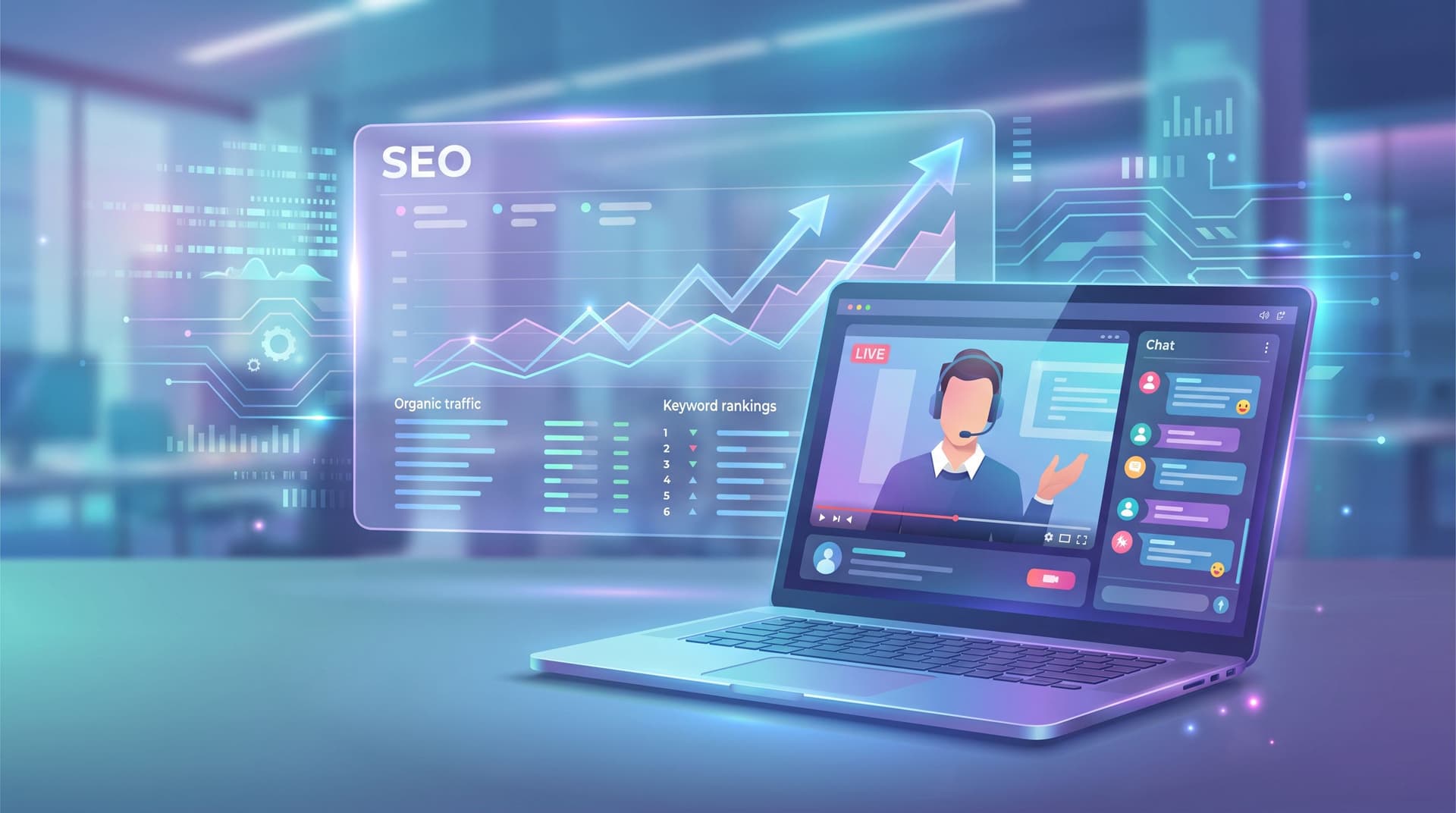
Webinars, live workshops, and virtual events are some of the highest-intent moments in your funnel. People are literally raising their hands, giving you their email addresses, and spending 30–60 minutes with your brand.
But for most teams, the value of that event dies quietly in a recording link.
Meanwhile, your blog is hungry for:
- Specific, problem-aware topics
- Real questions from your exact buyers
- Fresh content that can rank and keep driving leads long after the event is over
This is where an AI-powered workflow shines: you can turn every webinar into a cluster of SEO-optimized recaps, how-tos, and follow-up posts—without adding a huge manual content burden.
Platforms like Blogg make this repeatable: you feed in event inputs (title, abstract, transcript, Q&A), and get a consistent stream of search-ready posts that keep your event funnel working long after the live session ends.
Why Your Events Should Power Your SEO Strategy
If you’re running webinars, you already have what most content teams are missing: proof that a topic actually matters to your market.
Events give you:
- Validated demand – Registrations are a live signal that a topic resonates.
- Language straight from your buyers – Q&A, chat logs, and poll answers are keyword gold.
- Narratives that already work – Your speakers’ stories, frameworks, and examples are built-in content structure.
- Trust-building moments – Recaps let you scale those moments to everyone who didn’t attend.
On the SEO side, this matters because search is increasingly about:
- Covering a topic end-to-end with depth
- Reflecting the phrasing and intent real people use
- Publishing consistently so you stay visible and crawlable
When you wire your event funnel into an AI-powered blogging engine, you get a flywheel:
- Run webinar on Topic X → registrations and questions validate demand.
- Turn webinar into SEO recaps and spin-offs → you capture search traffic around Topic X.
- Use those posts to drive registrations for the next webinar → your blog becomes a persistent event promotion channel.
- Repeat with each new event, building topical authority over time.
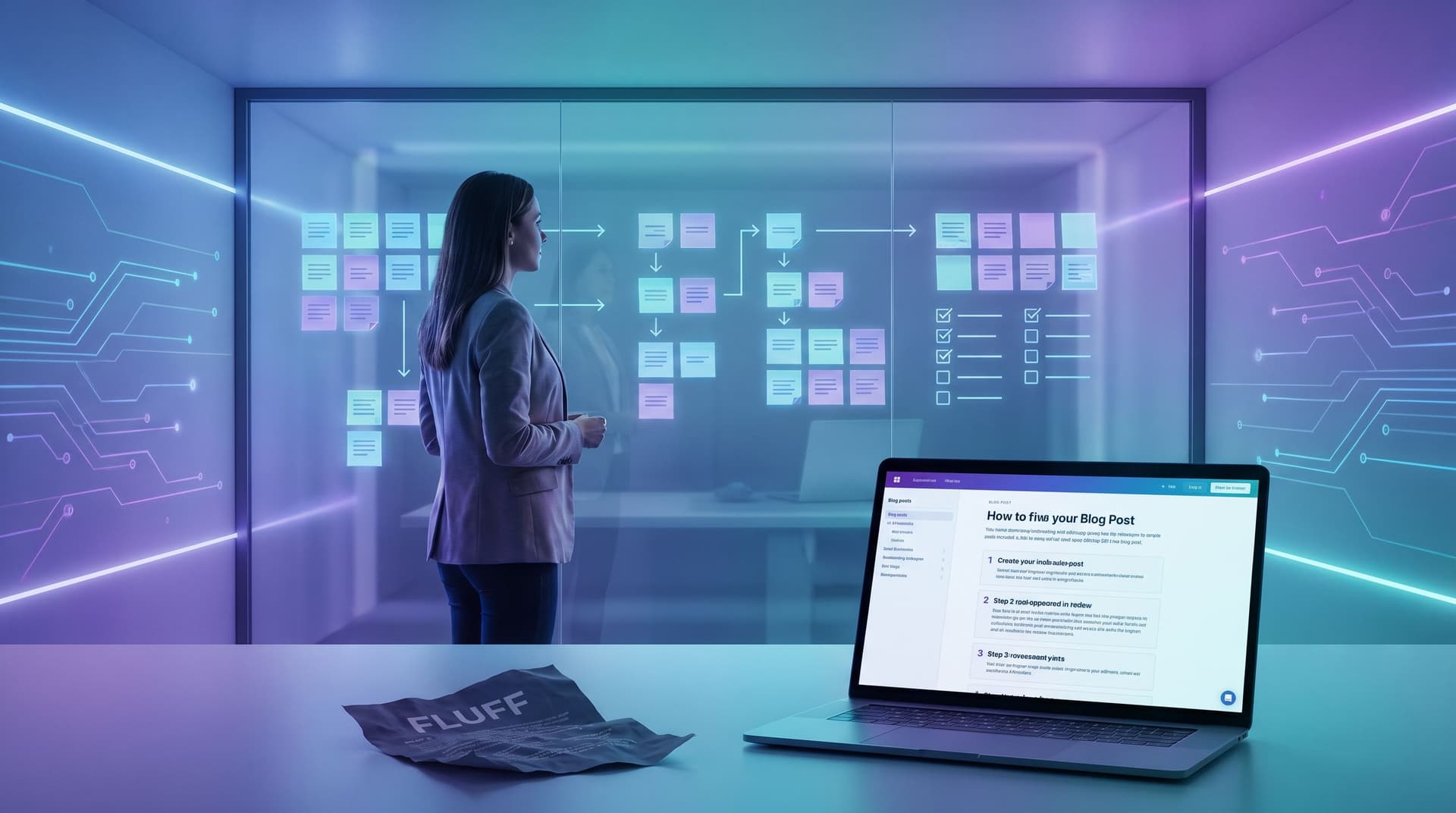
If you’ve already been thinking about how to make your AI content more tactical and bookmark-worthy, this approach pairs nicely with the ideas in The ‘Anti-Fluff’ Framework: Prompting AI to Produce Tactical, Step-by-Step Posts Your Buyers Actually Bookmark.
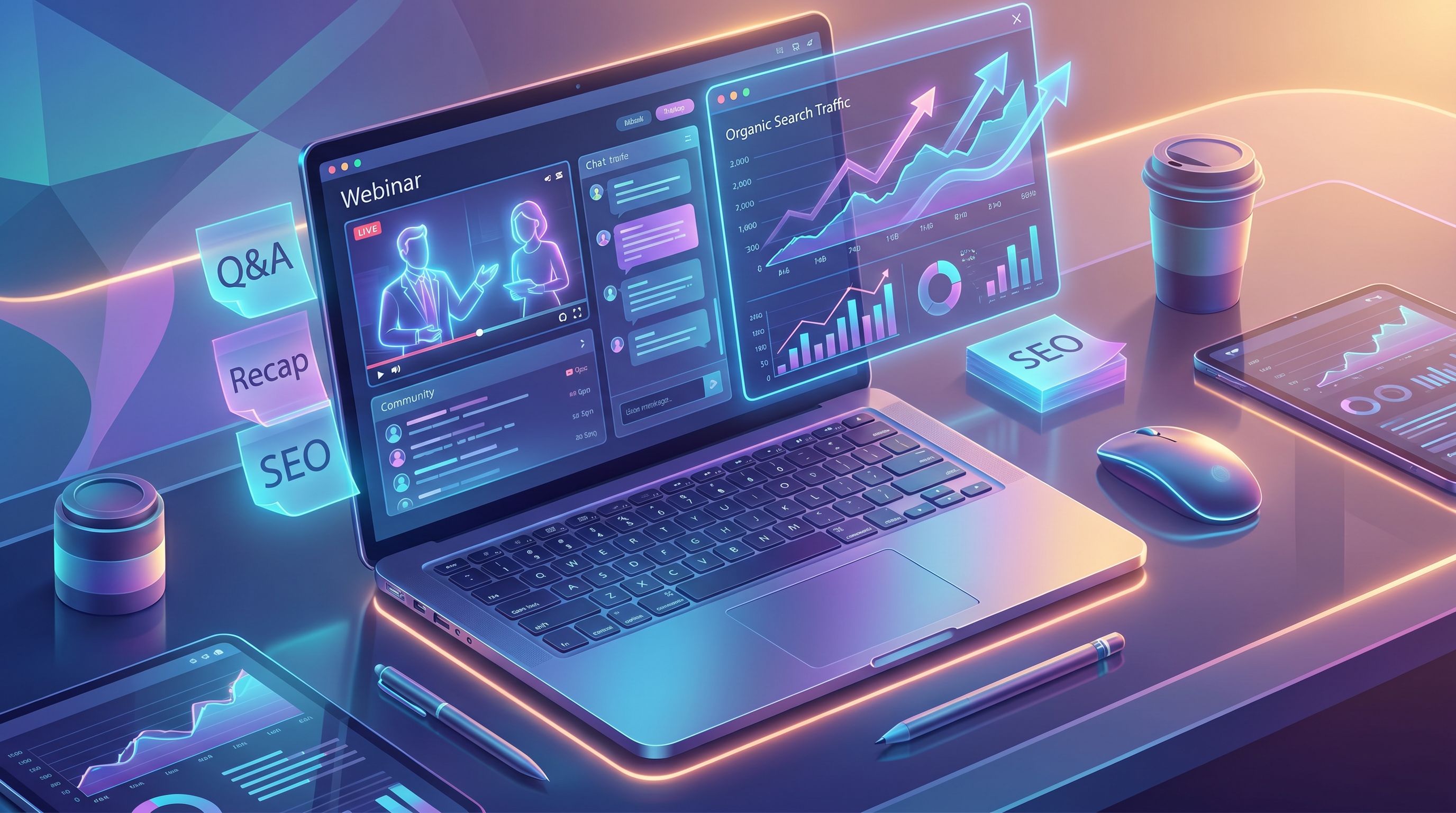
The Core Workflow: From Live Event to SEO Recap
Let’s walk through a concrete workflow you can run after every webinar. The goal: move from “we had a great session” to “we have a search-optimized recap and content cluster” in days, not weeks.
Step 1: Design Events With Search in Mind (Before You Go Live)
Most teams treat SEO as an afterthought. Flip that.
When you plan the event, think:
- Primary problem & angle – What specific pain or outcome is this session about?
- Search-friendly title – Can the title (or a variant) double as a blog H1?
- Key questions to answer – What would someone type into Google that this session should solve?
A simple checklist:
- Draft 2–3 search-style titles alongside your marketing title.
- Marketing title: “How RevOps Teams Can Fix Forecast Accuracy With Pipeline Hygiene”
- Search variant: “How to Improve Sales Forecast Accuracy With Better Pipeline Hygiene”
- List 5–10 likely queries the webinar should address, such as:
- “how to improve sales forecast accuracy”
- “pipeline hygiene best practices”
- “forecast accuracy metrics for SaaS”
- Turn those into explicit talking points and Q&A prompts.
Do this once and it becomes a template your demand gen team can reuse.
Step 2: Capture the Raw Material Properly
Your recap is only as good as your inputs. Make sure you’re capturing:
- Full recording (video + audio)
- Auto-generated transcript from your webinar platform or a tool like Otter or Grain
- Chat log and Q&A (export these right after the session)
- Poll results and attendance data
Then, organize them in a simple folder or Notion page:
/Events/2026-05-RevOps-Forecast-WebinarRecording.mp4Transcript.txtQ&A.csvChat.txtSlides.pdf
This is the raw “event packet” you’ll feed into AI.
Step 3: Turn the Event Packet Into a Recap Brief With AI
Before you ask AI (or Blogg) to draft anything, you want a clear brief. The good news: AI can help you create that brief from your transcript.
You can use a prompt sequence like this:
-
Summarize the session
- “Summarize this webinar transcript in 5–7 bullet points. Focus on the main problems, frameworks, and examples discussed.”
-
Extract the structure
- “From this summary, propose an outline for a 2,000-word blog recap that would help someone who missed the webinar get the full value. Include H2s and H3s.”
-
Map questions to sections
- “Using this Q&A log, map each audience question to the most relevant section of the outline. Note any gaps where we should add a new subsection.”
If you’re using Blogg, you can bake these steps into a reusable workflow so that every event packet automatically turns into a structured brief, with:
- Target keyword and related phrases
- Outline tied to real attendee questions
- Recommended internal links and CTAs
This is very similar to using “prompt playlists” as described in Prompt Playlists, Not Prompts: Building Reusable AI Sequences for Ideation, Drafting, and Optimization.
Step 4: Draft an SEO-Optimized Recap That Still Feels Like a Story
A good recap is not a transcript dump. It’s a narrative that:
- Stands alone for readers who never saw the webinar
- Makes attendees feel like they’re revisiting the highlights
- Satisfies search intent for your chosen topic
When you ask AI to draft the recap (or configure your workflow in Blogg), emphasize:
- One primary keyword and 3–5 related phrases
- A strong intro that sets stakes and who it’s for
- Clear sectioning that mirrors the webinar’s main beats
- Callouts and examples pulled from the speakers’ stories
- Explicit answers to the top audience questions
A practical prompt:
“Using this outline and transcript, draft a 2,000-word blog recap optimized for the keyword ‘sales forecast accuracy’. Make it feel like a standalone guide, not a transcript. Use the speakers’ names, pull in 3–5 specific examples from the transcript, and include a short FAQ section that answers the most common audience questions. Use H2s and H3s.”
Then layer in your usual brand guardrails and review process (or your “AI editor-in-chief” setup if you’ve implemented something like what we describe in The ‘AI Editor-in-Chief’: Designing Guardrails So Blogg Feels Like Your Best Writer, Not a Robot).
Step 5: Add the Human Layer in 30 Minutes
Even with strong prompts and workflows, the recap gets better when a subject-matter expert spends 20–30 minutes tightening it.
Have your speaker or a domain expert:
- Scan for accuracy – Are any nuances lost or oversimplified?
- Add 2–3 real screenshots – Dashboards, frameworks, before/after views.
- Insert 1–2 stories that weren’t in the transcript but help clarify a point.
- Upgrade the CTA – Tie the next step to the webinar theme (book a forecast audit, try a template, etc.).
You don’t need them rewriting every sentence. Give them a checklist and a deadline, and keep the review tight.
Step 6: Publish With SEO & Conversion Basics in Place
When you upload the recap to your CMS (or let Blogg publish automatically), make sure you’ve covered the basics:
- URL slug that reflects the main keyword
- Title tag and meta description written for clicks
- H1 that’s clear and close to the search variant
- Internal links to:
- Related playbooks and product pages
- Prior posts that deepen the topic
- Lead capture that matches the content:
- On-demand replay form
- Template download
- Worksheet or checklist from the session
This is also where you connect the recap back to your post-publish systems, like the ones in The Post-Publish Playbook: 10 Ways to Squeeze More Leads From Every AI-Generated Blogg Article.
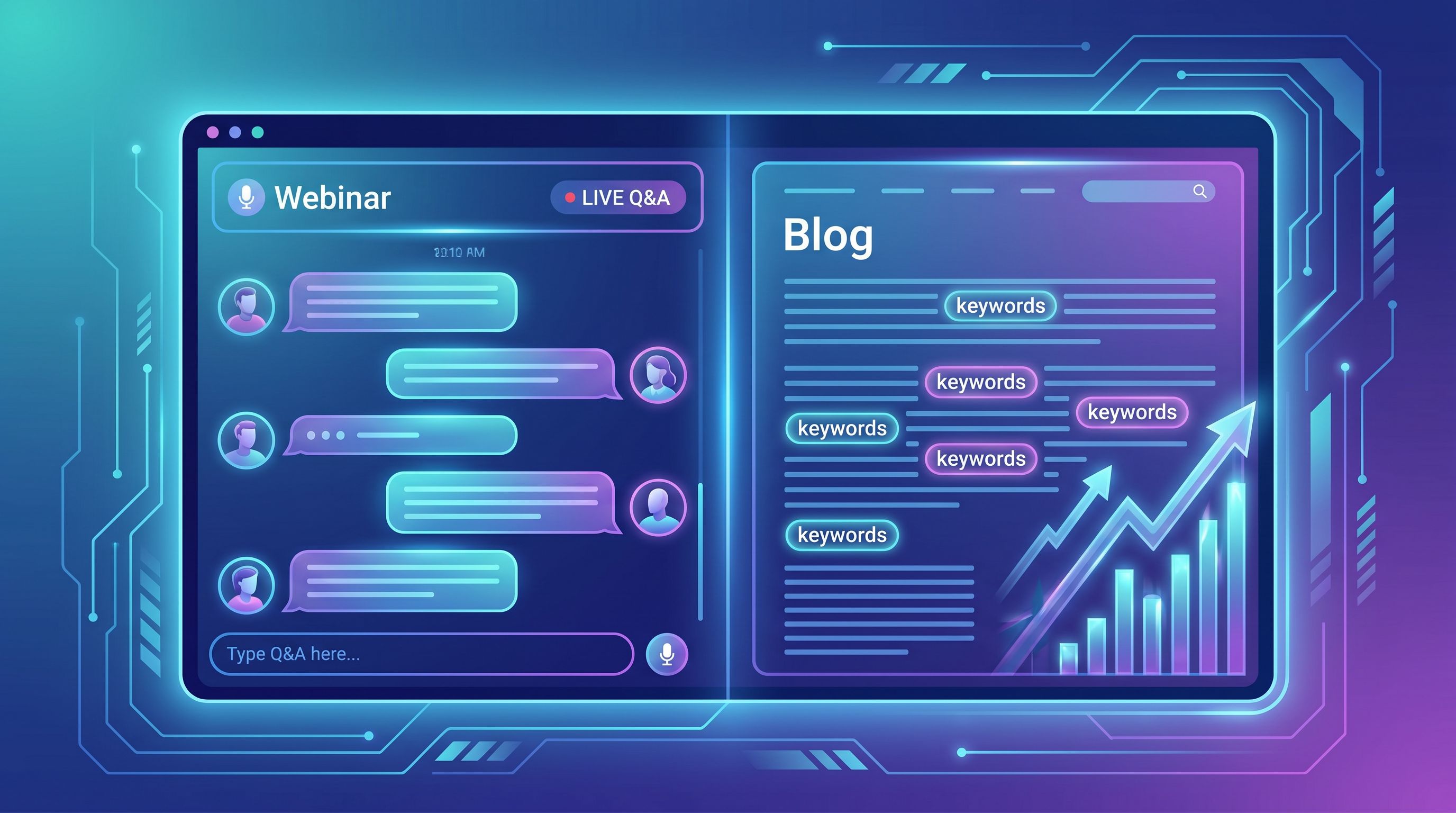
Going Beyond One Recap: Building an Event-Driven Content Cluster
The recap is just the start. A single webinar can power a whole mini content cluster that builds topical authority and captures different intents.
Here’s how to turn one event into multiple posts.
1. Turn Each Segment Into Its Own Deep-Dive
Most webinars naturally break into 3–5 sections:
- Problem setup
- Framework or methodology
- Live demo or walkthrough
- Case study
- Q&A
Each of those can become its own post:
- “Pipeline Hygiene Checklist: 10 Steps to Cleaner Data Before Forecasting”
- “How to Build a Forecast Accuracy Dashboard in Salesforce (Step-by-Step)”
- “Case Study: How ACME SaaS Improved Forecast Accuracy by 18% in One Quarter”
Use AI to:
- Extract each segment from the transcript
- Expand it into a standalone outline
- Draft a focused, SEO-optimized post for a narrower keyword
2. Spin Q&A Into Search-Focused FAQ Content
Your Q&A log is full of long-tail queries that real people are typing into search.
Workflow:
- Ask AI to cluster questions by theme (e.g., implementation, metrics, tools).
- For each cluster, have AI suggest search-style titles and keywords.
- Decide which deserve:
- A section in the recap FAQ
- A standalone FAQ post
- A support doc or help-center article
Example:
- Question: “How often should we refresh our forecast assumptions?”
- Post: “How Often Should You Update Your Sales Forecast? (Benchmarks by Stage and Segment)”
3. Create Multi-Format Assets From the Same Source
Once you have a strong, AI-assisted recap, it becomes:
- A script or outline for a shorter YouTube video or LinkedIn series
- Slides for a follow-up workshop
- Email nurture content for registrants and new leads
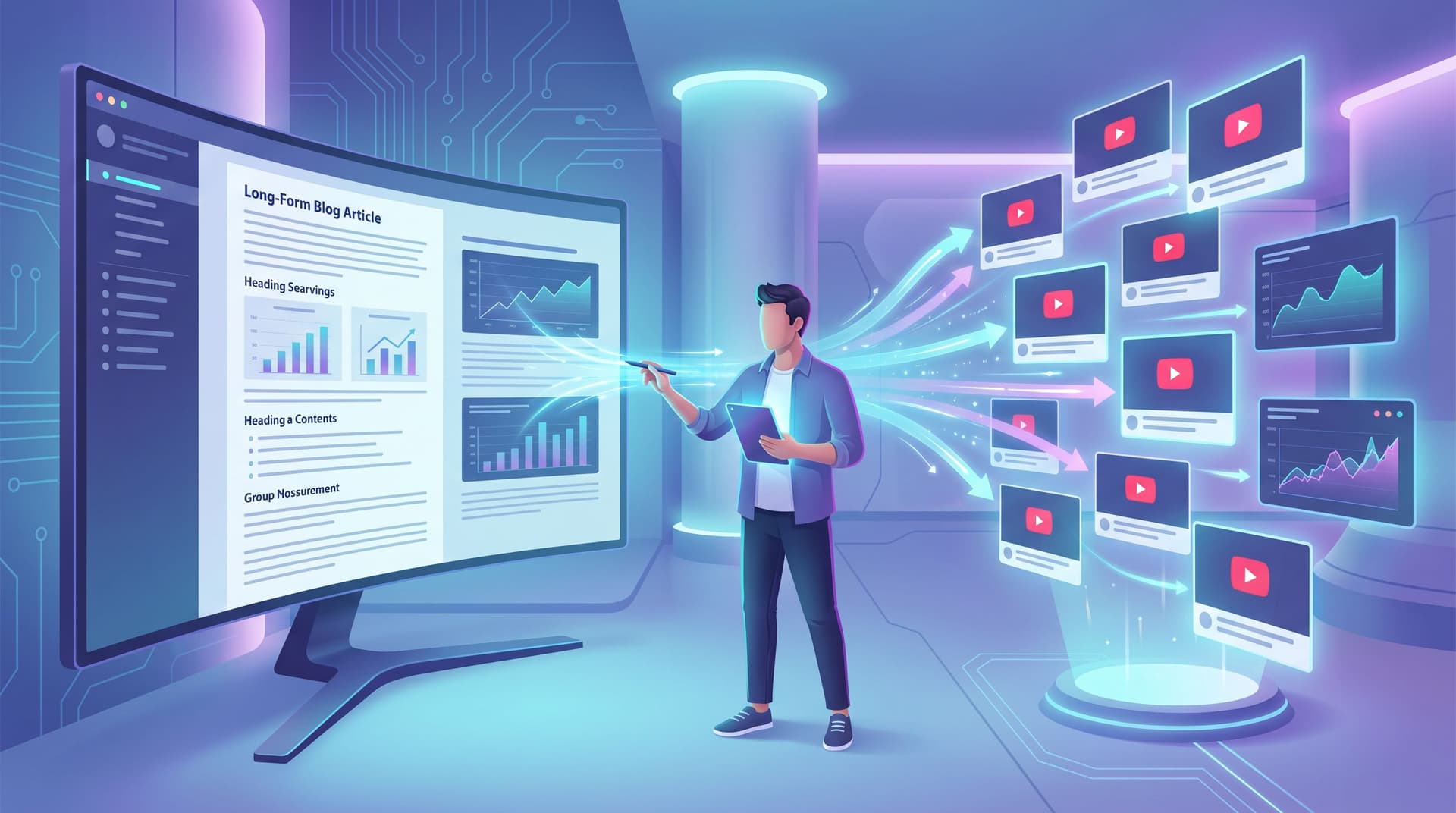
If video is on your roadmap, the ideas in From Blog Archive to YouTube Script: Using AI to Turn Written Posts into a Video-First Funnel apply nicely in reverse: your recap can feed video, and your video can feed future recaps.
4. Tie It Back to Your Broader SEO Strategy
Event-driven content shouldn’t live in its own silo. It should reinforce the topics you want to own across your blog.
Ask:
- Does this recap support a pillar page we already have?
- Should we link from the recap to other posts in the same cluster?
- Are there older posts we should update to link to this recap?
If you’re using Blogg, you can set rules so that new event recaps automatically:
- Suggest 3–5 internal links based on topic similarity
- Flag older posts that should be updated with links to the new content
- Slot into your existing content clusters instead of floating alone
Common Pitfalls (and How to Avoid Them)
As you operationalize this workflow, watch out for a few traps:
-
Transcript dumps masquerading as posts
Fix: Always create a recap outline first and write for reading, not for transcription. -
Generic SEO copy that ignores the actual event
Fix: Require 3–5 specific quotes, stories, or examples from the webinar in every recap. -
No clear next step for readers
Fix: Match your CTA to the webinar’s promise (template, follow-up session, audit, trial). -
One-off heroics instead of a system
Fix: Turn this into a checklist or saved workflow inside your AI platform so every event follows the same path.
Putting It All Together: A Simple Checklist You Can Reuse
Here’s a condensed checklist you can copy into your project tool and reuse for every event:
Before the webinar
- [ ] Choose a topic that maps to a core SEO theme
- [ ] Draft search-style title variants and target keywords
- [ ] Add 5–10 explicit questions you want the session to answer
Right after the webinar
- [ ] Export recording, transcript, Q&A, chat, and poll results
- [ ] Store them in a consistent “event packet” folder
- [ ] Run your AI/Blogg workflow to create a recap brief (summary + outline + mapped questions)
Drafting the recap
- [ ] Generate a 1,500–2,000 word recap optimized for the primary keyword
- [ ] Ensure it includes: intro, main sections, examples, FAQ, and CTA
- [ ] Add initial internal link suggestions and on-demand replay link
Human review
- [ ] Have a subject-matter expert review for accuracy and nuance
- [ ] Insert 2–3 screenshots or visuals
- [ ] Tighten the CTA to align with the event’s promise
Publishing & promotion
- [ ] Optimize URL, title tag, meta description, and H1
- [ ] Link to and from related posts in your existing clusters
- [ ] Add to relevant nurtures, social posts, and sales enablement docs
Spin-offs
- [ ] Identify 3–5 deep-dive posts from the webinar segments
- [ ] Cluster Q&A into at least one FAQ-style post
- [ ] Log ideas for future webinars based on unanswered or popular questions
Summary
Your webinars are already doing the hardest part of content strategy: proving that a topic matters enough for people to show up.
When you connect that event funnel to an AI-powered blogging workflow, every session can yield:
- A search-optimized recap that keeps driving leads long after the live event
- Multiple deep-dive and FAQ posts built from real attendee questions
- Reusable structures and prompts you can apply to future events
Instead of “one and done” recordings, you get a compounding library of event-driven content that works for both registrants and searchers.
Your Next Step
You don’t need to overhaul your entire content program to start.
Pick one upcoming webinar and commit to running this workflow end to end:
- Plan the session with 2–3 search-style titles in mind.
- Capture the full event packet (recording, transcript, Q&A).
- Use AI—or an opinionated platform like Blogg—to turn that packet into a recap brief and draft.
- Have a subject-matter expert spend 30 minutes adding the human layer.
- Publish the recap with basic SEO in place, then spin out 1–2 follow-up posts.
Once you’ve done it once, you’ll have a template you can run after every event.
If you want that system to run with as little manual effort as possible, explore how Blogg can:
- Ingest your event assets automatically
- Apply reusable prompt workflows
- Keep your blog consistently stocked with search-ready recaps
Your events are already generating attention. It’s time to make sure they’re also generating search traffic—and pipeline—for months to come.