From Blog Archive to YouTube Script: Using AI to Turn Written Posts into a Video-First Funnel

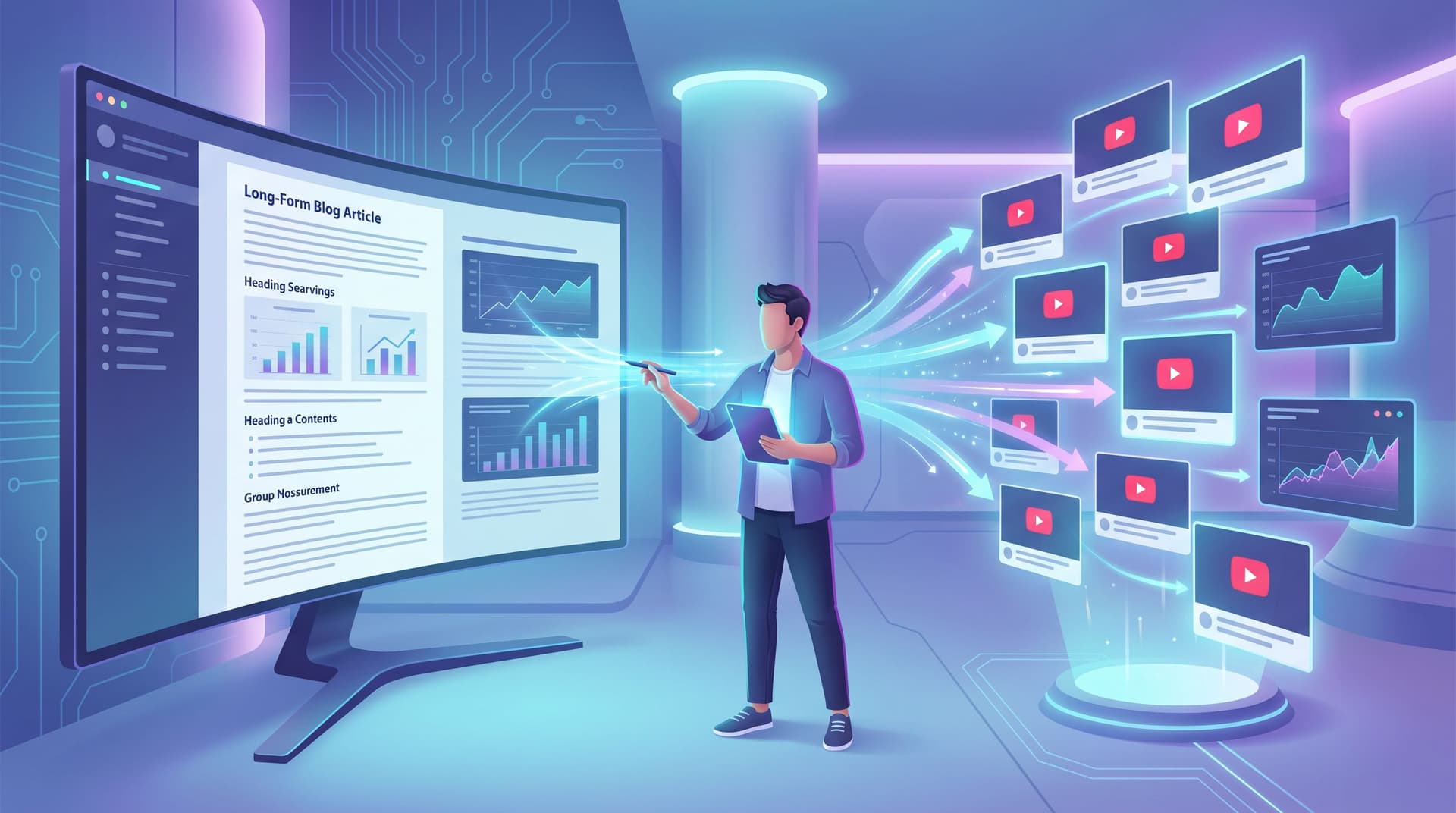
Most teams treat their blog and their YouTube channel (if they even have one) like separate planets.
On one side: a growing archive of SEO‑optimized posts quietly bringing in search traffic. On the other: a blank YouTube upload screen and a nagging feeling that you’re “late to video.”
The irony? You already have everything you need for a high‑leverage video program sitting in your CMS.
This article is about turning that written archive into a video‑first funnel—systematically, with AI doing most of the heavy lifting.
Why this shift matters for revenue, not just reach
Video isn’t just a nice‑to‑have format anymore; it’s where a huge share of your buyers are doing their homework.
Recent research across multiple studies shows that:
- More than 70% of B2B buyers watch video before making a purchase decision.
- In some surveys, video is the most preferred format for learning about products, especially for complex solutions.
- Deals where buyers consume multiple vendor videos tend to close at higher rates and move faster through the funnel.
Meanwhile, your blog is already doing a lot of the heavy work:
- It captures search intent.
- It educates prospects who aren’t ready to talk to sales.
- It gives you a structured narrative about problems, solutions, and outcomes.
When you connect the two—blog and video—you get a compounding effect:
- Search → Video → Lead instead of Search → Bounce.
- Buyers who prefer to read get depth; buyers who prefer to watch get clarity.
- Every strong blog post becomes a mini content franchise: long‑form article, YouTube video, short clips, email follow‑ups, and more.
If you’re already using an AI platform like Blogg to keep your blog active, you’re sitting on a growing inventory of structured, SEO‑ready content. The next step is to turn that inventory into a video‑first funnel without hiring a full video team.
The core idea: A blog‑to‑video pipeline, not one‑off repurposing
Most “repurposing” advice sounds like this: “Take your latest post and turn it into a video.” That’s fine for a one‑time campaign, but it doesn’t scale.
What you actually want is a pipeline:
- Blog posts are planned with video in mind.
- AI converts the post into a structured script (or multiple scripts) with minimal human editing.
- Video assets are produced in batches—either with AI video tools or a lightweight human workflow.
- Everything is wired into your funnel: CTAs, playlists, embeds, and follow‑ups.
Think of it as the video equivalent of what we covered in From “We Have a Blog” to “We Have a Channel”: you’re building a system, not a series of heroic one‑offs.
Step 1: Audit your archive for “video‑ready” posts
Not every post deserves a video. Start where the leverage is highest.
Create a simple shortlist using three filters:
-
Performance filter
- Top organic traffic posts over the last 6–12 months
- Posts with strong time‑on‑page but weak conversion
- Posts that consistently get shared or referenced by sales
-
Strategic filter
- Core problems your product solves
- Key use cases and verticals
- Posts that map to specific stages of your funnel (awareness, consideration, decision)
-
Format filter (is this visually explainable?)
Posts that work especially well as video usually:- Walk through step‑by‑step processes
- Compare alternatives or frameworks
- Tell stories or case studies
- Explain “how it works” concepts that benefit from diagrams or screen recordings
Tag 10–20 posts as your “pilot video batch.” If you’ve been refreshing older content using the approach in From Blog Dust to Deal Flow, prioritize those refreshed posts—they already have sharper messaging and updated CTAs.
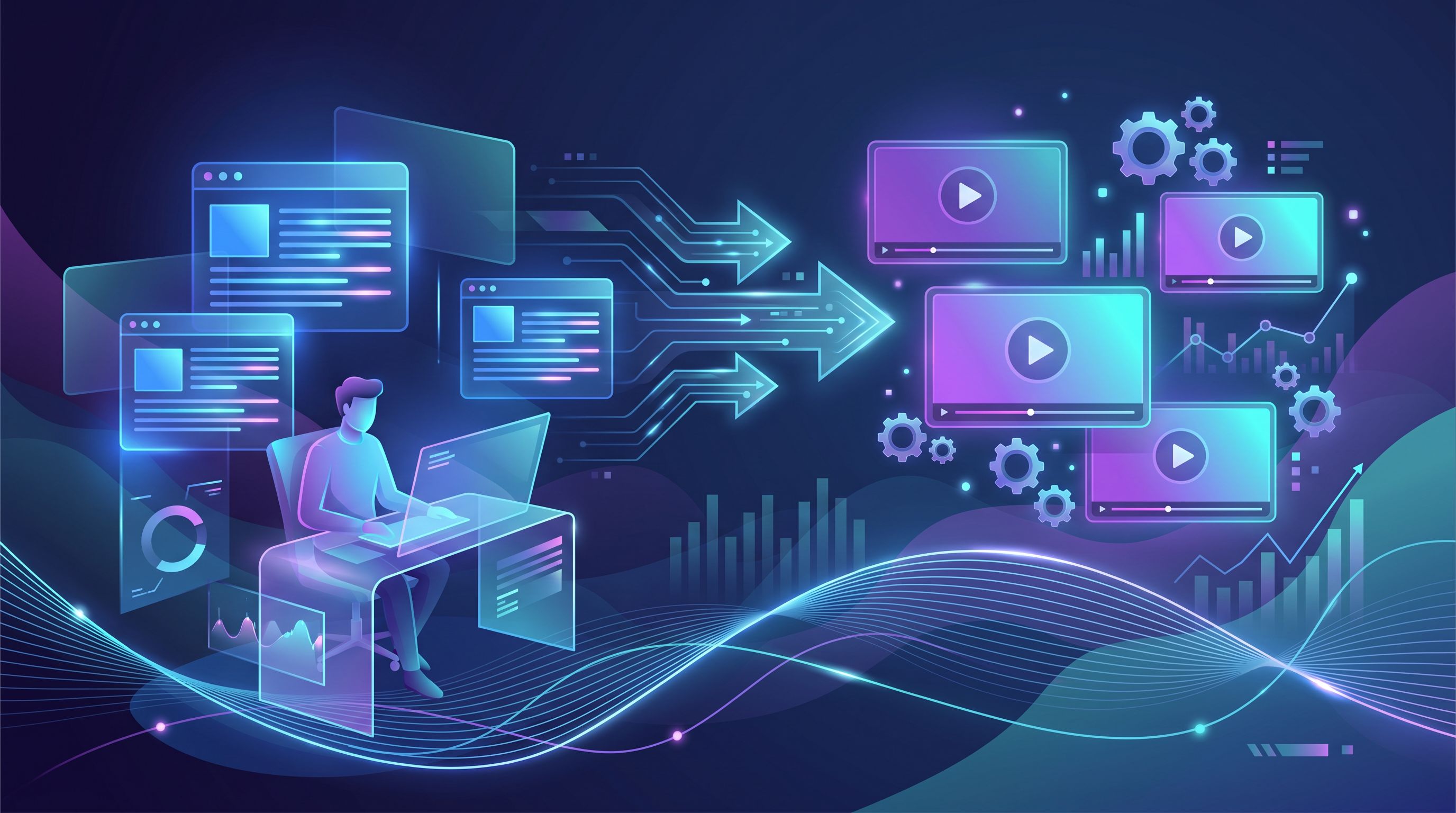
Step 2: Design a reusable blog‑to‑script template
Before you touch tools, decide what a standard YouTube script looks like for your brand.
For a typical 6–10 minute B2B video, a simple structure might be:
-
Hook (0:00–0:20)
- Call out the audience and the problem.
- Promise a concrete outcome.
- Example: “If your blog is driving traffic but your pipeline graph is flat, this video will show you how to turn old posts into a YouTube funnel that actually books demos.”
-
Credibility + context (0:20–0:45)
- One sentence on who you are / why this matters.
- One data point that frames the stakes.
-
Roadmap (0:45–1:10)
- “We’re going to cover three things…”
- Mirrors the H2s in your blog post.
-
Main sections (1:10–7:30)
For each section:- Problem → Insight → Example → Takeaway.
- Use bullets and short sentences; think spoken, not written.
-
Recap + next step (7:30–8:30)
- Summarize 3–5 key points.
- One primary CTA (demo, template download, related video, etc.).
-
Outro (8:30–9:00)
- Light brand sign‑off.
- Optional: tease the next video in the series.
Turn this into a prompt template you can reuse, something like:
“You are a B2B video scriptwriter. Convert the following blog post into a 9‑minute YouTube script using this structure: [paste structure]. Use conversational language, short sentences, and clear transitions. Suggest simple on‑screen visuals for each section in brackets.”
If you’re running your content through Blogg, you can bake this structure into your brand’s “video script” format so that every new post is automatically primed for video from day one.
Step 3: Let AI do the heavy lifting on script drafts
Once you have a structure, you can plug in your blog content.
Options for script generation
You have two broad paths:
-
General‑purpose AI (flexible, cheap, customizable)
- Chat‑style tools (like this one) with a strong prompt and your blog post pasted in.
- Google’s NotebookLM for multi‑source video overviews.
- Workflow tools like Make or Zapier that send each new post to an AI model and drop the script into Google Docs or Notion.
-
Specialized “blog‑to‑video” tools (faster, more opinionated)
- Tools like Pictory, Vadoo AI, or Argil that accept a blog URL or text and output a script plus visuals.
- Some tools go straight from text to finished video; others stop at script and storyboard.
For a B2B team, a hybrid approach often works best:
- Use Blogg + a general AI model to generate on‑brand scripts from posts.
- Use a specialized tool to speed up editing and visual assembly once the script is approved.
What “good enough” looks like for a first draft
You’re not aiming for a perfect, director‑level script. You’re looking for:
- Clear, conversational language (no blog‑style paragraphs on camera).
- Concrete examples pulled from the post.
- Suggested visuals in brackets, e.g.,
[show simple funnel diagram: Blog → YouTube → Demo]. - A single, clear CTA that ties back to your funnel.
From there, your subject‑matter expert can do a 10–15 minute pass—similar to the process in The ‘Human Layer’ Playbook—to:
- Add real stories and anecdotes.
- Correct any nuance the model missed.
- Align the script with current messaging and offers.
Step 4: Map each script to a funnel stage and CTA
If you stop at “we made a video,” you’re leaving value on the table. Each script should have a job in your funnel.
A simple mapping:
-
Awareness videos
- Derived from “what is X,” “why X matters,” and big‑picture strategy posts.
- CTAs: subscribe, watch a related video, download a light guide.
-
Consideration videos
- Derived from “how to” posts, comparisons, playbooks, and frameworks.
- CTAs: sign up for a webinar, start a trial, get a template.
-
Decision videos
- Derived from case studies, ROI breakdowns, and product walkthroughs.
- CTAs: book a demo, talk to sales, custom assessment.
When you convert a blog post, decide upfront:
- Which stage is this video for?
- Which primary CTA should it drive?
- Which YouTube playlist or series does it belong in?
Then, update the blog post itself to mirror that journey:
- Embed the video near the top and again near your main CTA.
- Add a short line like: “Prefer to watch? Here’s a 9‑minute breakdown of this playbook.”
- Make sure your on‑screen CTA and your on‑page CTA are aligned.
This is where the mindset from The Post‑Publish Playbook kicks in: you’re not just publishing; you’re orchestrating multiple touchpoints per idea.

Step 5: Choose your production path (no studio required)
You don’t need a cinematic studio to make effective B2B videos. You need clarity, consistency, and a workflow you can actually maintain.
Here are three realistic paths:
1. “Talking head + screen share” (scrappy but high‑trust)
- Who it’s for: Teams with a confident subject‑matter expert and basic webcam/mic setup.
- Workflow:
- Use your AI‑generated script as a loose outline, not a teleprompter novel.
- Record in 2–3 takes per section; don’t chase perfection.
- Use tools like Descript or Camtasia for quick cuts, captions, and screen overlays.
- Pros: Builds real trust; feels human; minimal tooling.
- Cons: Requires someone comfortable on camera.
2. “Narrated slides or product walkthroughs” (great for how‑tos)
- Who it’s for: Teams selling complex products or workflows.
- Workflow:
- Turn each main section of your blog into a slide or screen demo segment.
- Record a voiceover following the script.
- Use tools like Loom, ScreenFlow, or Descript to combine visuals and narration.
- Pros: Perfect for tutorials, onboarding, and feature explainers.
- Cons: Less personality if you lean too heavily on slides.
3. “AI‑assembled stock + voiceover” (fastest to scale)
- Who it’s for: Teams prioritizing volume or top‑of‑funnel content.
- Workflow:
- Feed your script into tools like Pictory, Argil, or similar.
- Let the tool suggest footage and AI voiceover; tweak where needed.
- Reserve human time for fact‑checking and brand voice.
- Pros: Very fast; good for testing many angles and topics.
- Cons: Can feel generic if you don’t customize visuals and pacing.
Whichever path you choose, aim for batch production:
- Record or assemble 3–5 videos per session.
- Use the same intro/outro, lower thirds, and brand elements.
- Keep your gear and settings consistent so you’re not reinventing the wheel every time.
Step 6: Wire YouTube back into your blog and CRM
A video‑first funnel is only as strong as its feedback loops.
Once your first batch is live:
-
Embed strategically on your site
- Add videos to their origin blog posts near the top and before the CTA.
- Create topic hub pages where related posts and videos live together.
- Use video in onboarding flows and help docs, not just marketing pages.
-
Track behavior, not just views
- Use UTM parameters in your YouTube description links.
- If possible, connect YouTube engagement to your CRM via tools like HubSpot, Segment, or custom scripts.
- Watch for: watch time, clicks on CTAs, demo requests after video views.
-
Feed performance back into your content engine
- Topics with high watch time but low CTR? Improve your CTAs and end screens.
- Topics with strong conversion but low impressions? Re‑optimize titles, thumbnails, and descriptions—similar to how you’d tweak titles and intros for search, as covered in “CTR in the Age of AI Overviews”.
If your blog is already automated through Blogg, you can treat YouTube as another downstream channel:
- New posts → auto‑generate scripts → add to your video backlog.
- High‑performing videos → inspire new written posts, FAQs, and onboarding content.
Step 7: Turn one script into many video assets
Once you’ve gone from blog post → script → core YouTube video, you can keep going.
From a single script, you can spin out:
- 3–7 short clips for LinkedIn, X, TikTok, or YouTube Shorts.
- Use AI tools to auto‑identify “hooky” moments and add captions.
- Vertical explainers that compress a key framework into 60–90 seconds.
- Animated snippets of key stats or diagrams.
- Sales snippets: short clips embedded in outreach emails or post‑demo follow‑ups.
The key is to plan this at the script stage:
- Mark sections as
[great for short clip]or[sales snippet]in your script. - Keep those segments self‑contained with a clear beginning and end.
This is how you move from “We made a video” to “We built a repeatable, multi‑format asset out of a single idea.”
Example: A simple blog‑to‑YouTube workflow you can start this month
Putting it all together, here’s a realistic 4‑week plan:
Week 1
- Run your blog archive through the three‑part audit (performance, strategic, format).
- Select 10 posts for your pilot batch.
- Define your standard YouTube script structure and save it as a prompt.
Week 2
- Use AI to generate first‑draft scripts for all 10 posts.
- Have a subject‑matter expert spend 10–15 minutes per script polishing.
- Tag each script with funnel stage and primary CTA.
Week 3
- Choose a production path (talking head, screen share, or AI‑assembled).
- Record/produce 3–5 videos in one batch.
- Create basic thumbnails and upload with optimized titles, descriptions, and CTAs.
Week 4
- Embed videos back into their origin blog posts.
- Share clips on 1–2 primary social channels.
- Set up simple tracking: UTM links from YouTube to your site, and a weekly reporting snapshot.
By the end of the month, you’ll have:
- A repeatable pipeline from blog → script → video.
- Real data on which topics and formats resonate.
- A playbook you can run every time Blogg ships a new batch of posts.
Summary: Your blog is already your video strategy
You don’t need to start from scratch to build a YouTube presence that actually drives pipeline.
You already have:
- A content engine (especially if you’re using Blogg) that keeps your blog stocked with SEO‑ready posts.
- An archive of validated topics that attract searchers and spark real sales conversations.
- Access to AI tools that can turn those posts into scripts and videos in hours, not weeks.
The opportunity is to connect the dots:
- Identify the posts with the highest strategic and conversion potential.
- Use AI to turn them into structured, conversational YouTube scripts.
- Choose a production path you can sustain without a full studio.
- Wire those videos back into your blog, your CRM, and your sales process.
- Treat every strong blog post as the seed for a mini video franchise, not a one‑off asset.
When you do that, “We have a blog” naturally becomes “We have a channel”—across both search and YouTube.
Ready to turn your archive into a video‑first funnel?
You don’t have to boil the ocean. Pick one strong post, one simple script template, and one recording session.
If you want the written side handled for you so you can focus on video and distribution, this is exactly where an opinionated AI platform like Blogg shines:
- It keeps your blog stocked with fresh, SEO‑optimized posts.
- It gives you consistent structure and voice, so script generation is straightforward.
- It turns your blog into the reliable source of truth for every video you make.
Start with a quick audit of your top 10 posts. Choose three that deserve a video. Build one script with AI, record it, and embed it back into the post.
That’s your first step from blog archive to video‑first funnel—and once the system is in place, every new post becomes another opportunity to show up where your buyers are already watching.