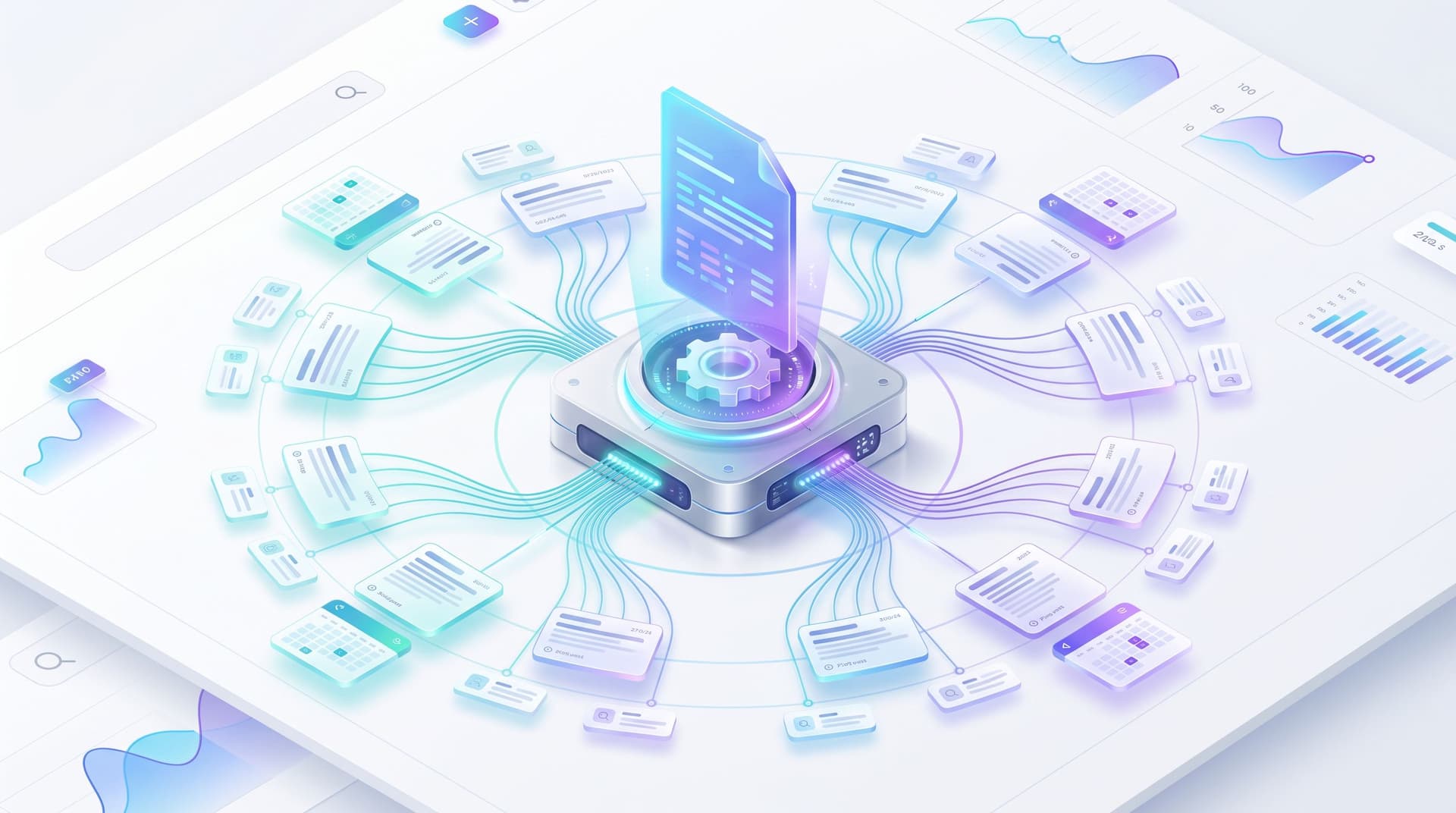
The ‘One-Day Migration’ Plan: Moving from a Stalled WordPress Blog to an AI-Powered Blogg Engine


If your WordPress blog hasn’t seen a new post since your last product launch, you’re not alone.
Most B2B teams start with good intentions: a content calendar, a few cornerstone posts, maybe an agency on retainer. Then priorities shift. The CMS gets cluttered. Drafts stall in review. Months go by, and your blog quietly stops being a growth channel and becomes… an archive.
Meanwhile, search is still one of the most reliable ways to drive high-intent, compounding traffic. But that only works if your blog is alive.
This is where an AI-powered engine like Blogg comes in. Instead of trying to “get back on the wagon” with the same manual process that burned you out, you can use AI to:
- Keep a consistent publishing cadence
- Turn existing assets into search-ready content
- Align posts with pipeline and real buyer questions
- Free your team from the CMS grind
And you don’t need a six-month migration project to get there.
This guide walks through a practical one-day migration plan for moving from a stalled WordPress blog to an AI-powered Blogg engine—without breaking your SEO, your brand voice, or your sanity.
Why Fixing Your Stalled Blog Is Worth a Single Day
Before we jump into the steps, it’s worth asking: why bother?
A neglected blog isn’t just a cosmetic issue. It has real costs:
- Lost search opportunities. Competitors publishing consistently will outrank you—even for topics you should own.
- Eroded trust. A blog that stopped in 2023 quietly signals, “We’re not investing here anymore.” That’s not the story you want buyers to hear.
- Wasted assets. Sales decks, PDFs, chat logs, and support docs sit unused while your team keeps answering the same questions 1:1.
- Slow, fragile process. Each new post feels like a mini-project: strategy, brief, writer, revisions, CMS, QA.
By contrast, an AI-powered engine like Blogg can turn your blog into a compounding asset again:
- Always-on publishing. You set topics and guardrails; AI handles ideation, drafting, and scheduling.
- Search-first structure. Posts are built around SEO opportunities and buyer jobs, not random ideas.
- Reuse of existing knowledge. Internal docs, PDFs, and conversations become structured inputs for ongoing content (see how this works in depth in The ‘One-Input’ Blog Strategy: How to Feed Blogg a Single Source and Get a Month of SEO Content).
- Operational consistency. Guardrails, tone, and workflows keep content aligned even as volume increases.
The good news: you can lay the foundation for all of this in a single focused day.
The One-Day Migration at a Glance
Here’s the high-level agenda for your migration day. Think of it as a sprint, not a never-ending “website project.”
- Morning: Audit and prioritize your existing content
- Late morning: Define your AI guardrails and voice
- Early afternoon: Set up Blogg and connect your WordPress stack
- Mid-afternoon: Seed your first AI-powered content streams
- Late afternoon: Configure publishing rules, QA, and measurement
- End of day: Flip the switch—without nuking your SEO
We’ll walk through each step in detail.
Step 1: Audit What You Already Have (Without Getting Lost)
You don’t need a 60-page audit to migrate; you need just enough clarity to:
- Avoid duplicating outdated or thin posts
- Identify content worth refreshing
- Spot gaps your AI engine should prioritize
1. Pull a quick inventory
In 60–90 minutes, you can:
- Export your posts list from WordPress (title, URL, date, category, tags).
- Pull top-line performance from tools like Google Analytics and Search Console:
- Posts with the most organic traffic over the last 6–12 months
- Posts with good impressions but low clicks (SEO opportunities)
- Posts with high engagement or conversions
2. Triage with a simple 3-bucket system
For each post in your inventory, assign one of three labels:
- Keep & Refresh – Still relevant, has some traffic or strategic value
- Merge & Upgrade – Overlapping topics, thin content, or multiple posts targeting the same keyword
- Archive or Redirect – Outdated, irrelevant, or actively confusing
If you want a deeper framework for this work, bookmark The ‘Content Debt’ Clean-Up: Using AI to Audit, Merge, and Prune Old Posts Without Killing Your SEO for a follow-up pass.
The output of this step is a short list of priority URLs:
- 5–10 high-value posts to refresh
- 3–5 clusters where you’ll want new supporting content
That’s enough to guide your AI setup.

Step 2: Define Guardrails So AI Sounds Like You
If you’ve ever tried generic AI writing tools, you’ve probably seen the downside: content that sounds like everyone else.
To avoid that, you need guardrails: simple, concrete rules that teach AI how to represent your brand, product, and point of view.
We go deep on this concept in From Editorial Chaos to ‘AI Guardrails’: Designing Simple Rules So Multiple Teams Can Safely Use Blogg, but here’s the “one-day” version.
1. Capture your voice in a one-page brief
In a shared doc, outline:
- Tone: e.g., “Plainspoken, specific, no buzzwords. We explain concepts with concrete examples.”
- Audience: Who you’re writing for (roles, company size, level of sophistication).
- Do / Don’t language:
- Do: use customer language from calls and chat logs
- Don’t: overpromise or use superlatives without proof
- Positioning pillars: 3–5 non-negotiable ideas you want reflected in posts (e.g., “We’re built for RevOps leaders,” “We prioritize implementation speed,” etc.).
2. Collect 2–3 “gold standard” posts
Pick a few existing posts that:
- Sound exactly like your brand
- Explain complex topics clearly
- Have performed well with your audience
These become reference examples you’ll feed into Blogg so it can model your style.
3. Turn guidelines into prompts
Translate your brief into reusable instructions, such as:
- “Write for a VP of Marketing at a 50–500 person B2B SaaS company.”
- “Use short paragraphs and concrete examples from SaaS and B2B scenarios.”
- “Avoid jargon and high-level fluff; every section should include at least one specific tactic.”
You’ll plug these into your Blogg workspace as part of your global configuration.
Step 3: Set Up Blogg and Connect WordPress
With strategy and guardrails in place, you can now wire up the system that will actually keep your blog alive.
1. Create your Blogg workspace
Sign up for Blogg and:
- Create your main workspace for the company blog
- Add your brand voice brief and gold-standard examples as reference material
- Configure your baseline:
- Primary topics and themes
- Target geographies or industries
- Preferred post length and formats (e.g., 1,500-word explainers, 800-word playbooks)
2. Connect to your WordPress site
Depending on your setup, you’ll typically:
- Install a connector plugin or integrate via API
- Map fields between Blogg and WordPress:
- Title
- Slug
- Excerpt/description
- Categories and tags
- Featured image
- Set default behaviors:
- Whether new posts are created as drafts or scheduled/published automatically
- Which author name should appear
The goal: once configured, you can manage ideation, drafting, and scheduling in Blogg, while WordPress remains your front-end CMS.
Step 4: Seed Your AI Engine with High-Value Inputs
An AI-powered blog is only as good as the inputs you feed it.
Instead of asking, “What should we blog about?” start from real sources of truth:
- Existing high-performing posts (from your audit)
- Sales call transcripts
- Live chat logs
- Support tickets
- Product docs and feature pages
- PDFs and benchmark reports
We’ve covered several of these workflows in depth—for example, turning chat logs into search traffic in From Live Chat Logs to Search Traffic: Turning Real-Time Questions into an Always-On AI Blog Engine and using one rich asset to power a month of content in The ‘One-Input’ Blog Strategy.
For your one-day migration, pick one or two inputs to start:
-
Your top 5–10 existing blog posts
- Ask Blogg to:
- Suggest 3–5 supporting posts for each (how-tos, comparisons, FAQs)
- Identify internal linking opportunities between them
- Ask Blogg to:
-
A single rich asset (e.g., a flagship PDF or feature page)
- Use Blogg to:
- Extract 10–15 topic ideas
- Map them to search-intent levels (problem-aware, solution-aware, product-aware)
- Use Blogg to:
Within a couple of hours, you’ll have a draft content map: 20–30 potential posts organized around your existing strengths.
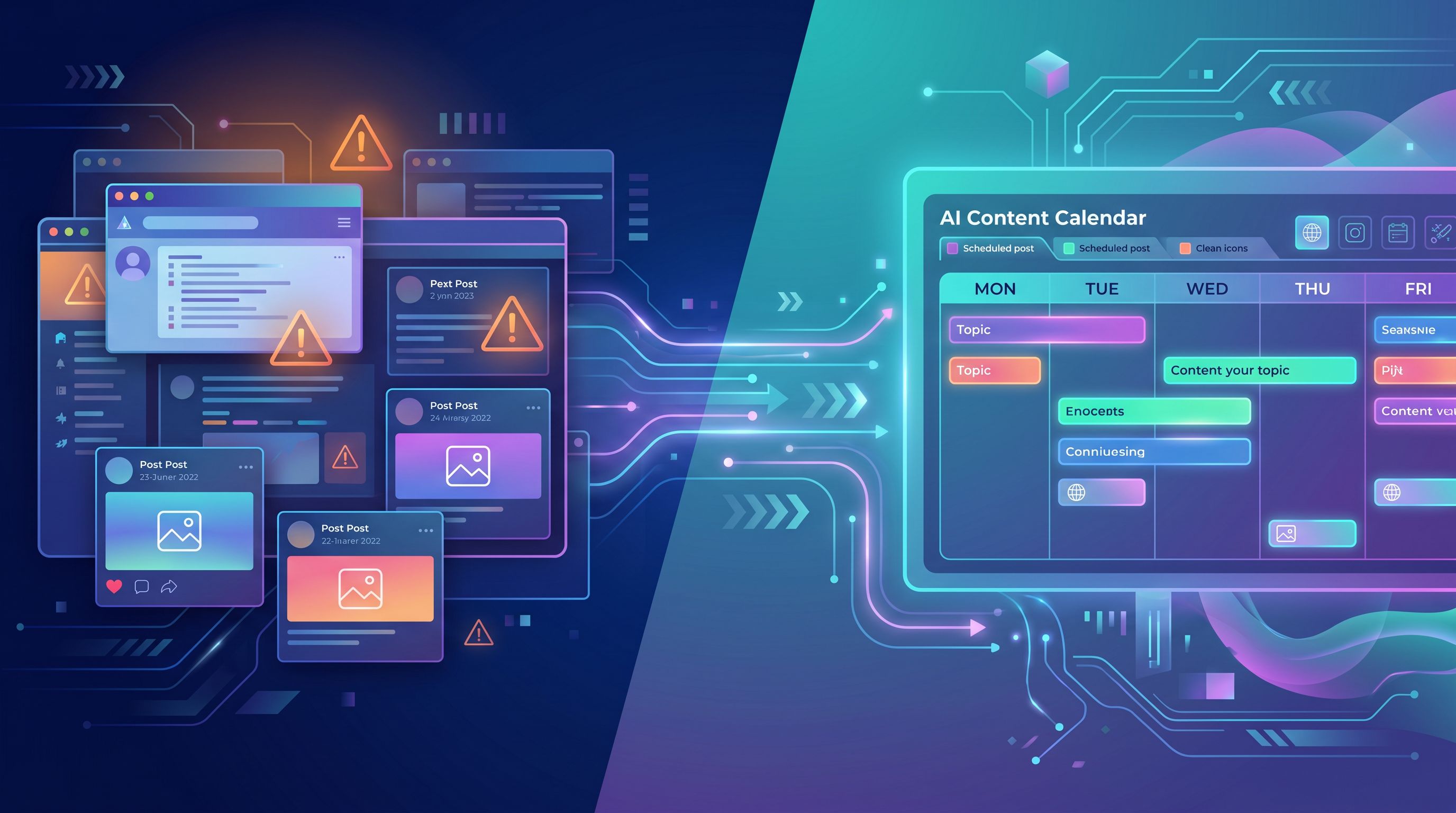
Step 5: Configure Your Publishing Rules and QA Flow
The power of an AI engine isn’t just that it writes quickly—it’s that it can follow clear rules consistently.
1. Decide your baseline cadence
Choose a realistic publishing rhythm you can sustain with AI assistance:
- 1–2 posts per week if you’re just reactivating the blog
- 3–5 posts per week if you have a backlog of topics and clear priorities
Set these as standing schedules in Blogg, so the system always has the next few posts queued.
2. Define your review workflow
Even with strong guardrails, you’ll want human oversight. Keep it light:
- Draft stage: Blogg generates a full draft.
- Reviewer: A marketer or subject-matter expert spends 10–20 minutes:
- Checking for accuracy and nuance
- Adding proprietary examples or data
- Tweaking headlines and CTAs
- Final pass: Optional SEO/QA check (links, formatting, images).
Over time, as you trust the system, you can:
- Auto-publish certain post types (e.g., FAQs, glossary entries)
- Keep human review for strategic pieces (e.g., thought leadership, big product stories)
3. Bake in SEO and internal linking
Configure Blogg to:
- Include target keywords and related phrases naturally
- Suggest internal links between posts in the same cluster
- Generate meta titles and descriptions aligned with your strategy
This is where the engine starts to feel like an SEO flywheel rather than a random content generator. If you want to go deeper on that idea, check out The ‘SEO Flywheel’ Setup: Using Blogg to Turn Every New Post into 3 Future Topic Ideas.
Step 6: Launch Without Breaking Your SEO
A common fear with any migration is, “Will this hurt our rankings?” The one-day plan is intentionally designed to be low-risk.
1. Keep URLs and structure stable
You’re not rebuilding your whole site; you’re:
- Keeping existing URLs for posts you’re refreshing
- Maintaining your core categories and navigation
- Using Blogg to update content in place
For posts you’re consolidating or archiving:
- Choose a primary URL to keep
- 301 redirect secondary or outdated posts to the best version
- Update internal links to point to the canonical post
2. Start with a pilot cluster
Instead of flipping everything at once, launch with:
- 3–5 refreshed posts (Keep & Refresh bucket)
- 3–7 net-new supporting posts generated by Blogg
This gives you a contained topic cluster where you can:
- Monitor rankings and traffic
- Evaluate quality and engagement
- Tweak guardrails and workflows before scaling
3. Monitor key metrics from day one
Set up simple dashboards to track:
- Organic traffic to your pilot cluster
- Click-through rates from search
- Time on page and scroll depth
- Conversions (demo requests, trials, email signups)
The goal isn’t to chase vanity metrics—it’s to prove that your AI-powered engine is moving real business outcomes, not just word count. For more on tying content to pipeline, see From Industry Benchmarks to Bottom‑of‑Funnel Posts: A Workflow for Turning Data into Demand with Blogg.
How This Actually Feels in Practice (A Simple Example)
Let’s say you’re a B2B SaaS company selling a revenue operations platform. Your WordPress blog has been dormant for 9 months.
In your one-day migration, you might:
- Audit: Identify 8 posts still getting traffic around “RevOps automation” and “sales forecasting.”
- Guardrails: Document that your tone is “practical, no-nonsense, RevOps-first,” and pull two strong posts as style examples.
- Setup: Connect Blogg to WordPress, set a cadence of 2 posts per week.
- Inputs: Feed in your top 8 posts plus a 30-page implementation guide PDF.
- Generation: Let Blogg propose 15 supporting topics—how-tos, FAQs, comparisons—and draft the first 5.
- Review: Spend 2–3 hours total reviewing, tweaking, and scheduling those 5 posts over the next 3 weeks.
By the end of the day, your blog is no longer “stalled.” It’s:
- Backed by a clear content map
- Fueled by AI drafts that sound like you
- Set to publish on a consistent schedule without heroics
Summary: What You Accomplish in One Focused Day
With a single, structured day, you can move from a stale WordPress blog to an always-on AI-powered engine by:
- Auditing your existing content just enough to know what to keep, merge, and retire
- Defining guardrails so AI-generated posts match your voice and positioning
- Setting up Blogg and connecting it cleanly to your WordPress instance
- Seeding the engine with your best existing assets and a rich input (like a PDF or feature page)
- Configuring workflows for drafting, review, SEO, and internal linking
- Launching a pilot cluster that proves the model before you scale
You’re not rebuilding the plane mid-flight. You’re installing an engine that keeps the plane in the air—so your team can focus on where you’re actually going.
Your Next Step: Block the Day, Not the Quarter
If your blog has been stuck for months, it’s tempting to think the fix must be equally long and painful.
It doesn’t have to be.
Here’s a simple way to start:
- Pick a date within the next two weeks and block a full day on the calendar.
- Invite the right people: one marketer, one subject-matter expert, and whoever owns your website.
- Set a clear goal for the day: “By 5 p.m., our blog is connected to Blogg, our first cluster is mapped, and at least 3 posts are scheduled.”
- Use this guide as your agenda, step by step.
If you want that day to be even easier, explore how Blogg handles ideation, writing, and scheduling out of the box. With the right setup, your “one-day migration” won’t just fix a stalled blog—it will give you a content engine that keeps working long after the calendar reminder disappears.