The ‘Evergreen Launch’ Strategy: Pairing Every New Feature or Offer with an AI-Powered Mini Blog Campaign

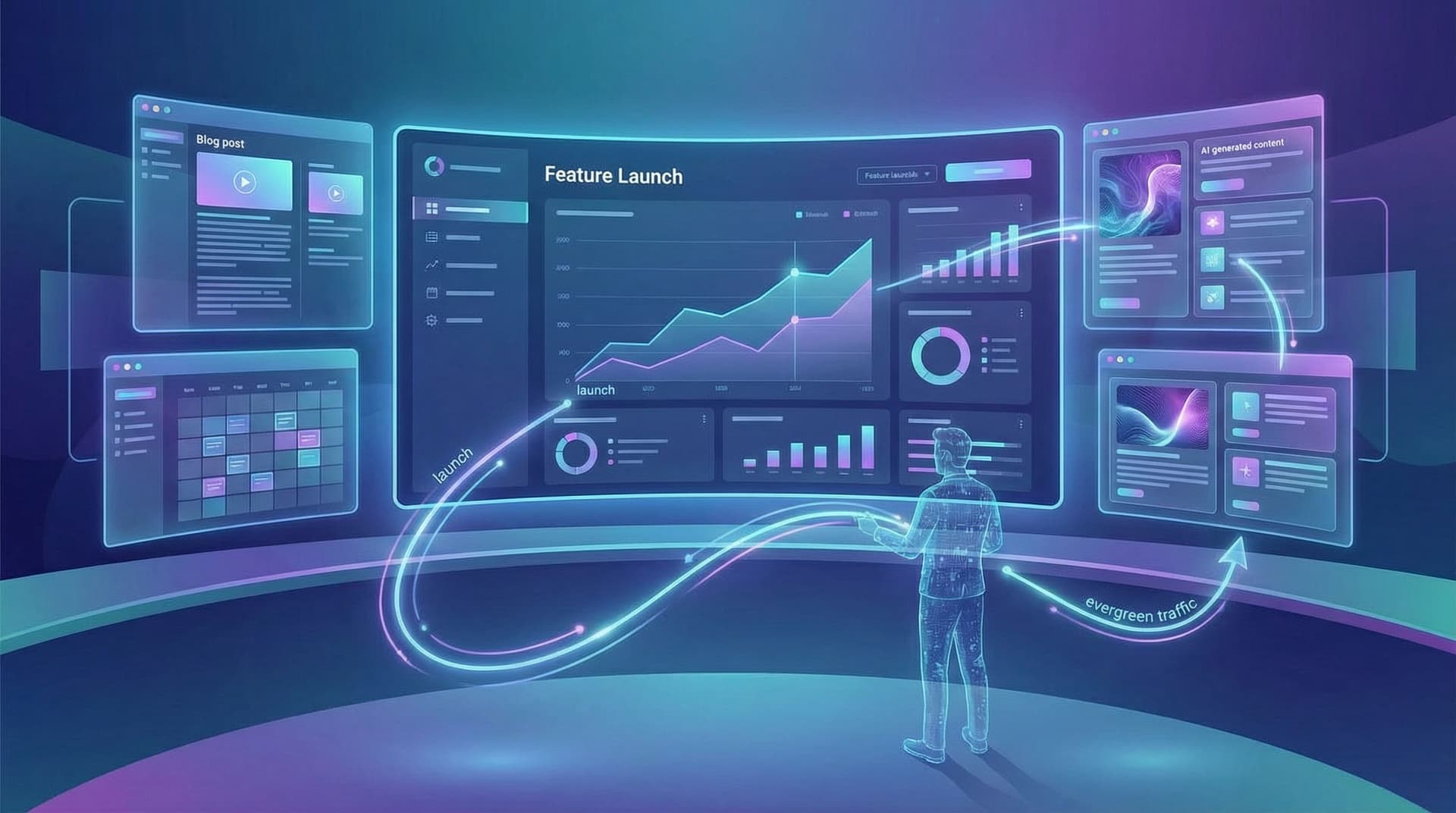
Most teams treat launches like fireworks.
Big flash. Short life.
You ship a new feature, promo, or offer and support it with:
- One announcement post
- A newsletter blast
- A few social posts
Then you move on.
Meanwhile, prospects are still searching for the exact problems that launch solves—weeks and months later. But your content footprint around that launch is already fading.
The evergreen launch strategy fixes that.
Instead of a one-and-done announcement, you attach a small, focused, AI-powered blog campaign to every meaningful launch. Not a 20‑post content cluster—just a handful of tightly scoped posts designed to:
- Capture search demand around the problem and solution
- Educate people who aren’t ready to buy yet
- Support sales and success with assets they can send for months
Platforms like Blogg make this realistic for small teams: you define the topics and intent, and the system handles ideation, drafting, and scheduling so every launch leaves behind an SEO trail, not just a spike.
Why Every Launch Deserves an Evergreen Campaign
If you’re shipping even a few meaningful updates per quarter, you’re already sitting on a content strategy—whether you use it or not.
Each launch naturally comes with:
- A specific problem or use case
- A target segment or persona
- Clear before/after value
- Real examples and stories from beta users or early adopters
That’s exactly what strong blog content needs.
When you attach a mini campaign to each launch, you:
1. Turn temporary attention into compounding traffic
A single announcement post might get a traffic spike for a day or two. A 3–5 post campaign around the same launch can:
- Rank for problem-focused queries
- Capture long‑tail use cases
- Support future feature searches (e.g., “how to [do X] in [your product]”)
2. Give sales and success better follow‑ups
Instead of sending people to a generic blog homepage, your team can share:
- A practical how‑to post for someone stuck on a workflow
- A comparison post for someone evaluating alternatives
- A use‑case story that mirrors the prospect’s situation
For more on designing those conversion paths, see From Blog to “Book a Call”: Designing Simple Conversion Paths Around AI-Generated Content.
3. Reduce content whiplash and “random acts of blogging”
Launches give you a built‑in editorial spine. Instead of scrambling for ideas, you can:
- Anchor a month of content around a single feature or offer
- Reuse research, screenshots, and messaging across posts
- Keep your blog aligned with product and revenue priorities
4. Make AI content feel purposeful, not generic
AI on its own tends to produce “fine but forgettable” posts. When you anchor it to specific launches and use cases, you get:
- Clear angles and opinions
- Real examples from your roadmap and customer base
- Posts that support real business goals, not just traffic
If you’re worried about sameness, you’ll like the approach in The Opinionated AI Blog: How to Use Prompts, Examples, and Guardrails to Avoid Generic, Forgettable Posts.
What an Evergreen Launch Actually Looks Like
Let’s define terms.
An evergreen launch isn’t about keeping the launch announcement alive forever. It’s about using the launch as a trigger to create:
- Evergreen posts that answer durable questions
- Searchable assets that keep attracting the right visitors
- Sales enablement content that keeps closing the loop
A typical mini campaign might look like:
- Launch announcement (time‑sensitive)
- Problem explainer (evergreen)
- How‑to / workflow guide (evergreen)
- Use‑case or case‑study style story (evergreen)
- Comparison or decision guide (evergreen, especially for offers or pricing changes)
You don’t need all five for every launch. But having a repeatable pattern means you can:
- Brief AI quickly
- Reuse prompts and templates
- Hand off execution to a platform like Blogg without reinventing the wheel

Step 1: Decide Which Launches Deserve a Mini Campaign
Not every tiny tweak needs a full content push. Start by scoring launches on three simple dimensions:
-
Search potential
- Are people already searching for this problem or workflow?
- Are there clear phrases like “how to automate X,” “best way to manage Y,” or “tool for Z” tied to it?
-
Revenue impact
- Does this feature or offer influence upgrades, expansion, or new deals?
- Will sales actually talk about it in calls?
-
Longevity
- Will this still matter 6–12 months from now?
- Is it part of a long‑term product direction, not just a one‑off experiment?
If a launch scores high on at least two of these, it’s a good candidate for an evergreen mini campaign.
Pro tip: Map these launches against your broader topic themes. If you’re already building micro‑pillars around specific problems, a launch can become the centerpiece of a focused topic cluster. (For a deeper dive on that approach, see Micro-Pillar Pages with Macro Impact: Using AI to Turn One Core Topic into 12 High-Intent Blog Posts.)
Step 2: Define the “Mini” in Your Mini Campaign
The biggest reason teams don’t do this is simple: it sounds big.
So make it small on purpose.
For each qualifying launch, define a default campaign size that feels doable even during busy weeks. For many teams, that’s:
- 3 posts for minor but meaningful updates
- 5 posts for major features or offers
Here’s a simple 3‑post template you can reuse:
-
The “Why This Matters” explainer
- Angle: Problem‑first, not product‑first
- Goal: Attract people who haven’t heard of you yet but feel the pain
- Example title: “Why Your [Process] Keeps Breaking at 10+ Team Members (and How to Fix It)”
-
The workflow or playbook
- Angle: Step‑by‑step walkthrough of how to solve the problem, with your feature as the hero—but not the only character
- Goal: Help readers visualize success and see your product as the easiest path
- Example title: “A 7‑Step Workflow for [Outcome] Without Babysitting Spreadsheets”
-
The proof or decision helper
- Angle: Use cases, mini case study, or comparison that helps people justify the choice
- Goal: Support bottom‑of‑funnel decisions and sales conversations
- Example title: “How [Customer Type] Cut [Pain Metric] by 40% After Fixing [Problem]”
Once this template is set, you can automate most of the work:
- Use AI to generate outlines and first drafts
- Feed launch notes, internal FAQs, and sales objections into your prompts
- Let Blogg handle scheduling so posts roll out over the weeks following the launch
Step 3: Use AI to “Battle-Test” Your Campaign Before You Publish
An evergreen launch campaign works best when each post lines up with real search intent and buyer questions.
Instead of guessing, you can:
-
Simulate search intent with AI
- Ask AI: “Given this feature and audience, what are 10 things they’d type into Google a week before they need this?”
- Group those queries into 2–3 intent buckets: learning, evaluating, ready‑to‑act.
-
Stress‑test your angles
- Feed AI your working titles and ask: “What objections or questions might a skeptical buyer have after reading this title?”
- Use the answers to refine your headlines and subheads.
-
Check for overlap and gaps
- Ask: “If someone read all three of these posts, what would they still be unsure about?”
- Fill that gap with a section or a fourth post if it’s important.
We walk through this in detail in Battle-Testing Your Blog Ideas: Using AI to Simulate Search Intent, Objections, and Reader Questions Before You Publish.
When you run this “pre‑mortem” on your mini campaign, you:
- Avoid three posts that all say the same thing
- Make each piece sharper and more useful
- Ensure you’re covering the full journey from “I have a problem” to “I’m ready to choose a tool”
Step 4: Map Each Post to a Clear Business Goal
Evergreen doesn’t mean vague.
Before you draft anything, decide what each post is supposed to do:
-
Top‑of‑funnel posts
- Goal: Attract and educate
- Primary metrics: Organic visits, time on page, newsletter signups
-
Mid‑funnel posts
- Goal: Help people evaluate approaches and solutions
- Primary metrics: Clicks to product pages, downloads, “learn more” clicks
-
Bottom‑funnel posts
- Goal: Drive trials, demos, or direct signups
- Primary metrics: Demo requests, trial starts, pricing page visits
For each post in your mini campaign, write down:
- Primary goal (e.g., “support sales discovery calls about this feature”)
- One main CTA (e.g., “watch a 3‑minute walkthrough,” “book a 15‑minute consult,” “start a free trial with this template pre‑loaded”)
- One secondary CTA for people who aren’t ready yet (e.g., “save this checklist,” “get the full guide as a PDF”)
Then bake those into your outlines and into the prompts you use with AI or Blogg. When CTAs are part of the plan from the start, they feel like a natural extension of the content instead of a bolted‑on banner.
For a deeper look at mapping posts to pipeline, see From Blogg to Demo Requests: Mapping AI‑Generated Posts Directly to Sales KPIs.
Step 5: Build a Reusable AI Workflow for Every Launch
Here’s where this becomes a system instead of a one‑off experiment.
Create a simple launch → content workflow your team can follow every time.
A. Capture the raw inputs
Before you ever open a blank doc, gather:
- Launch brief (problem, audience, value prop)
- Internal FAQ or sales enablement doc
- Any beta feedback, quotes, or anecdotes
- Screenshots or short Loom demos
These become the “source of truth” you feed into AI.
B. Use a repeatable prompt set
For each post type in your mini campaign, keep a standard prompt, for example:
-
Problem explainer prompt:
“You are writing for [persona] who struggles with [problem]. Using the launch brief below, draft a problem‑first blog post that explains why this problem gets worse as [context], and introduces our new feature as one of several ways to solve it. Use clear subheadings, practical examples, and avoid hype.” -
Workflow guide prompt:
“Using the same launch brief, write a step‑by‑step workflow that shows how to go from [painful status quo] to [desired outcome] in under [timeframe]. Include where our feature fits, but also mention best practices that apply regardless of tool.”
You can store these directly inside Blogg or your own prompt library so every marketer—or even founders—can spin up a mini campaign without starting from scratch.
C. Let automation handle timing and consistency
Instead of publishing all posts on launch day, schedule them to:
- T‑0: Launch announcement
- T+3–5 days: Problem explainer
- T+1–2 weeks: Workflow guide
- T+3 weeks: Use‑case or case study
- T+4–6 weeks: Comparison or decision guide (if relevant)
That way, the launch feels alive for weeks, not hours, and your blog shows a coherent story arc around the problem you just invested in solving.

Step 6: Keep the “Evergreen” Part Truly Evergreen
A launch ages. The problems and workflows around it usually don’t.
To keep your mini campaigns working, bake in a light maintenance plan:
-
Set a refresh cadence
- For high‑impact launches, add a reminder every 6–12 months to review the associated posts.
- Use AI to summarize what’s changed in your product since the launch and suggest updates.
-
Watch for content decay
- Track rankings and traffic for your launch‑related posts.
- When you see a slow slide, refresh the content: new examples, updated screenshots, clarified messaging.
-
Tie refreshes to new launches
- When you ship improvements to a feature, revisit the original mini campaign.
- Add a new post or update older ones with “what’s new” sections.
If you’re wondering how often to do this across a larger AI‑powered blog, you’ll find a detailed playbook in How Often Should You Refresh AI-Generated Posts? A Data-Backed Playbook for Content Updates in 2025.
Platforms like Blogg can help here too: once your posts are in the system, you can:
- Tag them by feature or offer
- See which launch campaigns are still pulling their weight
- Queue refreshes without rebuilding the entire workflow
Step 7: Measure the Right Things (Beyond Pageviews)
Evergreen launch campaigns shine when you look beyond raw traffic.
For each campaign, track:
-
Assisted conversions
- How many demos, trials, or signups included at least one launch‑related post in the journey?
-
Sales usage
- How often are reps linking to these posts in follow‑up emails or call recaps?
- Which specific posts get the most replies or forwards?
-
Support deflection and activation
- Are “how do I do X?” tickets going down for workflows you’ve documented?
- Are new users who read the workflow guide activating faster or using more of the feature set?
-
Topic‑level authority
- Are you starting to rank for more queries around the underlying problem, not just your brand name?
When you connect these dots, you can defend the strategy internally:
“For our Q2 automation launch, a 4‑post mini campaign contributed to 27% of closed‑won deals that mentioned automation, and cut onboarding questions about that feature by 18%.”
That’s a very different story than “our launch post got 1,200 views.”
Putting It All Together
If you want your launches to keep working long after the confetti settles, you don’t need a massive content team. You need a repeatable, AI‑assisted habit:
- Score launches for search potential, revenue impact, and longevity.
- Pick a small default campaign size (3–5 posts) and stick to it.
- Battle‑test your ideas with AI before drafting to align with real intent.
- Give each post a clear job in your funnel and design CTAs accordingly.
- Standardize prompts and workflows so anyone on the team can spin up a mini campaign.
- Schedule posts over several weeks to extend the life of the launch.
- Refresh strategically so the evergreen pieces stay accurate and competitive.
Do this for every meaningful feature or offer, and your blog stops being an archive of announcements. It becomes a living library of problem‑solving content that mirrors your product roadmap and sales conversations.
Your Next Step
You don’t have to overhaul your entire content strategy to try this.
Pick one upcoming launch—a feature, promo, or offer you know matters this quarter—and:
- Draft a simple 3‑post mini campaign using the template above.
- Turn your launch brief into AI prompts (or drop it into Blogg with your campaign structure).
- Schedule those posts to roll out over the month following launch.
Once you see how much easier it is to keep a launch alive when the content engine is doing the heavy lifting, you can standardize the process across every release.
If you want that engine to run with minimal manual effort, explore how Blogg can:
- Turn your launch notes into SEO‑ready outlines and drafts
- Schedule mini campaigns automatically around your release calendar
- Help you track which launch campaigns are still driving traffic, leads, and revenue
Your product team is already shipping features. Your offers are already going live. The evergreen launch strategy simply makes sure your blog—and your pipeline—keep up.