From CRM Fields to Content Themes: Mining Customer Data for an AI-Driven Editorial Calendar


From CRM Fields to Content Themes: Mining Customer Data for an AI-Driven Editorial Calendar
If your CRM is packed with contacts, deals, and notes—but your blog calendar is still a blank spreadsheet—you’re leaving money on the table.
Your CRM already knows:
- Who your best-fit customers are
- What they’re buying (and what they’re not)
- Which objections keep coming up
- What industries, use cases, and problems are most common
That’s not just sales data. It’s a ready-made content strategy.
When you connect those CRM insights to an AI-powered blogging engine like Blogg, you can turn messy fields and notes into a structured, SEO-driven editorial calendar that runs itself.
This article walks through how to:
- Translate CRM fields into content themes
- Prioritize topics based on revenue, not just search volume
- Feed structured customer data into AI so it generates on-point posts
- Build an editorial calendar that updates as your pipeline and customer base evolve
Why Your CRM Might Be the Best Content Strategist You Have
Most blogs are still planned around one of three things:
- Keyword lists from SEO tools
- Quarterly brainstorms
- Whatever the loudest stakeholder asks for
The result: lots of content, not much alignment.
Your CRM solves that problem because it’s already organized around the people who actually pay you. When you mine CRM data for content themes, you:
- Align content with revenue. Posts are tied to real opportunities, not abstract personas.
- Use the language buyers actually use. CRM notes, deal descriptions, and lost reasons are full of customer phrasing you can mirror in your posts.
- Close gaps along the buyer journey. If deals stall at “security review” or “implementation risk,” your calendar can attack those topics directly.
- Make AI far more accurate. AI works best when it’s grounded in concrete, structured data. Your CRM is exactly that.
If you’ve already explored how to turn sales decks into search content in From Sales Deck to Search Magnet: Using AI to Turn Your Pitch Slides into Blogg‑Ready Content, this is the same idea—but wired directly into your system of record.
Step 1: Decide Which CRM Fields Actually Matter for Content
You don’t need to rip your CRM apart. You just need to pick a small set of fields that consistently show up in your best deals and your trickiest sales conversations.
Create a simple “content lens” on your CRM with fields like:
- Industry / Segment – e.g., Healthcare, Fintech, Manufacturing
- Company size / Tier – SMB, Mid-market, Enterprise
- Primary use case – The main job they’re hiring you to do
- Key pain point – The problem that triggered the search
- Products / features involved – What they’re actually evaluating
- Stage where deals stall – Security review, Legal, Procurement, Pilot
- Win / loss reason – Why they chose you or a competitor
If your CRM already tracks custom fields (like compliance needs, integration requirements, or buying committee size), add them too.
Then, define a short list of questions:
- Which fields tell us who we’re helping?
- Which fields tell us what problem they’re trying to solve?
- Which fields tell us what’s blocking them from saying yes?
Everything else is nice to have.
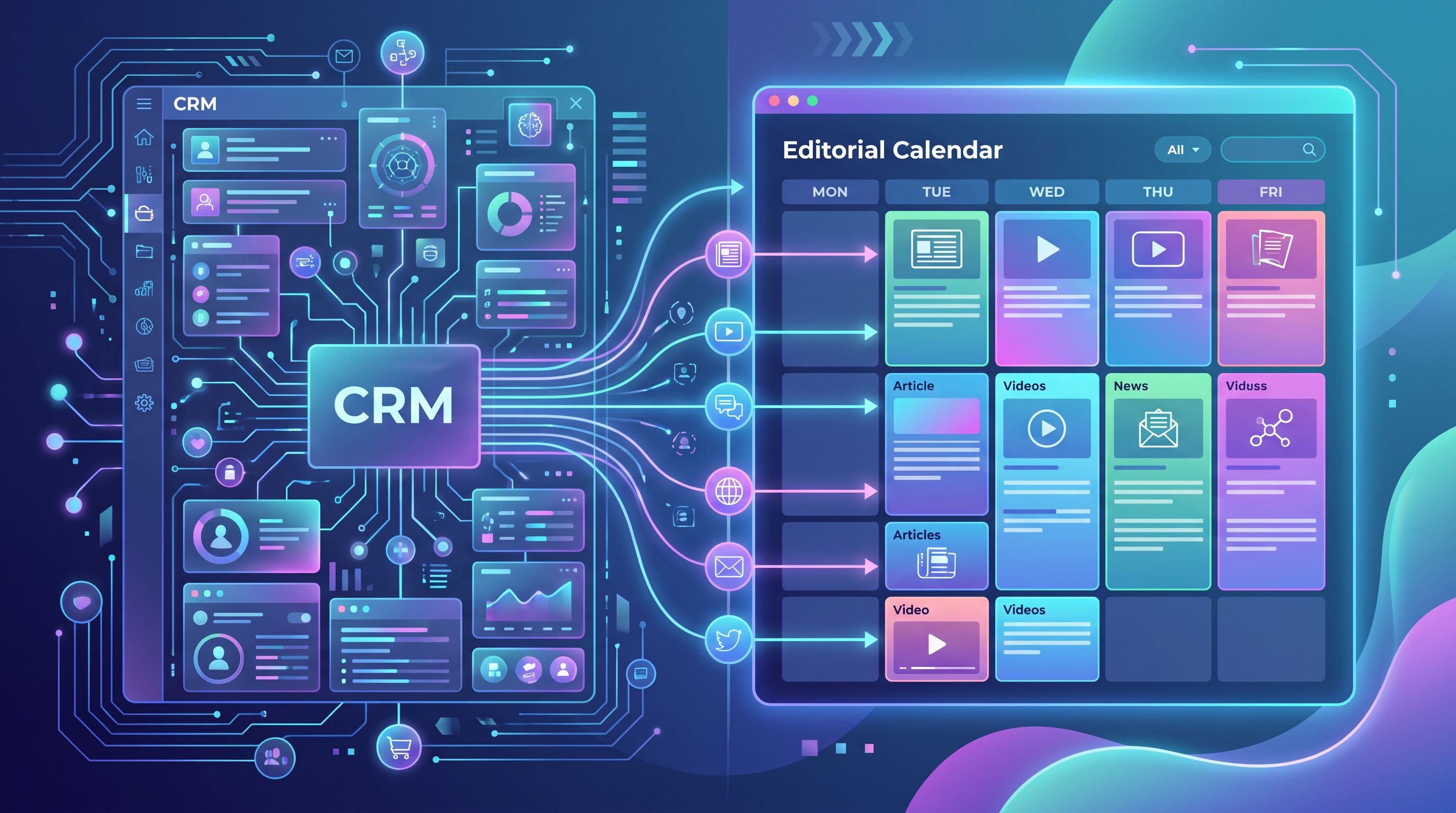
Step 2: Turn CRM Fields into Repeatable Content Themes
Once you’ve chosen your key fields, the next move is to translate them into themes your AI can work with.
Think in terms of theme formulas—simple patterns that can generate dozens of posts.
Here are a few powerful formulas:
1. Industry × Use Case
Use your Industry and Primary use case fields to define verticalized series.
Examples:
- “How Mid-Market Healthcare Teams Use [Your Product Category] to Reduce Compliance Risk”
- “A Practical Guide to Scaling Onboarding for Remote-First Fintech Companies”
Each combination of industry + use case becomes a mini-series in your calendar.
2. Pain Point × Stage of Deal
Use Key pain point and Stage where deals stall to create content that unblocks deals.
Examples:
- “Security Questions Every Enterprise Buyer Asks About [Your Product Category]—Answered by Our CTO”
- “Implementation Timelines: What Our Most Successful Customers Achieved in the First 30, 60, and 90 Days”
This is especially powerful if you’re selling into long, complex cycles—something we go deeper on in AI Blogging for High-ACV Deals: Structuring Blogg Content to Support Long Sales Cycles and Multi-Step Evaluations.
3. Win / Loss Reason × Feature or Capability
Use Win / loss reason and Products / features involved to create comparison and decision content.
Examples:
- “Why Teams Choose Us Over Spreadsheets for [Job to Be Done]”
- “The 5 Evaluation Criteria Our Best-Fit Customers Use When Comparing [Your Product] vs. [Common Alternative]”
These posts don’t just attract search traffic; they also give your reps links to send when those objections appear in live deals.
4. Company Size × Risk or Constraint
Use Company size and any fields tied to risk (budget sensitivity, compliance, complexity).
Examples:
- “How Early-Stage Startups Can Get Enterprise-Grade Security Without Enterprise Overhead”
- “Scaling from 50 to 500 Seats: What Changes (and What Doesn’t) in Your [Product Category] Setup”
The goal is to define 5–8 repeatable formulas that naturally map to your CRM structure. Each formula becomes a lane in your editorial calendar.
Step 3: Extract a “Topic Seed List” Directly from CRM Data
Now it’s time to move from theory to data.
Work with ops or RevOps to export a focused dataset from your CRM. You don’t need personal data; you need patterns.
Export something like:
- All Closed-Won deals from the last 12–18 months
- All Closed-Lost deals over a certain size
- All Open deals above a target value or in specific segments
Include only the fields you picked earlier. Then:
- Cluster by industry and use case. Count how many deals sit in each combination.
- List top pain points. Look for the 10–20 most common phrases in your pain point field.
- Identify frequent stall stages. Where do deals most often slow down or die?
- Summarize win/loss reasons. Group similar reasons (e.g., “chose in-house build,” “went with cheaper tool,” “security concerns”).
This gives you a topic seed list grounded in revenue, not guesswork.
If you’ve already run something like a Source Stack audit (as described in The ‘Source Stack’ Audit: Mapping Every Tool, Doc, and Channel Your AI Blog Should Be Mining for Topics), this CRM export simply becomes another structured source in that stack.
Step 4: Feed CRM Insights into AI the Right Way
AI doesn’t need raw CSVs; it needs structured prompts.
Whether you’re using Blogg or another AI workflow, the pattern is similar:
- Summarize each cluster.
- Example: “Mid-market healthcare companies buying for ‘centralized reporting’ with frequent security stalls at the InfoSec review stage.”
- Attach real phrases.
- Pull 5–10 actual pain-point or objection phrases from CRM notes for each cluster.
- Define the content job.
- Are you trying to generate: top-of-funnel education, mid-funnel comparisons, bottom-of-funnel objection handling, or post-sale enablement?
Then, create AI prompts like:
“You are writing for mid-market healthcare operations leaders evaluating [Product Category] to centralize reporting. Their biggest pain points are: [phrases]. Deals often stall at security review because of [reasons]. Generate a list of 15 SEO-optimized blog post ideas that educate them, address their security concerns, and make it easier for them to champion this purchase internally.”
With a platform like Blogg, you can store these cluster definitions and let the system:
- Ideate post topics
- Draft outlines
- Produce full posts
- Schedule them across weeks or months
All while staying anchored to the CRM data you’ve already vetted.
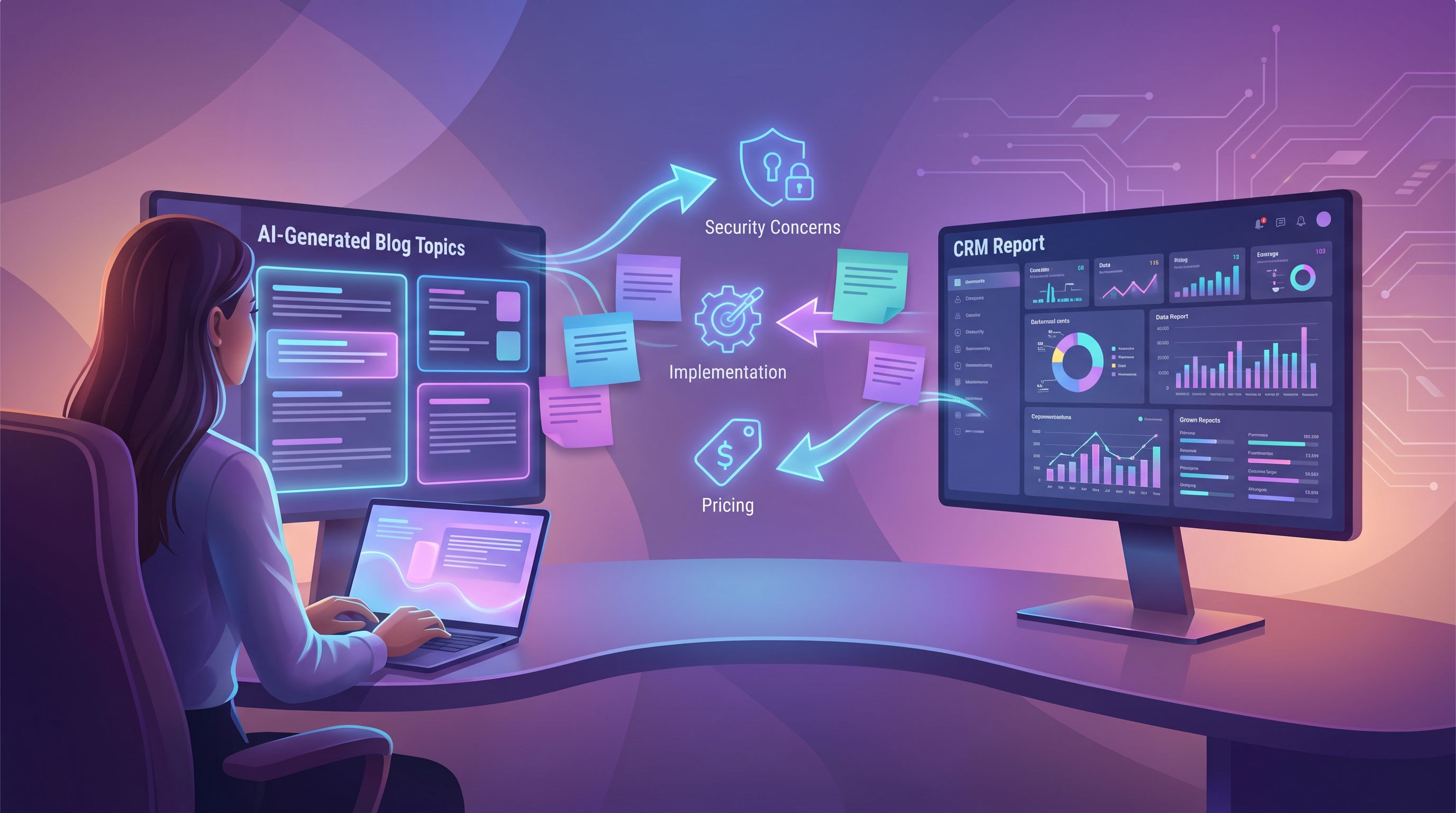
Step 5: Prioritize Topics by Revenue Impact, Not Just Search Volume
Traditional SEO starts with keyword research tools and works backward to content.
Here, you do the opposite:
- Rank your clusters by revenue.
- Which industries + use cases represent the highest LTV or win rate?
- Where are you seeing the fastest sales cycles?
- Identify friction points.
- Which clusters have the most common stall stages or toughest objections?
- Overlay search demand.
Then build a simple prioritization score for each potential topic:
- Deal value (1–5) – How much revenue is tied to this cluster?
- Deal friction (1–5) – How much could this content reduce stalls or losses?
- Search potential (1–5) – Is there meaningful search demand?
Topics with high scores across all three dimensions move to the top of your editorial calendar.
This is also where a tool like Blogg shines: once you’ve tagged topics by cluster and priority, you can let the platform schedule a balanced mix of:
- High-intent, high-value posts
- Supporting educational content
- Comparison and objection-handling pieces
…without manually juggling everything in spreadsheets.
Step 6: Shape an Editorial Calendar That Mirrors Your Pipeline
Now you have:
- Clear themes based on CRM fields
- Topic ideas for each cluster
- A sense of priority based on revenue and friction
Time to turn that into a living calendar.
Build Around Cadence and Balance
Decide how often you want to publish (e.g., 2–4 posts per week), then create simple rules like:
- Every week includes:
- 1 post targeting a top-revenue cluster
- 1 post targeting a high-friction objection
- 1 post for long-term SEO depth (e.g., how-tos, implementation guides)
- Every month includes:
- 1 deep-dive case study tied to a specific CRM segment
- 1 comparison or evaluation guide
With Blogg, you can encode these rules as preferences so the system automatically balances:
- Industries
- Use cases
- Funnel stages
- Content formats
Sync with Sales and Success
Your calendar shouldn’t just reflect closed deals; it should mirror what’s happening right now.
Once a month, review with sales and success:
- New patterns in lost reasons
- Emerging objections
- New verticals or use cases entering the pipeline
Feed those updates back into your clusters and prompts so your AI-generated content keeps pace with the market.
If you’re already using AI to turn proposals, quotes, and scopes into posts (see AI Blogging for Service Businesses: Turning Proposals, Quotes, and Scopes of Work into Search-Ready Posts), this CRM-driven approach becomes the “macro” layer on top of those more granular, deal-specific posts.
Step 7: Close the Loop with Metrics That Actually Matter
A CRM-driven editorial calendar is only as good as the feedback loop you build around it.
Track metrics that tie content performance back to pipeline, such as:
- Assisted opportunities. How many deals first touched or frequently engaged with posts tied to their CRM cluster?
- Stage velocity. Do deals in clusters with targeted content move faster through key stages?
- Objection frequency. Are certain objections appearing less often in notes or call transcripts after you publish dedicated posts?
- Self-serve behavior. Are buyers sharing your posts internally (forwarded emails, Slack links, etc.) as part of their evaluation?
With Blogg, you can tag posts by cluster and theme, then compare performance across segments—so you’re not just looking at pageviews, but at how content supports real revenue.
Bringing It All Together
When you connect your CRM to your content strategy and power the execution with AI, you get a blog that:
- Speaks your buyers’ language
- Anticipates objections before they reach a rep
- Reflects the segments and use cases that actually drive revenue
- Updates itself as your pipeline evolves
The shift is simple but profound:
- From: “What should we write about next quarter?”
- To: “What does our CRM tell us buyers are struggling with, and how can we publish something helpful about it this week?”
That’s the foundation of an AI-driven editorial calendar that doesn’t just publish more—it sells more.
Your Next Step
You don’t need a massive RevOps project to start.
Here’s a lightweight first move you can take this week:
- Pull a list of your last 50 closed-won deals.
- Note the industry, primary use case, key pain point, and win reason for each.
- Group them into 3–5 clusters.
- For each cluster, write a one-paragraph description and paste in 5–10 real phrases from CRM notes.
- Feed those into an AI tool—or better yet, into Blogg—and ask it to generate 10–15 post ideas per cluster.
By the end of that exercise, you’ll have:
- A CRM-backed map of your highest-value themes
- Dozens of content ideas grounded in real buyer language
- The raw material for a quarter’s worth of AI-generated, SEO-optimized posts
If you’re ready to let your CRM do the heavy lifting for your blog, explore how Blogg can turn those fields and notes into a living editorial calendar—so you can stay focused on running the business while your content quietly feeds the pipeline.