AI Blogging for Product-Led Growth: Turning Feature Launches into Evergreen Traffic

Product-led growth (PLG) lives or dies on one thing: whether people can discover, understand, and experience your product without talking to sales.
Most teams obsess over in-app onboarding and pricing pages—and then treat feature launches like one-off announcements:
- A launch email
- A social thread
- A quick changelog entry
- Maybe a single blog post that spikes traffic for a day or two
Then it’s gone.
Meanwhile, your ideal buyers are still searching for the exact problems your new feature solves—weeks, months, and years after launch.
That gap is where AI-powered blogging can quietly turn every feature release into a long-term growth asset.
Blogg exists for exactly this: you set topics, themes, and priorities, and it handles ideation, drafting, and scheduling so your blog becomes a durable engine for product-led growth—not just a place for launch announcements.
Why Feature Launches Are a Goldmine for Evergreen Traffic
Every meaningful feature you ship usually comes from the same sources:
- Repeated customer requests
- Product gaps identified by sales/support
- Patterns in churn or lost deals
In other words: your features are built around real, recurring problems. Those problems map directly to search queries like:
- “how to automate client onboarding emails in [industry]”
- “role-based access control for small teams”
- “how to stop churn from failed payments”
If you only write one “We launched X!” post, you’re leaving a lot of compounding value on the table.
What “Evergreen” Actually Means in a PLG Context
For product-led growth, evergreen content isn’t just timeless theory. It’s content that:
- Matches persistent problems (things your ICP will still Google a year from now)
- Connects naturally to your product (without feeling like a sales page)
- Stays valid even as your UI or pricing evolves (you can update screenshots and details without rewriting the whole narrative)
Feature launches are perfect raw material for this kind of content—you just need a system to turn them into a cluster of posts instead of a single announcement.
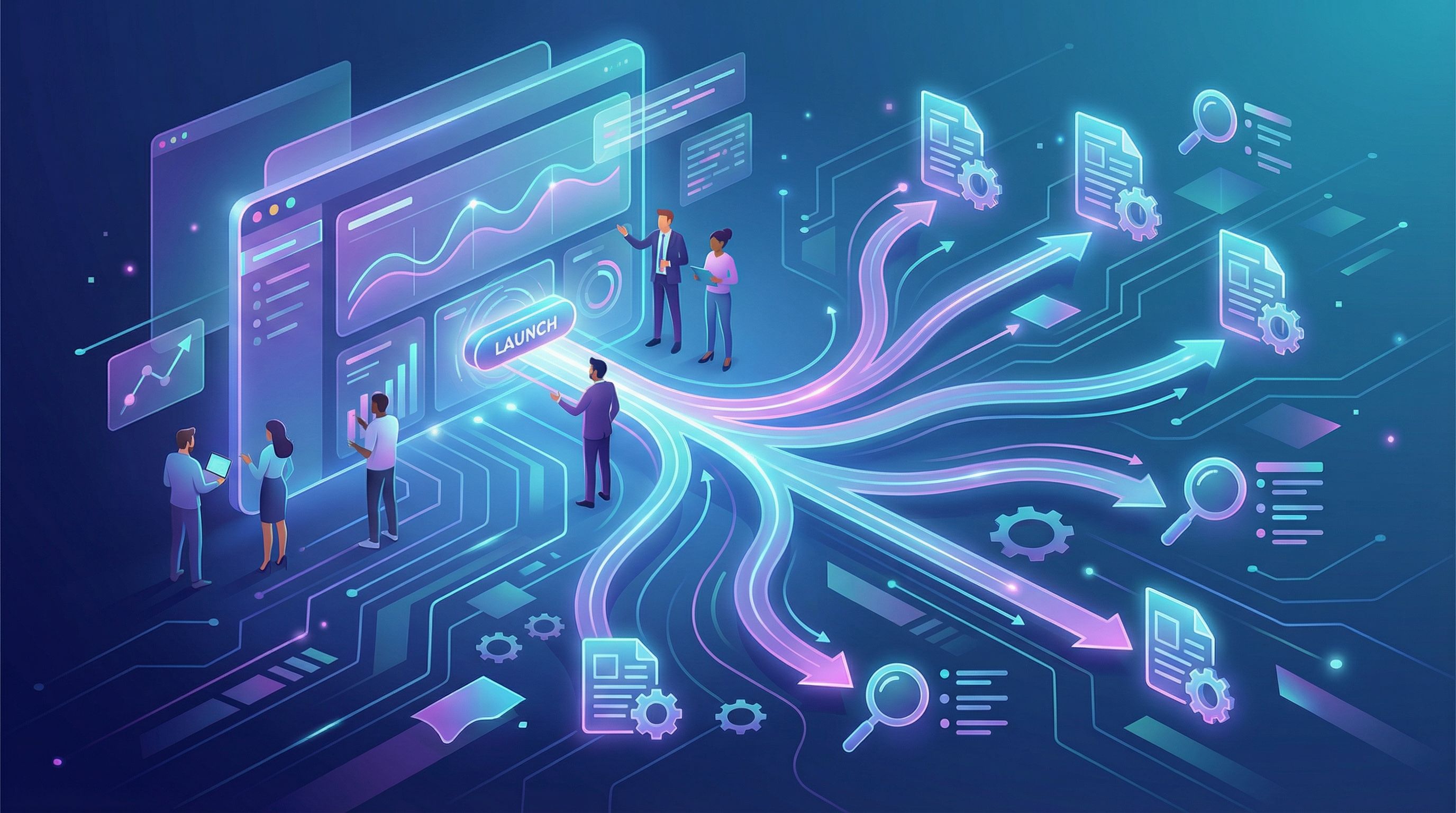
The Shift: From Launch Announcements to Feature Content Systems
Most teams treat launches as campaigns. PLG teams that win treat launches as content systems.
A simple mindset shift:
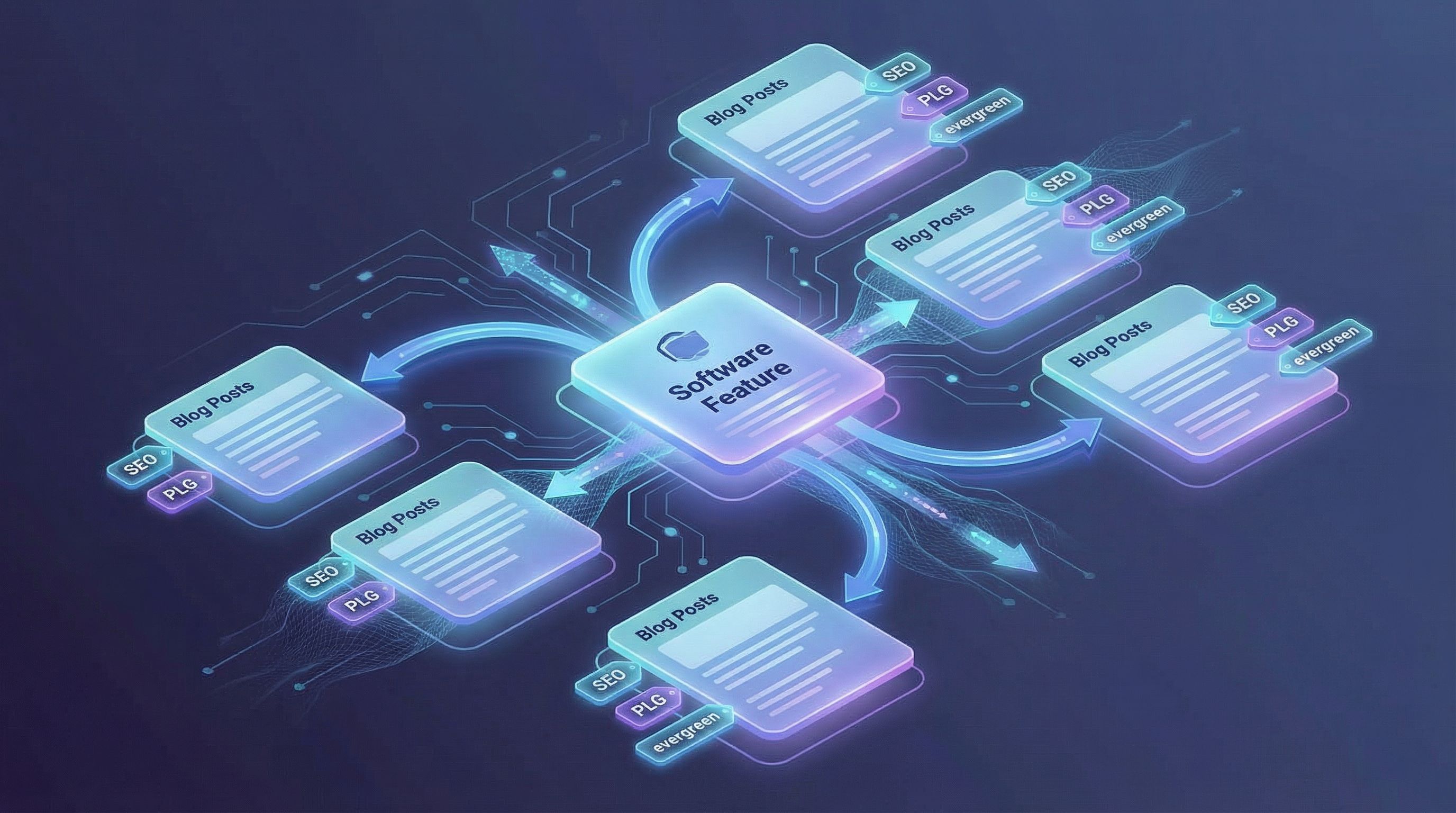
Every significant feature = a mini content universe.
Instead of:
- 1 launch post
Think in terms of:
- 1–2 strategic evergreen guides
- 3–7 supporting posts targeting specific problems, personas, and keywords
- A few internal links into your broader themes and product pages
AI is what makes this scalable. A platform like Blogg lets you:
- Turn a feature spec into a list of SEO opportunities
- Generate outlines for multiple posts in one go
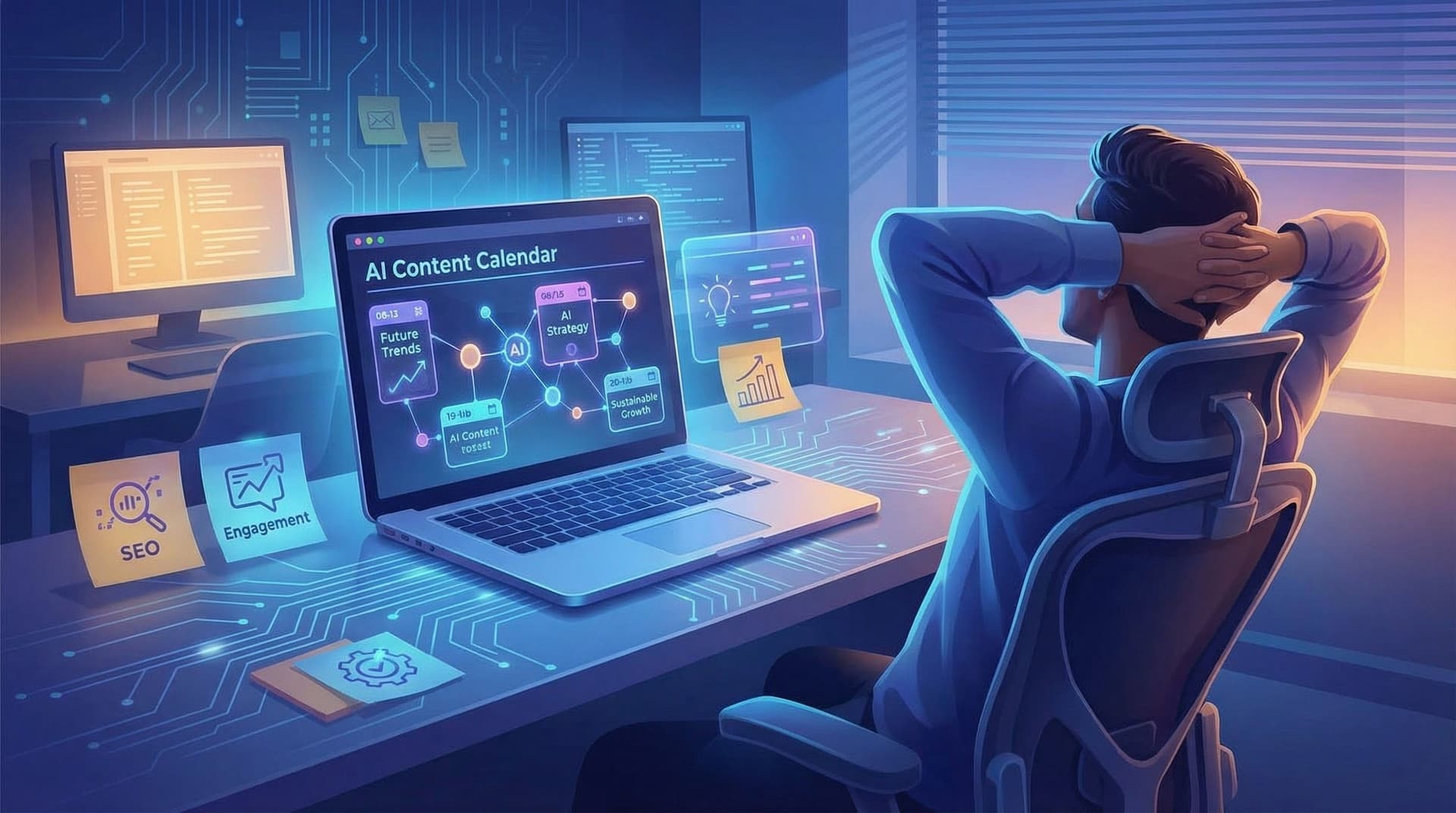
- Schedule those posts over weeks to support both launch and long-term search
If you’re already thinking in systems, you’ll like how this connects with ideas from posts like From Random Posts to Revenue Themes and Micro-Pillar Pages with Macro Impact.
Step 1: Start Launch Planning with Search, Not Just Messaging
Most launch plans start with:
- Positioning
- ICP
- Key benefits
- Launch channels
Add one more non-negotiable: search intent mapping.
For each feature, ask:
-
What problem does this feature solve, in the customer’s own words?
Look at:- Support tickets
- Sales call transcripts
- Customer interviews
-
What would someone Google when they feel that pain?
Brainstorm phrases like:- “how to [avoid pain]”
- “tool for [process]”
- “template for [task]”
-
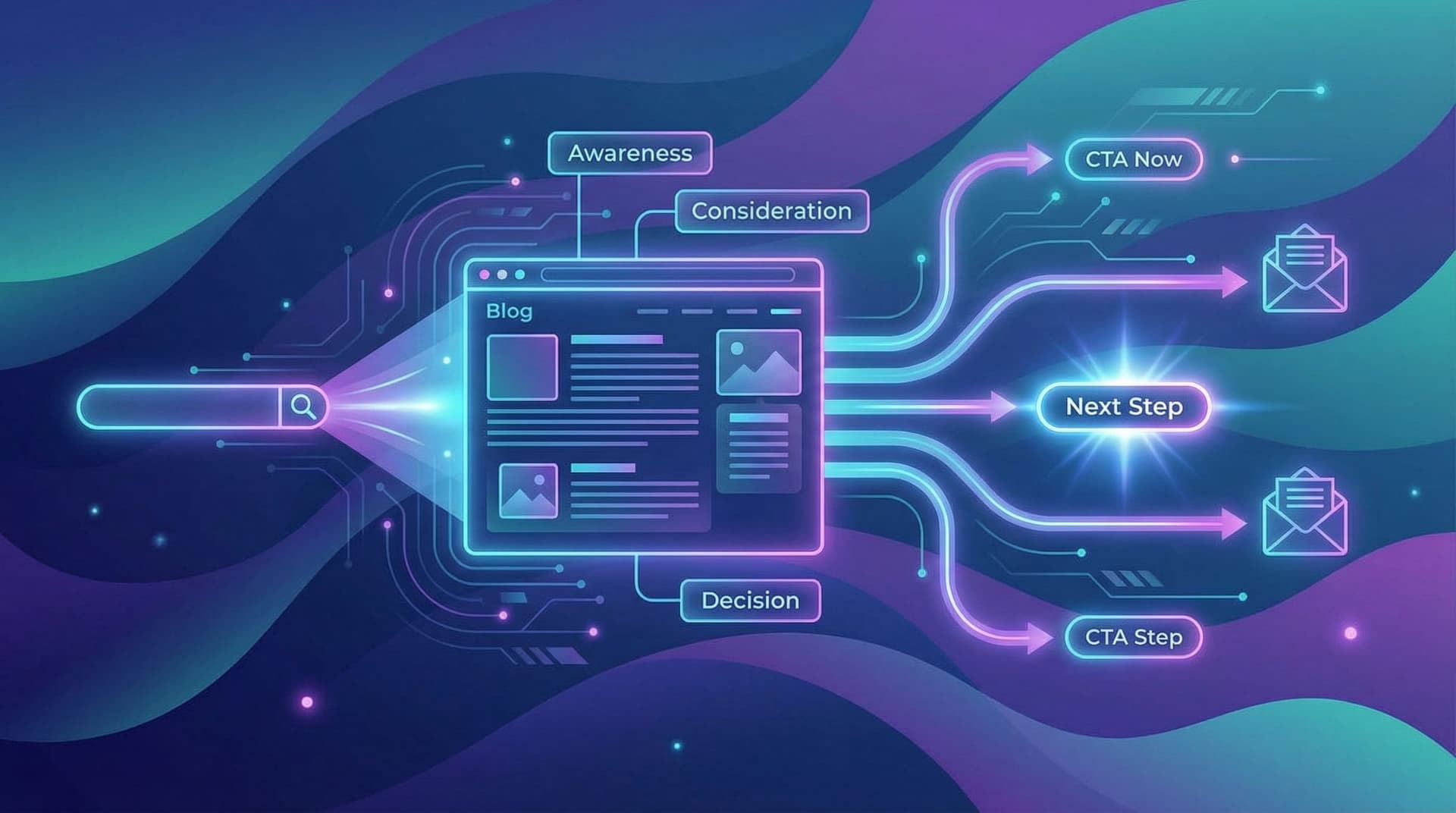
Where are they in the buyer journey?
Are they:- Just realizing they have a problem? (top-of-funnel)
- Actively comparing tools? (mid-funnel)
- Looking for implementation details? (bottom-funnel)
If you’re not used to doing this, the framework in Search Intent Mapping on Autopilot is a helpful companion.
How AI Helps Here
You can feed your feature spec, customer notes, and a few example queries into an AI assistant and ask it to:
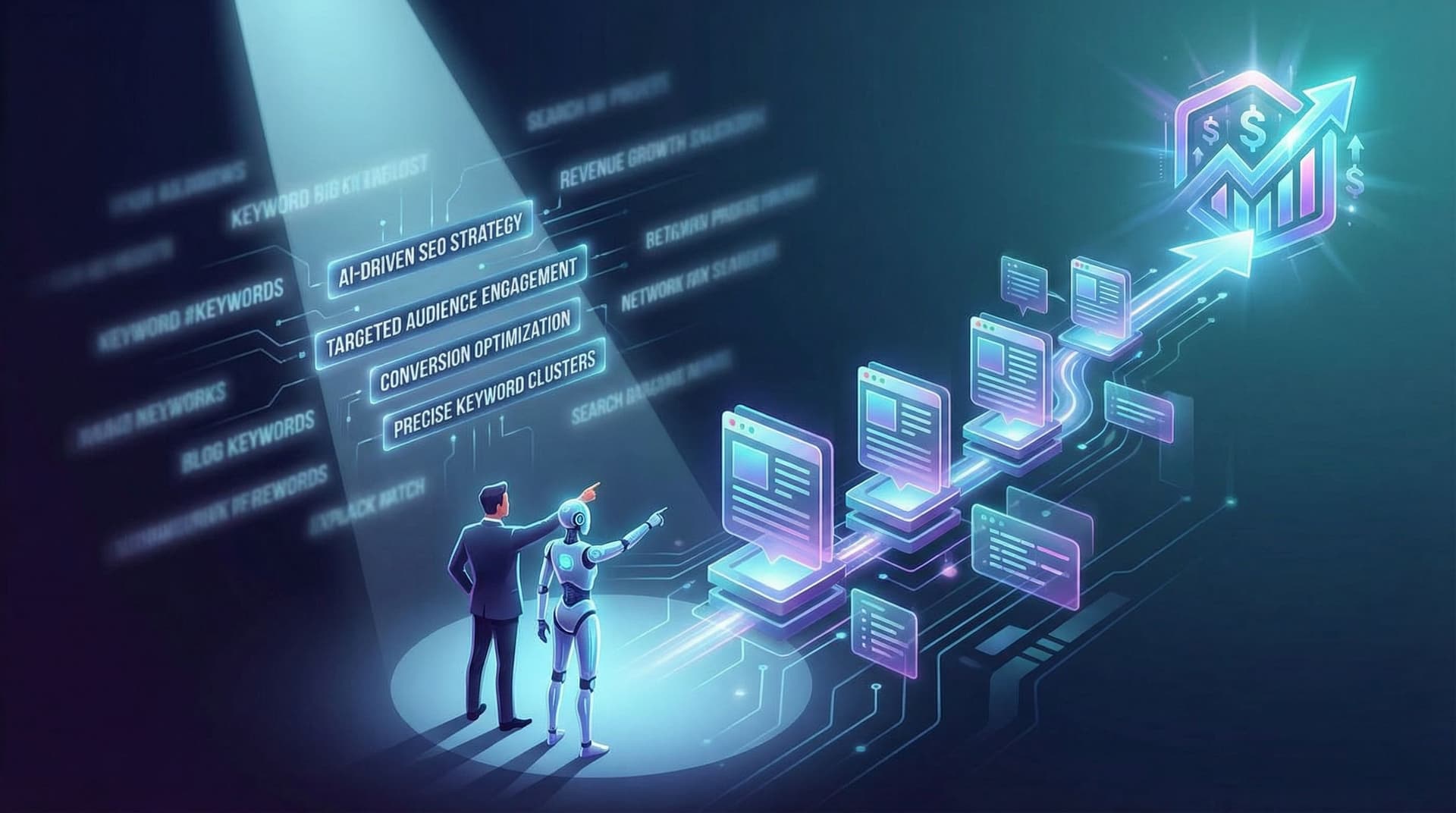
- Propose 20–50 keyword ideas grouped by intent
- Flag phrases that are high-intent but low-volume (these are your PLG sweet spots—see also Low-Volume, High-Intent)
- Suggest which queries deserve full posts versus sections or FAQs
Blogg can then turn those clusters into an editorial plan automatically, instead of leaving them as a one-off brainstorm in a doc.
Step 2: Design a Feature-Centric Content Cluster
Once you know the problems and queries, design a feature content cluster. Think of it like a micro-site living inside your blog.
A Simple Cluster Blueprint
For each major feature launch, aim for:
-
Anchor Guide (Evergreen)
- Broad, problem-focused
- Example: “The Complete Guide to Automating Client Onboarding Emails”
- Goal: capture early-stage searchers, introduce your approach, and naturally showcase your feature.
-
How-It-Works Deep Dive
- Product-forward but still educational
- Example: “How to Build a Client Onboarding Email Sequence in 30 Minutes Using Automation”
- Goal: help people visualize themselves using your feature, with clear steps and screenshots.
-
Use Case / Persona Posts
- Narrow, high-intent
- Example: “Automated Onboarding Emails for Agencies Serving 20+ Clients a Month”
- Goal: match specific segments and their language.
-
Comparison / Migration Posts
- Example: “How to Move Your Manual Onboarding Emails from Gmail to Automated Workflows”
- Goal: catch people who know they need a change but aren’t sure how.
-
FAQ / Objection-Handling Post
- Example: “Is Automating Client Onboarding Emails Too Impersonal? Here’s How to Keep It Human.”
- Goal: address hesitations that block adoption.
AI makes this blueprint plug-and-play. You define the pattern once, then:
- Drop in your feature name, ICP, and core benefits
- Let Blogg generate outlines for each post type
- Customize with your product nuances, examples, and screenshots
Step 3: Turn Product Knowledge into AI-Ready Inputs
AI can’t invent your product strategy—but it can scale it. The quality of your feature content cluster depends on the inputs you give your AI system.
Create a simple “Feature Content Brief” template for every launch that includes:
-
Feature name & one-line summary
“Smart Segments: automatically group customers by behavior and lifecycle stage.” -
Primary problem it solves
“Teams can’t personalize messaging at scale because segments are static and manually updated.” -
Who cares most (personas)
Lifecycle marketers, growth PMs, founders of small SaaS companies. -
Top 5–10 questions from customers/prospects
- “Will this replace our current tagging system?”
- “How often are segments updated?”
- “Can we see who moved in or out of a segment?”
-
Key differentiators
- Real-time updates
- No-code rules
- Native to your product vs. bolted-on tool
-
Guardrails
- Claims you can’t make
- Terms you prefer (e.g., “customers” vs. “users”)
Feed this brief into your AI workflow or directly into Blogg. Ask it to:
- Generate topic ideas for each post type in your cluster
- Draft outlines that weave in your differentiators without sounding like ad copy
- Propose internal links to your docs, pricing, and related posts
This is where a prompt library, like the one described in Prompt Libraries for Blogging Teams, becomes incredibly useful. You’re not reinventing prompts for every launch—you’re plugging new feature data into proven instructions.
Step 4: Align Posts with Product-Led Journeys, Not Just Keywords
PLG content isn’t just about ranking; it’s about moving someone closer to product experience.
For each post in your feature cluster, decide:
- Primary intent (educate, compare, implement, troubleshoot)
- Next best action (start trial, use template, enable feature, invite teammate)
Then design the post around that journey:
-
Open with the real-world scenario
Tell a short story of the moment your feature becomes necessary. -
Explain the “old way” vs. “new way”
- Old way: manual spreadsheets, copy-paste, human error
- New way: your feature, framed as a more sustainable approach
-
Introduce your product as the natural solution
Not “We’re the best,” but “Here’s how we handle this problem.” -
Offer a low-friction next step
- Use a free template
- Try a pre-built workflow
- Turn on a feature toggle
-
Reinforce with screenshots or GIFs (even if they’re added manually after AI drafts)
If you want to go deeper on how to connect posts to actions, The Post-Click Experience is a great follow-up read.
How AI Keeps This Consistent
With Blogg, you can bake these patterns into your publishing system:
- Standard CTAs for each journey stage
- Default sections (Old Way vs. New Way, Real-World Example, Quick Start)
- Automatic internal links to your docs, feature pages, and related posts
You’re not asking AI to “write something about our new feature.” You’re asking it to fill a proven structure that already aligns with your PLG motion.
Step 5: Schedule for Both Launch Momentum and Long-Term Compounding
Timing matters.
Instead of dropping all posts on launch day, structure your publishing like this:
-
T–7 to T–1 (pre-launch)
- Publish problem-focused evergreen guides that don’t mention the feature by name yet.
- Goal: start ranking for core pains and seed your authority.
-
T (launch day)
- Publish your product-forward deep dive.
- Link it prominently from the evergreen posts.
-
T+7 to T+30
- Roll out persona-specific and comparison posts.
- Update earlier posts with new internal links and CTAs.
-
T+30 and beyond
- Use analytics to see which posts are attracting the right visitors.
- Refresh top performers with updated examples, FAQs, and screenshots.
An AI platform like Blogg shines here because it:
- Lets you schedule the entire cluster in one sitting
- Handles staggered publishing and internal linking
- Makes it easy to update posts as the feature evolves
If you struggle with consistency between launches, the approach in The Anti-Content Burnout Plan pairs nicely with this schedule.
Step 6: Measure PLG Impact, Not Just Pageviews
To keep getting buy-in for AI-assisted feature content, you need to show product-led outcomes, not just traffic charts.
For each feature cluster, track:
-
Activation metrics
- % of new signups who enable the feature after viewing a related post
- Time from first visit to first feature use
-
Expansion metrics
- Existing customers who adopt the feature after reading a post
- Plan upgrades associated with feature usage
-
Sales enablement metrics (if you have a sales-assisted motion)
- Opportunities influenced by feature content
- Deals where a rep shared a post and the feature became a key decision factor
Tie this back to your analytics and product data:
- Add UTM parameters to in-post CTAs
- Use event tracking for “Viewed Feature Post → Enabled Feature” flows
- Create segments in your product analytics for “readers of X cluster”
If you want to go deeper on this, From Blogg to Demo Requests walks through mapping AI-generated posts to hard sales KPIs.
Step 7: Keep Feature Content Evergreen with Lightweight Updates
The best part about AI-powered blogging is that keeping content fresh no longer requires a full rewrite.
Set a quarterly review cadence for your top feature clusters:
-
Pull a list of posts with:
- Strong traffic
- Clear product-led CTAs
- Feature references that might be outdated
-
For each post, ask AI to:
- Suggest updated examples based on new customer stories
- Rewrite sections to reflect UI changes or renamed plans
- Propose new internal links to recently published posts or docs
-
Use Blogg to:
- Schedule refreshes as new “updated for 2026” versions
- Automatically maintain internal link structures
This is where your feature content truly becomes evergreen: it keeps matching current product reality without demanding a full human rewrite every time something changes.
Putting It All Together
To recap, turning feature launches into evergreen PLG assets looks like this:
- Start with search intent, not just launch messaging.
- Design a repeatable feature content cluster (anchor guide, deep dive, persona posts, comparisons, FAQs).
- Feed AI rich product inputs via a simple feature content brief.
- Align every post with a product-led journey, not just a keyword.
- Stagger publishing to support both launch momentum and long-term ranking.
- Measure activation and expansion, not just traffic.
- Refresh regularly with AI assistance so posts stay accurate and high-performing.
A platform like Blogg lets you operationalize this across every launch, so your blog becomes a living extension of your product roadmap—not a graveyard of old announcements.
Your Next Step
You don’t need to overhaul your entire launch process to start benefiting from this approach. Pick one upcoming or recent feature and:
- Draft a quick feature content brief (even half a page is enough).
- Brainstorm 5–10 search phrases your ideal customer might use.
- Outline just three posts:
- A problem-focused guide
- A product deep dive
- A persona-specific use case
- Use AI—or better, set up a workflow in Blogg—to draft and schedule those posts over the next 2–3 weeks.
Once you see how one feature can fuel months (and years) of qualified, product-ready traffic, you’ll never look at launches the same way again.
Your roadmap is already full. It’s time your blog—and your growth engine—caught up.