From Blogg Draft to Onboarding Guide: Reusing AI Posts to Shorten Time-to-Value for New Customers

If your product is solid but onboarding still feels like a slog, you don’t have a product problem—you have a content problem.
New customers don’t churn because your feature set is weak in week one. They churn because:
- They’re not sure what to do first.
- They don’t see a clear path to their “win.”
- They feel like they’re learning a tool, not solving a problem.
Meanwhile, your marketing blog—especially if you’re using a platform like Blogg—is quietly publishing clear, SEO-optimized walkthroughs of those exact problems and outcomes.
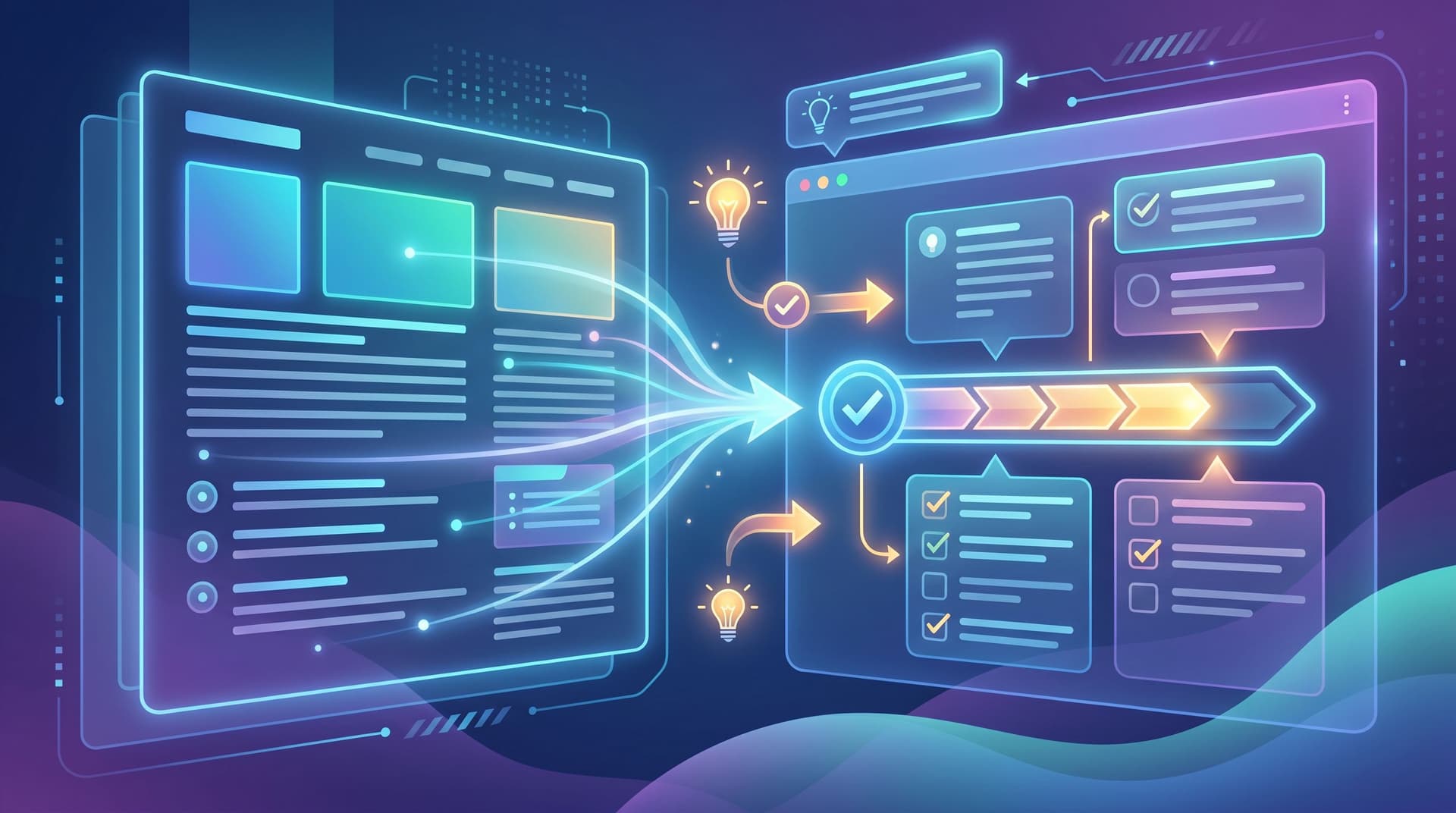
The opportunity: reuse those AI-generated blog posts as the backbone of your onboarding experience so customers hit value faster, with less hand-holding from your team.
This post walks through how to go from “Blogg draft” to “onboarding guide” in a repeatable way—so every new customer gets a curated path through the content you’re already creating.
Why Reusing Blog Content for Onboarding Is So Powerful
Most teams treat marketing content and onboarding content as separate worlds:
- Marketing blog: lives on your site, built for search, optimized for leads.
- Onboarding: lives in product tours, help docs, Looms, and CSMs’ heads.
That separation is expensive.
What changes when you connect them
When you use Blogg (or a similar AI engine) to generate posts that are also designed to become onboarding material, you get:
1. Faster time-to-value (TTV)
Instead of creating net-new guides for every feature, you:
- Turn high-intent, how-to blog posts into step-by-step onboarding flows.
- Link to those posts right where customers get stuck.
- Give new users a clear, narrative path: “Here’s how teams like yours get value in the first 7 days.”
2. Consistent messaging from first click to first value
The story your blog tells—problems, use cases, outcomes—matches the story inside your product. No more whiplash between “marketing promises” and “actual workflow.”
3. Lower onboarding and support overhead
Every time you turn a blog post into an onboarding guide, you:
- Reduce repeat questions for CSMs and support.
- Give sales a concrete asset to share post-close.
- Build a library of reusable, linkable “plays” your whole team can use.
If you’ve read our post on turning internal docs into traffic assets—From SOPs to SEO: How to Turn Internal Process Docs into Blogg-Powered Traffic Magnets—this is the same move in reverse: you’re taking external content and pulling it into your internal workflows.
Start with the Right Kind of Blogg Posts
Not every blog post should become onboarding material. Opinion pieces, industry commentary, or thought leadership are great for awareness—but they’re not what a new customer needs on day 3.
You’re looking for posts that map cleanly to product outcomes.
Criteria for “Onboarding-Ready” Posts
When you look at your Blogg-generated content, flag posts that:
-
Solve a concrete job-to-be-done
E.g., “How to Automate Weekly Reporting for Your Clients” rather than “Why Automation Matters for Agencies.” -
Include clear steps or a repeatable playbook
Posts with numbered steps, checklists, and screenshots are easier to turn into guided flows. -
Align with early-life-cycle milestones
Think: first value in 1–7 days, not “advanced power-user tricks.” -
Use your product as the vehicle, not the hero
The post should focus on the customer’s outcome, with your product woven in as the easiest way to get there.
If you’re just getting started, aim for 3–5 core posts that match your key onboarding milestones. This is the same spirit as the approach in The ‘Minimum Viable Blog’: How to Launch a Search-Ready Content Engine with Just 5 AI Posts—except here your goal is a Minimum Viable Onboarding path.
Design Posts with Onboarding Reuse in Mind
The real unlock is to plan from the start for each Blogg post to double as an onboarding asset.
Here’s how to brief your AI content so it works both on your blog and inside your product.
1. Anchor each post to a single onboarding milestone
Before you generate the post, answer:
-
What’s the exact milestone this supports?
Examples:- “Connect first data source”
- “Publish first campaign”
- “Invite first collaborator”
- “Set up first automation”
-
Where in the journey does this happen?
- Day 0–1: setup and orientation
- Day 2–7: first real use case
- Day 8–30: expansion and adoption
Then frame your brief to Blogg accordingly: “Write a how-to post that walks a new user from zero to [milestone] in under an hour.”
2. Use a structure that’s easy to slice into onboarding steps
Ask your AI brief to follow a format like:
- Context: Why this milestone matters for the customer’s role.
- Prerequisites: What must be in place first (accounts, data, settings).
- Step-by-step walkthrough: Clear, numbered instructions.
- Common pitfalls: What usually goes wrong and how to avoid it.
- Success criteria: How to know it’s working.
- Next steps: Where to go after this milestone.
That outline makes it trivial to:
- Turn each step into an in-app tooltip, checklist item, or interactive walkthrough.
- Link “Common pitfalls” from error states or FAQs.
- Use “Next steps” as cross-links to deeper guides or advanced features.
3. Write with screenshots and UI moments in mind
Even if you don’t paste screenshots into the blog itself, write as if you will:
- Name UI elements consistently with your product (“Click Workspaces → New Workspace”).
- Refer to labels and settings exactly as they appear in-app.
- Use short, skimmable instructions instead of dense paragraphs.
This reduces rework when your design team or CSMs later turn the post into:
- A product tour in tools like Appcues or Userflow.
- A visual onboarding checklist inside your app.
- A PDF or slide deck for high-touch onboarding calls.

Turn Blogg Posts into Concrete Onboarding Assets
Once you have a few onboarding-ready posts, it’s time to wire them into your actual experience.
Think of this as building a content-powered onboarding system.
1. Map posts to your onboarding journey
Start with a simple table or whiteboard:
- Column A: Onboarding stages (Sign-up, Setup, First Use Case, Expansion).
- Column B: Key milestones in each stage.
- Column C: Relevant Blogg posts.
- Column D: Where they’ll surface (email, in-app, help center, CSM playbook).
Example for a SaaS analytics tool:
-
Stage: Setup
Milestone: Connect first data source
Post: “How to Connect Your CRM and See Your First Dashboard in 30 Minutes”
Surface: Day 1 onboarding email + in-app tooltip on “Add Integration” screen. -
Stage: First Use Case
Milestone: Build first dashboard
Post: “A Simple Revenue Dashboard Template for B2B SaaS Teams”
Surface: In-app “Start with a template” modal + help center link.
2. Create “guided versions” of your posts
Instead of copying the post verbatim, adapt it for each channel:
-
In-app guides
- Break the post’s steps into individual tooltips or checklist items.
- Use microcopy pulled from the original article.
- Link out to the full post for deeper context.
-
Onboarding emails
- Use the post as the “hero” content for each milestone.
- Summarize the outcome in the email, then link to the full guide.
- Highlight a single, clear call to action: “Follow this guide to ship your first [X] today.”
-
Help center articles
- Repurpose the same structure, but strip marketing framing.
- Keep the SEO value by cross-linking the blog post and help doc.
This is where an opinionated platform like Blogg shines: once you know which structures work best for onboarding, you can bake those patterns into your content templates so every new post is “onboarding-ready” by default.
3. Equip your human teams with the same assets
Your CSMs, support reps, and salespeople should all know:
- Which posts correspond to which onboarding milestones.
- Which email or in-app flows already reference them.
- How to quickly grab and share the right guide in a call or ticket.
Create a simple internal index:
- A Notion page or Google Sheet listing milestones and links.
- Short blurbs like, “Use this when a new admin asks how to get their team sending campaigns within 48 hours.”
If you liked the idea of turning process docs into public content in Playbooks, Not Posts: Using Blogg to Turn Your Internal Processes into SEO-Ready How-To Content, this is the mirror image: turning public content into internal playbooks.
Measure Whether Your Content Is Actually Shortening TTV
Reusing blog posts for onboarding is only worth it if it moves numbers that matter.
Here’s how to track whether your “Blogg-to-onboarding” flow is working.
1. Define clear time-to-value metrics
Pick 1–3 primary signals that a new customer has reached value, such as:
- First project created
- First integration connected
- First campaign sent
- First report shared with stakeholders
Instrument these as product events so you can measure:
- Median time-to-value (e.g., hours or days to first campaign).
- Percentage of new accounts hitting the milestone in week one.
2. Connect content consumption to product behavior
Use tools like Mixpanel, Amplitude, or your CDP to track:
- Who viewed or clicked your onboarding-related blog posts.
- Whether they subsequently hit the associated product milestones.
You’re looking for patterns like:
- Users who read “How to Launch Your First Workflow in Under an Hour” are 2x more likely to create a workflow in their first 7 days.
- Accounts whose admins open at least 2 onboarding guides have lower 30-day churn.
3. Run simple experiments
You don’t need a huge data science team to test this. Try:
-
A/B testing onboarding sequences
- Group A: Standard product tour only.
- Group B: Product tour + curated Blogg guide links.
-
Swapping in different guides for the same milestone
- Compare performance of a generic “Getting Started” post vs. a role-specific guide (e.g., “Getting Started for Marketing Ops Leaders”).
Use the same experimentation mindset we talk about in From Editorial Calendar to ‘Experiment Board’: Using AI to Rapid-Test Blog Angles, CTAs, and Formats Before You Scale—except here, your “conversion” is product activation, not just clicks.

Practical Tips to Make This Work with Limited Time
You don’t need to rebuild your entire onboarding program overnight. Start small and compound.
1. Pick one high-impact milestone and one post
Choose the most important early action in your product and:
- Either find an existing Blogg post that supports it.
- Or brief a new post specifically for that milestone.
Wire that single post into:
- A day 1 onboarding email.
- A contextual in-app link.
- Your CSM playbook for kickoff calls.
2. Standardize a “Blogg-to-onboarding” checklist
For every new post that might be onboarding-relevant, ask:
- Which milestone does this support?
- Where should it surface (email, in-app, help center, sales/CS)?
- Do we need a condensed or role-specific version?
If the answers are promising, you add it to your onboarding map right away instead of “someday.”
3. Revisit and refresh quarterly
As your product evolves, some posts will drift out of date. Put a recurring reminder on the calendar to:
- Review your top onboarding-linked posts.
- Update screenshots, UI labels, and workflows.
- Regenerate or expand posts via Blogg where needed.
Because the heavy lifting is automated, these refresh cycles are much lighter than rewriting everything from scratch.
Summary: Turn Your AI Blog into an Onboarding Superpower
When you use an AI-powered platform like Blogg, you’re not just “keeping the blog active.” You’re building a library of guided journeys that can:
- Meet prospects when they’re searching.
- Guide new customers when they’re learning.
- Support existing users when they’re stuck.
To recap the play:
- Identify onboarding-ready posts that map to concrete milestones and early wins.
- Design new posts with reuse in mind, using consistent structures and UI-aware language.
- Map each post to your onboarding journey and adapt it for in-app guides, emails, and help docs.
- Equip your human teams with the same assets so everyone’s telling the same story.
- Measure impact on time-to-value and iterate with simple experiments.
Do this well, and your blog stops being “just marketing.” It becomes the connective tissue between your promise, your product, and your customers’ outcomes.
Ready to Turn Your Blog into an Onboarding Engine?
If you’re manually writing every post, every guide, and every onboarding email, this can sound like a lot.
That’s exactly why platforms like Blogg exist.
With Blogg, you can:
- Set the core milestones and use cases that matter for your onboarding.
- Generate a steady stream of SEO-ready posts aligned to those outcomes.
- Reuse those same posts as the backbone of your onboarding flows, help center, and CSM playbooks.
The first step is simple: pick one onboarding milestone and design a single AI-powered post to support it. Publish it, wire it into your onboarding, and measure what happens.
Once you see time-to-value shrink for that one moment, you’ll have the confidence—and the system—to repeat it across your entire customer journey.
If you’re ready to make that shift, explore what you can do with Blogg and start turning every new post into a faster path to value for your customers.