Beyond the Blog: Using AI-Generated Posts to Power LinkedIn, Newsletters, and Lead Nurture Sequences


Your blog shouldn’t be the final destination for your content. It should be the source material that quietly powers everything else you do in marketing.
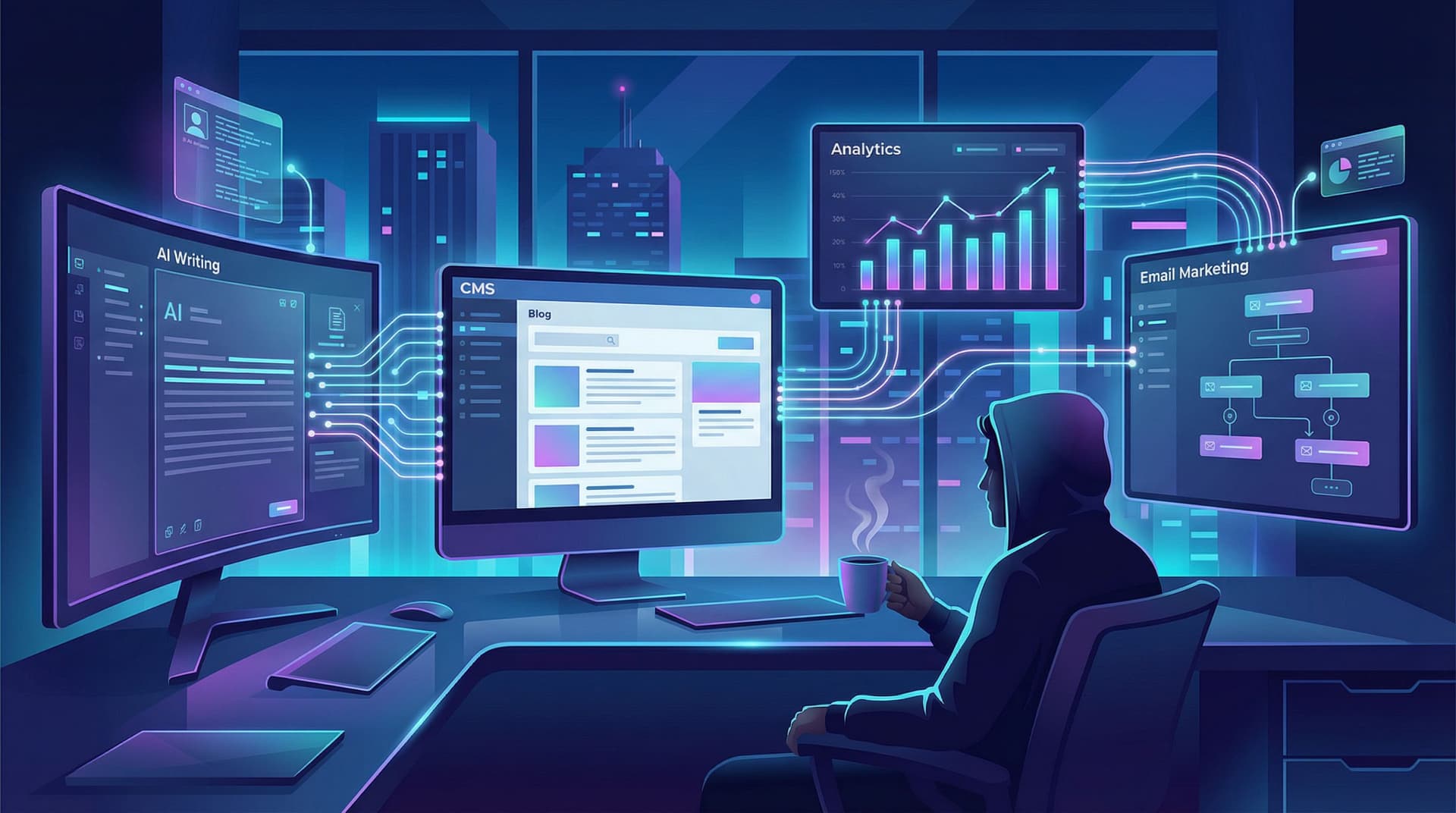
If you’re already using an AI platform like Blogg to keep fresh, SEO-optimized posts going live, you’re sitting on a goldmine of assets you can reuse across:
- LinkedIn (and other social channels)
- Newsletters
- Lead nurture and onboarding sequences
- Even sales follow-ups and enablement
This isn’t just about “getting more mileage” from content. It’s about building a connected system where one AI-generated article can:
- Attract the right visitors from search
- Turn those visitors into subscribers or leads
- Nurture them toward a clear next step with your product
If you’ve read our post on building an AI-powered stack—where your blog, email, and analytics all work together—you’ve already seen the foundations of this approach. If not, it’s worth bookmarking this guide on building an AI content stack for later.
Let’s walk through how to turn each AI-generated post into a multi-channel asset that works long after publish day.
Why “Beyond the Blog” Matters for Growth
Most teams still treat blog posts like standalone campaigns:
- Publish post
- Share once on social
- Maybe send it in a newsletter
- Move on
Meanwhile, the channels that actually drive revenue—email and nurture—are starving for good content.
A better model is:
One strong AI-generated post → a week (or more) of LinkedIn content, a full email, and a mini nurture sequence.
Why this matters:
- Email still prints money. Across recent studies, email marketing consistently delivers around $36–$40 in revenue for every $1 spent, with top performers going even higher. That’s 3,600–4,000% ROI—far ahead of most paid channels.
- Your buyers are on LinkedIn. LinkedIn’s average engagement rate for business pages is now around 5% by impressions, and multi-image posts and documents often perform even better. That’s a lot of attention you can earn without ad spend.
- Content consumption is nonlinear. Prospects don’t read one post and convert. They see a LinkedIn post, skim a blog article, open a newsletter, and only then fill out a form. Nurture isn’t a single email—it’s the story arc your content tells across channels.
When you combine AI-written blog posts with a simple repurposing system, you:
- Ship more consistently without burning out your team
- Show up where your buyers already spend time
- Build trust over weeks, not just one touch
And crucially: you do it without turning content into a second full-time job.
Step 1: Start with the Right Kind of AI-Generated Posts
Not every post is equally repurposable. Some topics make for great SEO but weak social or email. Others are perfect for nurture but might never rank.
You want a mix of:
-
Evergreen problem/solution posts
These explain core pains and how to solve them. Perfect for:- Ongoing LinkedIn posts
- Evergreen nurture sequences
- Lead magnets and checklists
If you’re still dialing in that mix, our piece on balancing long-term SEO with timely content spikes—Evergreen vs. Newsjacking—is a useful companion.
-
Use-case and story-driven posts
These show how real people use your product or solve a specific problem. Great for:- Sales follow-ups
- Middle-of-funnel email sequences
- LinkedIn carousels that walk through a mini case study
-
Opinion and POV posts
These differentiate you from competitors. Excellent for:- Thought-leadership threads on LinkedIn
- Founder or CEO newsletters
- Nurture emails that build trust and affinity
With Blogg, you can set topic clusters and preferences so the platform generates more of this kind of content by default—posts that are useful in search and reusable everywhere else.

Step 2: Turn One Post into a Week of LinkedIn Content
Think of each AI-generated article as a content kit for LinkedIn.
Here’s a simple workflow you can run in 20–30 minutes per post.
1. Identify the “spines” of the article
From your post, pull out:
- 1 main argument (the big takeaway)
- 3–5 supporting ideas (subheadings or key points)
- 1–2 stories or examples
- 2–3 practical tips or frameworks
These become your LinkedIn posts for the week.
2. Map to LinkedIn post formats
Use those spines to create different post types:
-
Day 1 – Big idea / hook post
Turn the main argument into a punchy text post:“Most teams think they have a blogging problem. They don’t. They have an asset usage problem. Here’s how we turned one AI-written article into 7 days of LinkedIn, email, and nurture content…”
-
Day 2 – Carousel or multi-image walkthrough
Break a how-to section into 5–7 slides. Each slide = one step. Multi-image posts and documents tend to see some of the highest engagement on LinkedIn, so this format is worth using regularly. -
Day 3 – Story or mini case study
Pull a real or anonymized customer example from the post and format it as:- Problem → Attempted fix → New approach → Result → Lesson
-
Day 4 – Tactical tip list
Share 3–5 specific actions pulled straight from the article. Keep it skimmable:- Bold the key phrase
- One sentence of explanation
-
Day 5 – Opinion / contrarian take
Use the post’s POV to challenge a common belief:“More AI content isn’t the answer. Better reuse of the content you already have is.”
3. Add light human editing
You don’t need to rewrite from scratch. But you should:
- Add a personal line or experience in the first 1–2 sentences
- Tighten any generic phrasing that slipped through
- Make sure tone matches your brand and your own voice
If you want a deeper framework for adding stories and POV to AI drafts, we break that down in Humanizing AI Content.
4. Link back strategically
Not every LinkedIn post needs a link (in fact, many shouldn’t). But 1–2 times a week, you can:
- Include a link in the first comment or at the end of the post
- Point people to the full article for those who want to go deeper
- Use UTM tags so you can see which posts actually drive traffic and leads
Over time, this turns your LinkedIn presence into a distribution engine for your AI-generated blog library.
Step 3: Build a Newsletter Engine from Your Blog Feed
Your newsletter doesn’t need to be a totally separate content project. It can be a curated, humanized layer on top of what AI is already publishing to your blog.
Here’s a sustainable model.
1. Choose your newsletter “job”
Decide what your newsletter is primarily for:
- Teach – practical tips and frameworks
- Narrate – stories from customers or behind-the-scenes
- Curate – best content from your blog + elsewhere
You can mix these, but pick a primary job so readers know what to expect.
2. Use each blog post as the “anchor”
For each new post from Blogg:
- Pull the core insight into a 200–400 word summary
- Add a short personal intro: why you wrote it, what surprised you, how a customer is dealing with this right now
- Link to the full post for those who want depth
Your basic structure:
- Short personal note (3–5 sentences)
- Main idea + 1–2 key takeaways from the new post
- Optional: 1–2 curated links (other posts, tools, or resources)
- Clear next step (reply with a question, check out a resource, book a demo, etc.)
3. Segment lightly, not obsessively
You don’t need a 20-segment setup to start. But two or three segments can dramatically improve relevance:
- Prospects vs. customers
- Different industries or use cases
- Role-based (founder, marketer, operator)
Send the same core newsletter, but tweak:
- The intro example
- The CTA (e.g., demo vs. advanced feature guide)
4. Automate the boring parts
Connect your blog feed and email tool so that:
- New posts are automatically pulled in as draft newsletter content
- You just add the human layer and hit send
If you’re not sure how to wire this together, our post on lightweight AI-first content operations walks through a simple workflow that tiny teams can actually maintain.
Step 4: Turn Posts into Lead Nurture and Onboarding Sequences
This is where things get interesting. Blog posts are great for discovery. But sequences are where you turn attention into pipeline.
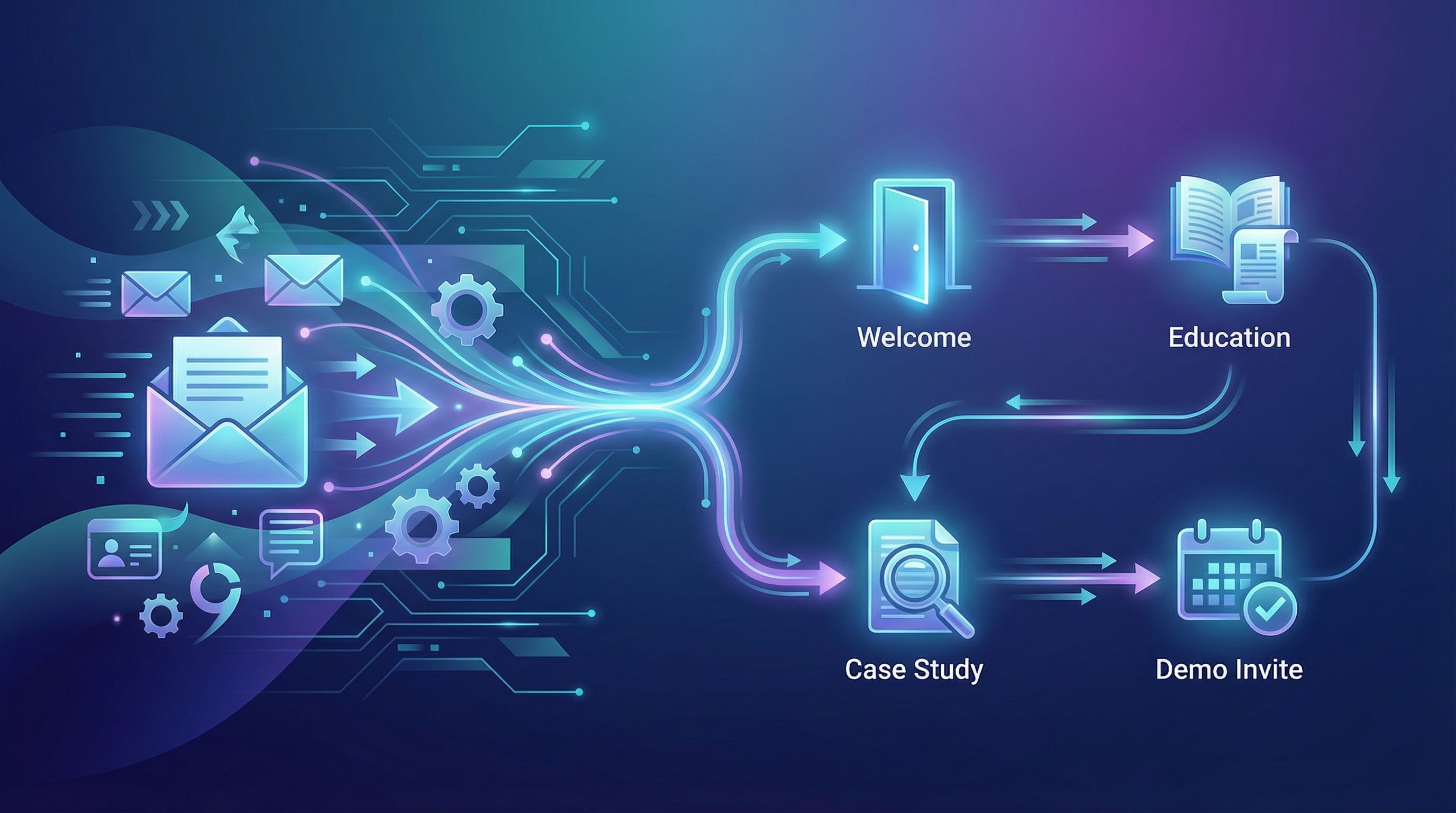
1. Map one post to a mini-sequence
Take a single high-intent post—say, “How to choose an AI blogging platform”—and turn it into a 3–5 email sequence.
Example:
-
Email 1 – Reframe the problem
Summarize the post’s main argument in 150–250 words. Link to the full article for those who want more. -
Email 2 – Deep dive on one section
Turn one subsection (like “must-have features”) into a detailed breakdown with screenshots or examples. -
Email 3 – Case study or story
Show how a real customer approached the decision and what changed after they implemented your solution. -
Email 4 – Objection handling
Use another section of the post (e.g., “common pitfalls”) to address typical hesitations. -
Email 5 – Clear, low-friction CTA
Invite them to a demo, workshop, or template download that relates directly to the topic.
Most of this copy can be drafted automatically from the original article, then edited for clarity and tone.
2. Build a library of sequences, not one-offs
Over a quarter or two, aim to create:
- 3–5 problem-based sequences (e.g., “blog consistency,” “content ROI,” “launching a new product”)
- 2–3 role-based sequences (e.g., “for founders,” “for marketers,” “for agencies”)
Each sequence can be built primarily from:
- 1–3 cornerstone blog posts
- A few short bridge emails that connect the dots
Then, whenever someone downloads a resource, signs up for a waitlist, or fills out a form, you:
- Drop them into the most relevant sequence based on their behavior or form answers
- Let the system guide them through your best thinking on that topic
3. Connect nurture to sales, not just more content
A good sequence doesn’t just say, “Here’s another article.” It:
- Anticipates questions a prospect would ask in a sales call
- Answers them with stories, examples, and simple visuals
- Makes it easy to raise their hand when they’re ready
This is where content and sales enablement start to blend. Our post on turning one article into case studies, landing pages, and sales scripts—Beyond Blog Posts—dives deeper into this if you want a dedicated playbook.
Step 5: Put It All on Rails with an AI-First Workflow
None of this works if it relies on heroic effort every week. You need a repeatable system.
Here’s a simple version you can adapt.
Weekly rhythm
-
Blog
- Blogg publishes 1–3 new posts based on your topics and preferences.
-
Repurpose (60–90 minutes total)
- Skim new posts
- Mark up sections for LinkedIn, newsletter, and nurture
- Use AI to draft:
- 3–5 LinkedIn posts
- 1 newsletter outline
- 1–2 nurture emails or updates to existing sequences
-
Edit & schedule
- Add your stories and POV
- Check for accuracy and brand voice
- Schedule everything in your social and email tools
Monthly review
Once a month, spend an hour looking at:
- Which posts drove the most organic traffic and signups
- Which LinkedIn posts had the best engagement and click-through
- Which emails had the highest opens, clicks, and replies
Then:
- Promote your top posts more often
- Expand winning topics into full sequences or lead magnets
- Retire or refresh underperformers
Over time, this turns your AI blog into a content flywheel that feeds search, social, email, and sales with minimal extra effort.
Quick Recap
If you remember nothing else, keep this:
- Your blog is the source, not the endpoint. Treat every AI-generated post as raw material for LinkedIn, newsletters, and nurture.
- One article can power a full week of content. Break it into big ideas, stories, and tips, then map those pieces to different LinkedIn formats and email types.
- Sequences turn attention into revenue. Use your best posts as the backbone of short, focused nurture flows tied to specific problems and roles.
- Systems beat sprints. A light, AI-first workflow lets you do all this in a few focused hours a week—without adding headcount.
Your Next Step
If your blog is already publishing (even sporadically), you’re closer than you think.
- Pick one recent AI-generated post.
- Draft:
- 2 LinkedIn posts
- 1 short newsletter
- 1 nurture email that expands a single section
- Schedule them across the next 7 days and watch what happens.
If you don’t yet have a reliable stream of fresh posts to work from, that’s the first bottleneck to remove. A platform like Blogg can handle ideation, writing, and scheduling for you—so you can stay focused on turning those posts into the LinkedIn presence, newsletter, and nurture system your pipeline actually needs.
Take the first step: choose the post you’ll repurpose this week—or set up your topics in Blogg so you never run out of raw material again.