
From Blog Post to Sales Call: Using AI‑Generated Content to Arm Your Sales Team with Better Follow‑Ups


From Blog Post to Sales Call: Using AI‑Generated Content to Arm Your Sales Team with Better Follow‑Ups
Sales teams don’t lose deals because they can’t talk.
They lose deals because they don’t always know what to say next.
The prospect downloaded a guide, read a comparison post, or skimmed your pricing explainer. Then a rep jumps on a call and… starts from scratch. No context. No continuity. No clear bridge between what the buyer just consumed and the conversation you want to have.
AI‑generated content changes that—if you connect your marketing and sales workflows on purpose.
When your blog is powered by AI (and ideally automated through a platform like Blogg), every post can double as sales enablement: talking points, follow‑up angles, objection handling, and tailored resources your reps can use within minutes.
This post walks through how to go from “we publish content” to “every post arms sales with smarter follow‑ups that lead to more booked meetings and closed deals.”
Why this connection between blog and sales matters
Most companies treat the blog and the sales team as separate worlds:
- Marketing publishes SEO content to drive traffic.
- Sales writes their own emails, decks, and one‑pagers from scratch.
That gap is expensive.
Here’s what happens when you close it and deliberately use AI‑generated posts to support sales follow‑ups:
1. Reps stop guessing what to send next
Instead of scrambling for a half‑relevant PDF, reps can:
- Pull a blog post that directly addresses the prospect’s last question.
- Use a short summary and 2–3 key points from that post in their follow‑up email.
- Confidently say, “Here’s a quick breakdown of the exact problem we discussed.”
2. Prospects feel seen, not spammed
Follow‑ups based on content the prospect actually engaged with feel personalized—even when they’re templated and AI‑assisted.
3. Your message stays consistent from search to sales call
If your AI content is built on the same positioning, examples, and proof points your sales team uses, you get:
- Fewer mixed messages.
- Less confusion about what you actually do.
- A smoother path from first click to contract.
If you want to see how this fits into a bigger system, take a look at how founders are using AI blogs as a single engine for SEO, sales enablement, and email in The Content Flywheel for Founders.
Step 1: Start with sales conversations, not keywords
If you want your posts to arm sales, they have to sound like sales—rooted in real objections, questions, and use cases.
Before you ever brief an AI model or configure a workflow in Blogg, spend a week collecting:
- Common objections
- “We already have a tool for this.”
- “Can we do this with spreadsheets for now?”
- “How long does implementation actually take?”
- Use cases that close deals
- “We cut onboarding time by 40% for a 50‑person team.”
- “We replaced three tools and saved $X per month.”
- Moments where deals stall
- After pricing is shared.
- Between demo and proposal.
- When a new stakeholder joins the thread.
Turn these into content prompts like:
- “Explain why ‘we’ll just use spreadsheets’ is more expensive long‑term, with 3 specific scenarios.”
- “Break down our typical implementation timeline with milestones, risks, and how we de‑risk them.”
- “Create a guide a new stakeholder can skim in 5 minutes to understand the value of our product.”
Feed those prompts into your AI stack—or define them as recurring topic themes inside Blogg—and you’ll start generating posts that map directly to critical sales moments.
For a deeper dive on picking topics that actually support your funnel (not just traffic), see Lead-Ready Content on Autopilot.
Step 2: Design posts with a “follow‑up first” structure
If you want content to be easy for reps to use, structure it with re‑use in mind.
A simple pattern works extremely well:
- Problem snapshot – 1–2 paragraphs describing the situation your buyer is in.
- Why it’s hard / costly – 3–5 bullets with specific consequences.
- Framework or steps – a numbered list the rep can reference on a call.
- Mini case example – a short story with numbers or outcomes.
- Conversation prompts – questions a buyer should ask themselves.
From a single post like this, a rep can instantly grab:
- A few problem bullets for a follow‑up email.
- The framework as an agenda for the next call.
- The mini case as a story to overcome an objection.
When you’re using an AI platform, bake this into your templates:
- In your brief: “Include a 3–5 step framework that a sales rep could walk through on a call.”
- In your outline: “Add a short case example with specific numbers.”
If you’re not sure how to write briefs that consistently get this structure from AI, this is exactly what we break down in The AI Content Brief.

Step 3: Turn every post into sales‑ready snippets
A 1,500‑word post is intimidating to copy‑paste into a follow‑up email.
Your job is to make it effortless for reps to grab the best parts.
Here’s a repeatable workflow you can run with general‑purpose AI tools or automate inside Blogg:
-
Summarize for sales
Ask your AI: “Summarize this post in 3 bullets a sales rep can use in a follow‑up email. Use plain language and focus on outcomes.” -
Create email‑ready blurbs
- A 2–3 sentence summary of the post.
- One “if you only read one thing” quote.
- A short P.S. that links back to the post.
Example:
We just published a short guide on why ‘we’ll stick with spreadsheets’ usually ends up more expensive within 6–12 months. It breaks down three scenarios we see all the time and how teams handle the transition.
-
Extract call talking points
Ask your AI: “Turn this post into 5 talking points a rep can use on a discovery call, each with a question to ask the prospect.” -
Build a light objection‑handling card
- Objection: “We don’t have time to implement this.”
- Response summary: 1–2 sentences.
- Supporting stat or example from the post.
- Question to re‑open the conversation.
Store these assets where sales already lives: your CRM, a sales enablement tool like Highspot or Showpad, or a shared Notion/Confluence page.
Over time, you’ll build a content → snippet library that turns every blog investment into multiple sales assets.
Step 4: Map posts to specific stages and triggers
Not every post should be used at every stage.
If you want your AI‑generated content to drive more meetings and proposals, you need a simple map:
-
Top of funnel (awareness)
- Pain overviews, industry trends, “why this problem matters.”
- Great for: early nurture sequences, post‑webinar follow‑ups, cold outbound that references a problem.
-
Middle of funnel (evaluation)
- Comparisons, implementation breakdowns, ROI explanations.
- Great for: between demo and proposal, reviving stalled deals.
-
Bottom of funnel (decision)
- Case studies, objection‑specific posts, stakeholder explainers.
- Great for: multi‑threading into finance, IT, or leadership.
Then, define triggers that automatically suggest content to reps:
- Lead fills out a form about “implementation help” → send them your implementation timeline post.
- Prospect mentions “budget freeze” on a call → follow up with your ROI breakdown post.
- New stakeholder joins an email thread → share your 5‑minute explainer post tailored to their role.
With AI in the mix, you can go a step further:
- Use conversation‑intelligence tools like Gong or Chorus to detect themes in calls.
- Automatically tag deals with topics (“pricing pushback,” “integration concerns”).
- Suggest relevant posts and snippets to the rep as part of their workflow.
This is where an automated platform like Blogg shines: you can plan content by funnel stage and keep publishing new pieces that fill specific gaps, instead of random one‑offs.
Step 5: Build simple, reusable email frameworks
Even with great content, reps still need the right words.
Use AI to turn your blog + snippets into email frameworks that can be customized in seconds.
Here are three to start with:
1. Post‑engagement follow‑up
Use when a prospect clicks or replies around a specific topic.
Subject: Thought this might help on [topic]
Body template:
- 1 sentence: Acknowledge the last interaction.
- 2–3 bullets: Pull key insights from the related post.
- 1 question: Invite them to share how they’re handling this now.
- 1 link: Back to the post or a short resource.
2. Stalled deal nudge
Use when a deal has gone quiet for 2+ weeks.
Subject: A quick resource on [objection / topic]
Body template:
- 1–2 sentences: Empathetic check‑in, assume they’re busy.
- 1 paragraph: Reference a post that speaks directly to the roadblock.
- 1 question: “Would it help if we walked through [framework from the post] together in 15 minutes?”
3. New stakeholder intro
Use when someone new is added to the thread.
Subject: 5‑minute overview of how we help teams like yours
Body template:
- 1–2 sentences: Welcome them and give context.
- 2–3 bullets: Key outcomes from a post tailored to their role.
- 1 link: To a short explainer or case study post.
- 1 question: “What would you need to see to feel confident moving forward?”
Feed your best‑performing emails back into your AI system so it learns which angles and phrasings resonate.
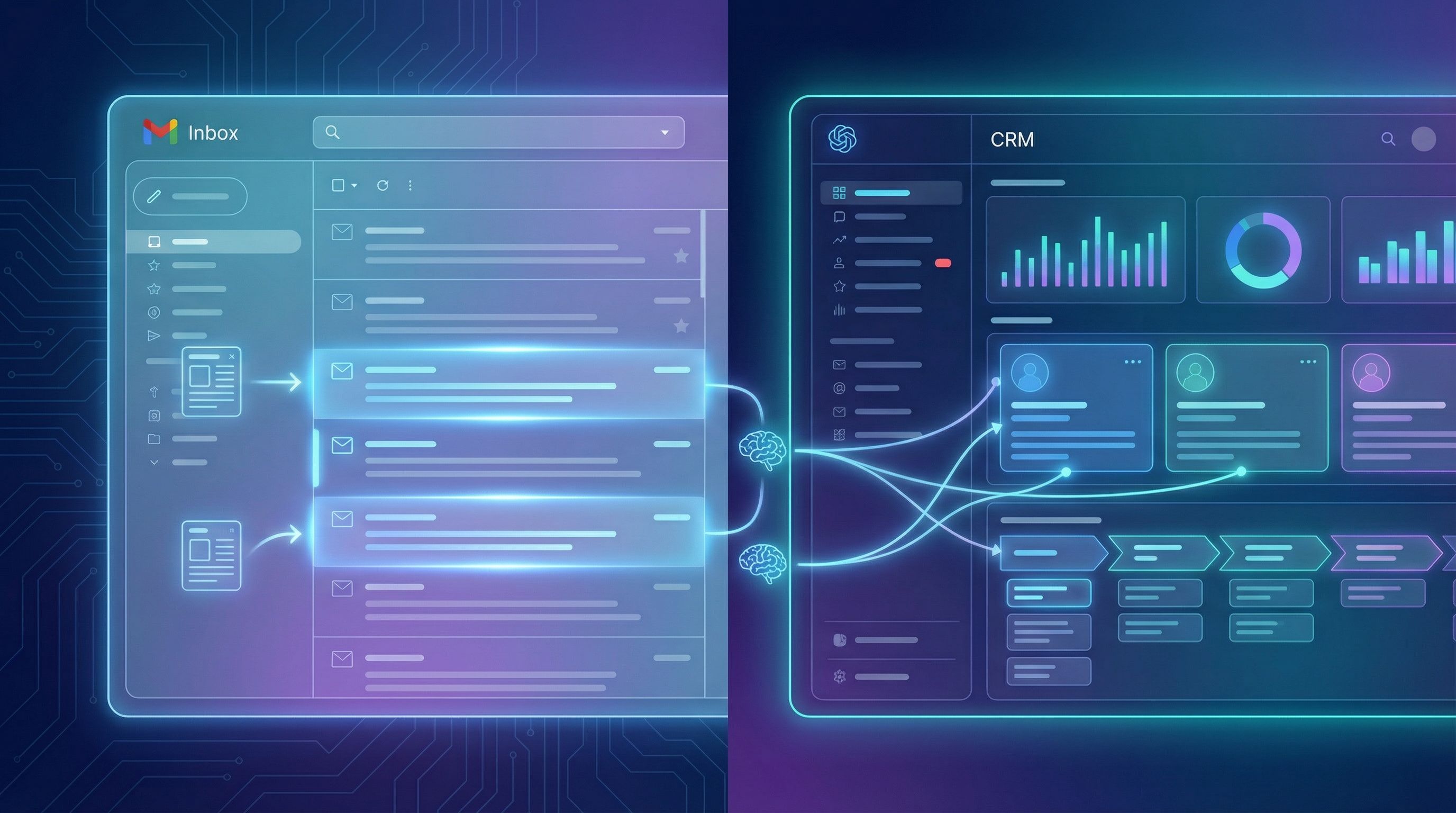
Step 6: Close the loop between sales and your AI content engine
The real power move isn’t just using AI to write more posts.
It’s using sales feedback to continually sharpen what those posts cover and how they’re written.
Put a lightweight feedback loop in place:
-
Monthly “content x sales” sync (30 minutes)
- What posts did reps actually use?
- Which ones got replies, meetings, or approvals?
- Where did they wish they had a post but didn’t?
-
Simple tagging in your CRM
- Add a field like “Content used” with a multi‑select list of post titles.
- Ask reps to tag deals when they send a specific post as part of follow‑up.
-
AI‑assisted analysis
- Export deals + content tags once a quarter.
- Ask your AI: “Which posts show up most often in closed‑won deals vs closed‑lost?”
- Identify patterns: topics, formats, lengths, and angles that correlate with wins.
Use those insights to:
- Commission more posts around winning topics.
- Refresh or rewrite underperforming posts.
- Create new variations of posts that consistently help close deals.
If you’ve ever worried about AI content turning your blog into a messy archive, this feedback loop is also a guardrail against chaos. Combined with the principles in From Topical Authority to Topical Chaos, it keeps your content both organized for SEO and useful for sales.
Step 7: Operationalize with automation, not heroics
You don’t want this to depend on one marketer manually chopping up posts for sales every week.
Instead, aim for a simple, automated system:
-
Define your themes and funnel stages once.
Configure Blogg (or your AI stack) with:- Core offers and ICPs.
- Key objections, use cases, and funnel stages.
- Brand voice and positioning.
-
Set a sustainable publishing cadence.
For many small teams, that’s 1–2 posts per week. If you’re not there yet, From Zero Posts to Weekly Publishing walks through how to reach that rhythm in about a month. -
Auto‑generate sales assets with each post.
For every new article, your workflow should output:- Sales summary bullets.
- 1–2 email snippets.
- 3–5 call talking points.
- An objection‑handling angle (if relevant).
-
Distribute to sales where they already work.
- Slack #sales‑content channel.
- CRM content library.
- Sales enablement platform.
-
Review and refine quarterly.
- Retire content that’s outdated or not used.
- Refresh posts that drive pipeline.
- Fill gaps in your stage/topic matrix.
Once this is running, your sales team experiences your blog less as “marketing’s project” and more as an always‑on resource that makes their jobs easier.
Bringing it all together
When you connect AI‑generated blog content to your sales process, you get more than traffic charts.
You get:
- Follow‑ups that feel personal because they’re grounded in what the prospect just read or asked.
- Reps who sound consultative, not pushy, because they’re armed with frameworks and stories instead of product pitches.
- A tighter feedback loop where real sales outcomes shape what your AI publishes next.
The blog post stops being the end of the journey and becomes the bridge to a better sales conversation.
Your next move
You don’t need to rebuild your entire content strategy to get value from this.
Here’s a simple place to start this week:
- Pick one high‑intent post you already have (implementation, pricing, ROI, or a strong case example).
- Use AI to create:
- 3 follow‑up bullets.
- 1 “stalled deal” email template.
- 3 discovery‑call talking points.
- Share them with your sales team and ask them to test for a week.
- Collect feedback: What worked? What didn’t? What post should you weaponize next?
If you want this to run in the background instead of as a one‑off experiment, explore how Blogg can:
- Keep fresh, SEO‑optimized posts publishing on schedule.
- Bake sales‑ready structures into every article.
- Auto‑generate summaries and snippets your reps can use the same day a post goes live.
The sooner you turn “we publish content” into “our content wins deals,” the more every blog post becomes a quiet teammate on your sales floor—arming your reps with better follow‑ups, one conversation at a time.


